


Virto Charts & Data Visualization Appfor Microsoft Teams
Advanced solution for optimized data visualization and efficient project management.
Key features:

SharePoint Integration
Transform raw data into dynamic visual reports within Teams through integration with SharePoint lists.

Customizable Dashboards
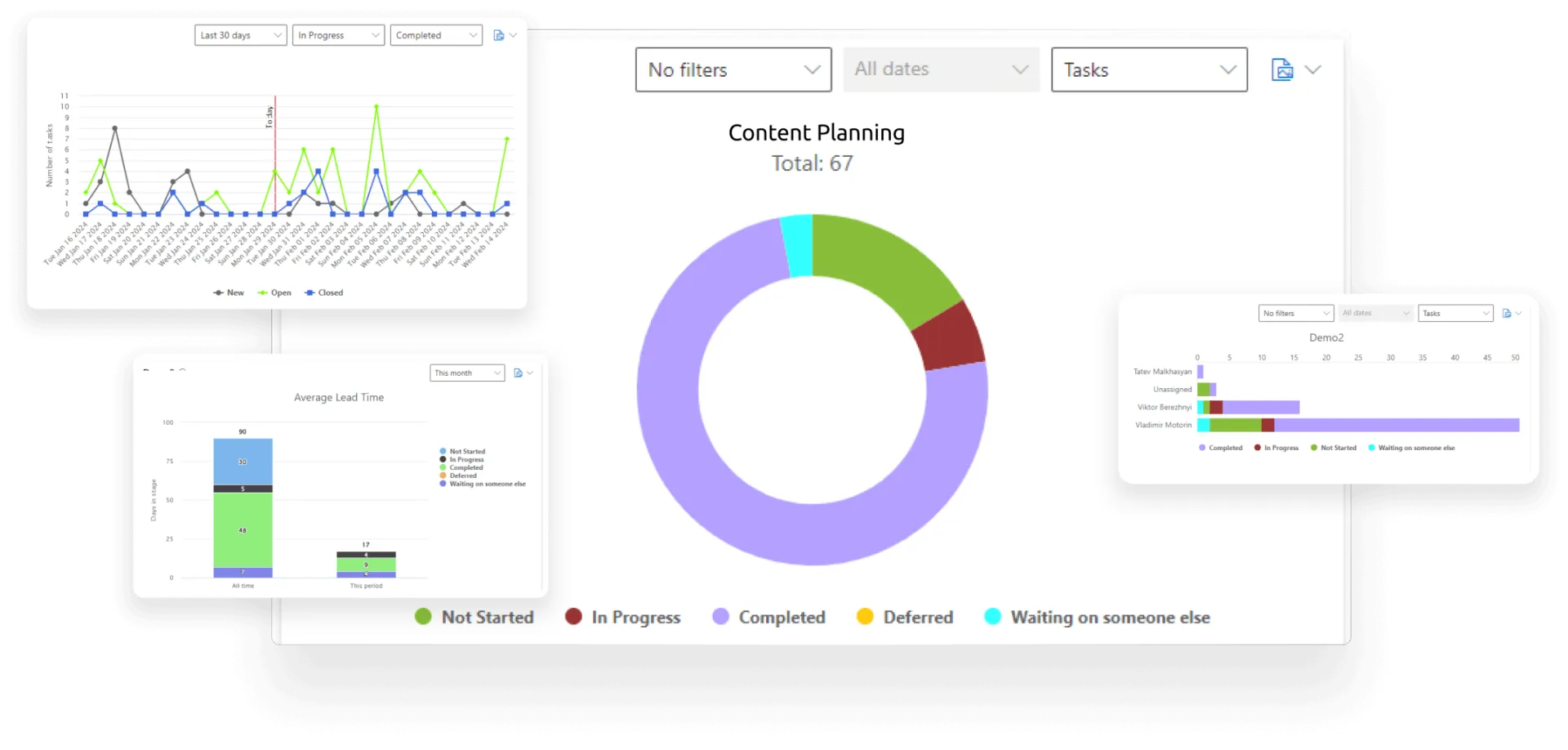
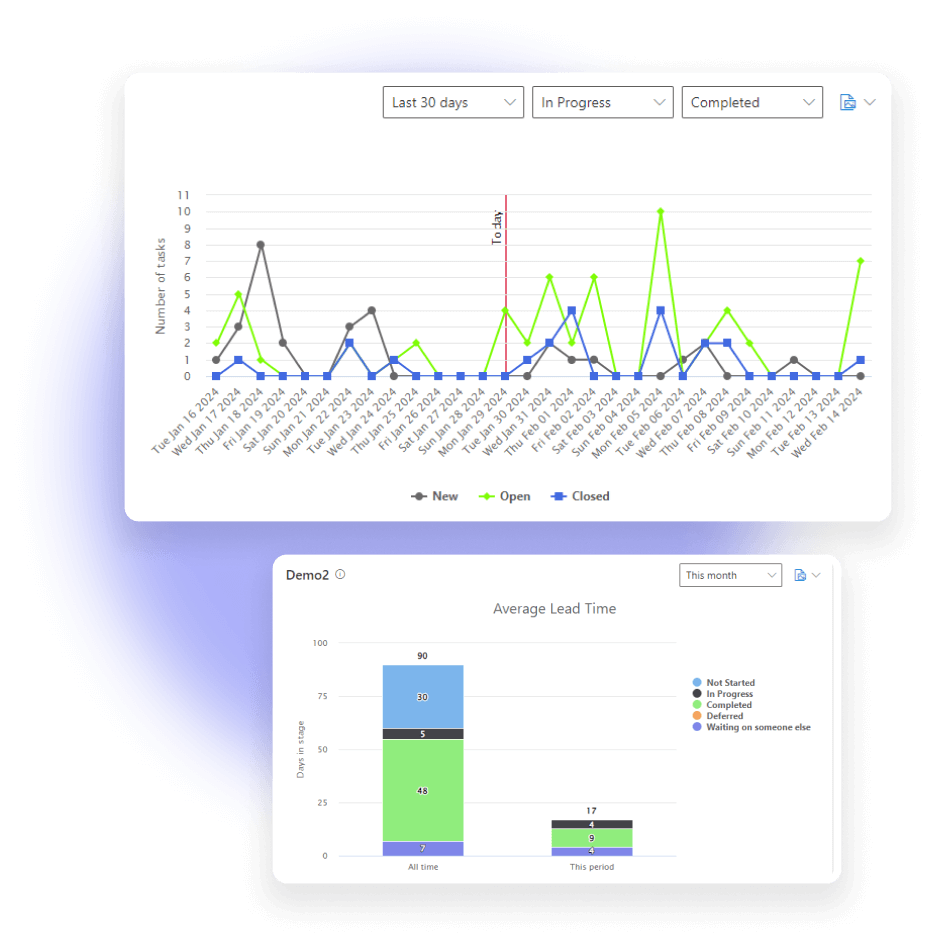
Customize dashboards with status, team member, completion charts, lead times, and burndown charts.

Efficiency Measurement
Analyze team efficiency, workload distribution, and task completion dynamics with tailored charts.
Trusted by Industry Leaders












and over 8,000 businesses worldwide
Deploy VirtoSoftware Apps in Your
Microsoft 365 Environment
Complete Control Over Your Infrastructure
VirtoSoftware apps can be deployed directly within your existing Azure subscription linked to Microsoft 365, giving your organization full control over the application environment and data storage. Your data stays entirely within your infrastructure, ensuring compliance and data security.
Install into your AzureHow it works
Real-Time Data Visualization
Provide up-to-the-minute insights for timely decision-making with data visualization capabilities.
Diverse Chart Options
Offer a variety of chart and dashboard formats within Teams to suit different objectives.
Work Progress and Bottleneck Identification
Use Completion and Burndown Charts to track project progress, pinpoint delays, and visualize outstanding tasks.
How to install?
Your 24/7 library from our technical support team. Video guides, FAQs, troubleshooting articles, and more.
Connect people, places, and platforms

Microsoft Teams
Put status, workload, completion and burndown charts on your SharePoint list data right into team channels.

Microsoft SharePoint
Turn the tasks and projects your teams keep in SharePoint lists into dashboards, without exporting the data.
Talk to our team
Need clarity on our app's suitability for you? Set up a quick call with us or chat via Microsoft Teams chat to explore its potential for your needs.



Get Virto Charts & Data Visualization App Free
Download and extract the zip file to a folder on your SharePoint server.
Run Setup.exe under SharePoint administrator account and follow the simple wizard.
Download the Latest Version
Choose your SharePoint product version:
Need any help? — email us at support@virtosoftware.com