Virto Notifications & Reminders Appfor Microsoft Teams
Instantly notify and schedule updates in Teams for effortless coordination and information sharing.
Key features:

Microsoft 365 Integration
Get notifications in Teams channels for any changes in Microsoft 365 or SharePoint, without leaving Teams.

Highly Customizable
Set up and customize alerts easily with a user-friendly interface and multi-platform compatibility.

Webhook Alert Connector Integration
Easily connect Teams with various services via Webhook for automatic updates in your channel.
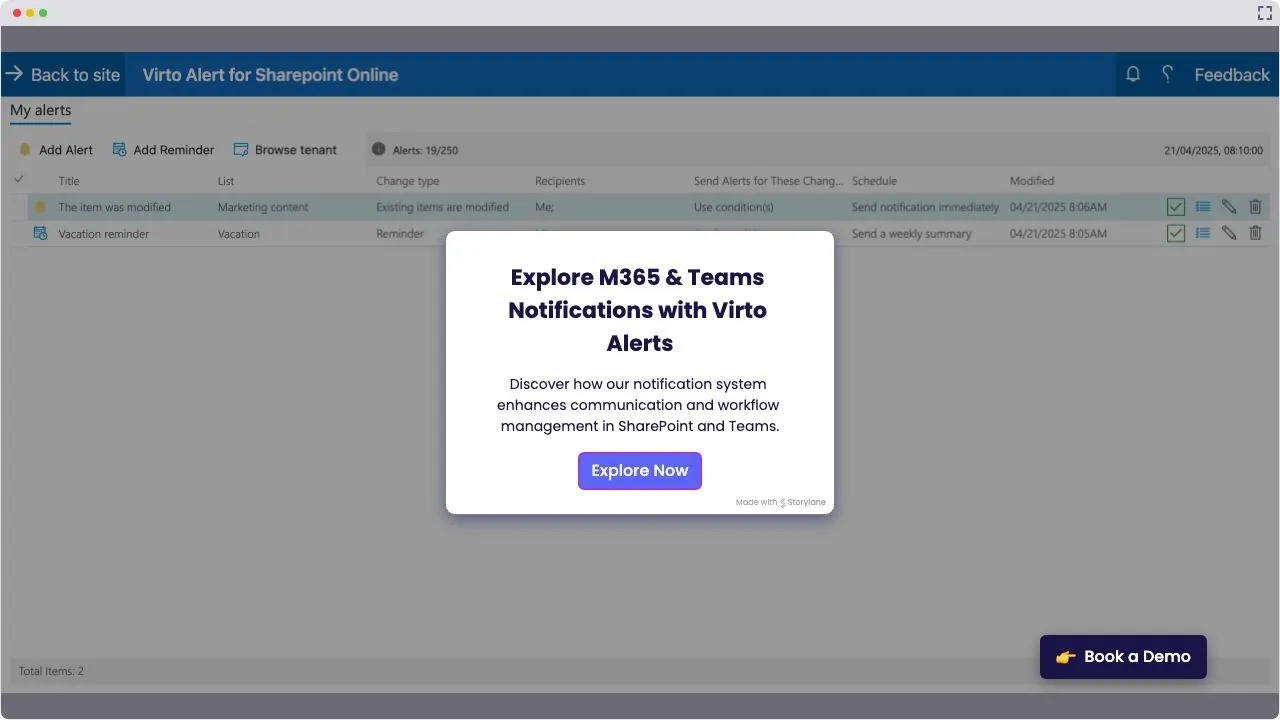
Launch Interactive Demo
Trusted by Industry Leaders












and over 8,000 businesses worldwide
Deploy VirtoSoftware Apps in Your
Microsoft 365 Environment
Complete Control Over Your Infrastructure
VirtoSoftware apps can be deployed directly within your existing Azure subscription linked to Microsoft 365, giving your organization full control over the application environment and data storage. Your data stays entirely within your infrastructure, ensuring compliance and data security.
Install into your AzureHow it works
Webhook Alert Connector Integration
Easily connect Teams with various services via Webhook for automatic updates in your channel.
Simple Setup Interface
Configure alerts quickly through an intuitive setup process, without needing deep technical skills.
Condition-Based Custom Alerts
Customize alerts with specific conditions so that your team receives only relevant updates.
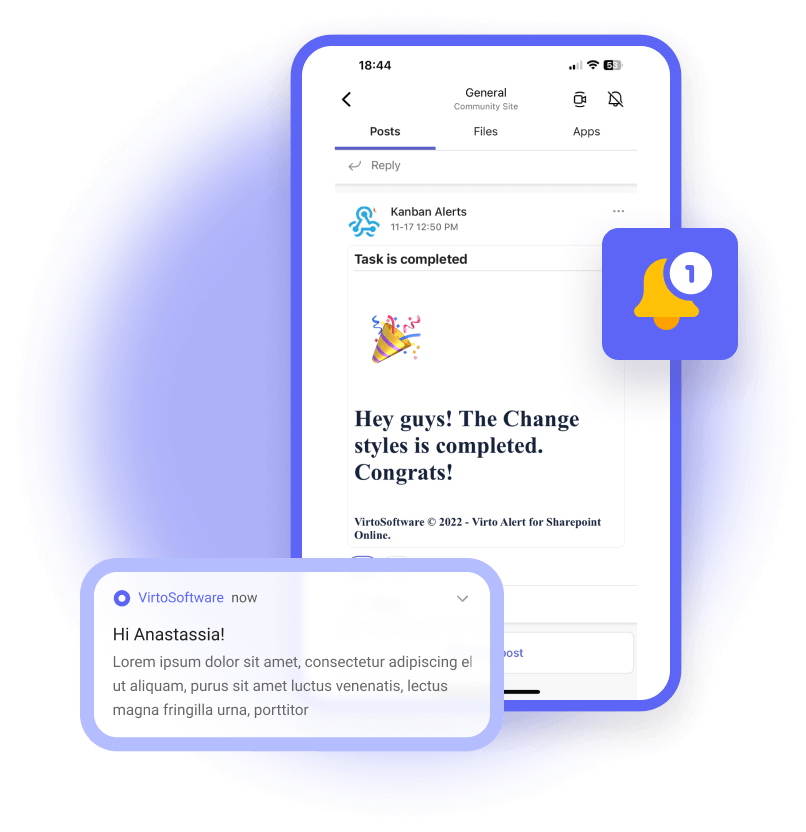
Instant Alerts: Real-Time Notifications for Critical Updates
Critical Data Modification Alert
Scenario: A SharePoint list item (e.g., a client contract) is edited, triggering an email alert to the legal team and a Teams channel post with a link to the modified item.
Purpose: Ensure accountability and prompt review of critical changes.
New Item Added Alert
Scenario: A new task is added to a project tracker list, sending an email to the project manager and notifying the team via Teams.
Purpose: Keep stakeholders informed of new assignments or updates.
Approval Workflow Alert
Scenario: A pending approval request in a SharePoint list is updated (e.g., status changed to "Rejected"), triggering an email to the requester and a Teams alert to the approver.
Purpose: Speed up decision-making and task resolution.
Compliance Violation Alert
Scenario: A restricted file type is uploaded to a SharePoint list, triggering an email to IT and a Teams message to the compliance officer with a "Delete" action link.
Purpose: Automate policy enforcement and risk mitigation.
Escalation Alert for Unacknowledged Changes
Scenario: A high-priority list item (e.g., incident report) remains unmodified for 24 hours, escalating alerts via email and Teams to senior staff.
Purpose: Prevent delays in resolving urgent issues.

Timely Reminders: Automated Prompts for Events and Deadlines
Deadline Reminder
Scenario: A "Due Date" field in a SharePoint task list approaches within 2 days, triggering an email and Teams reminder to the assignee with a link to the task.
Purpose: Ensure timely task completion and project adherence.
Meeting Reminder
Scenario: A calendar event stored in a SharePoint list (e.g., "Quarterly Review") is 1 hour away, sending a reminder email and Teams notification with the agenda.
Purpose: Reduce no-shows and keep meetings productive.
Vacation/Holiday Coverage Reminder
Scenario: An employee's "Out of Office" date in a SharePoint HR list is 3 days away, triggering reminders via email and Teams to the employee and their backup.
Purpose: Ensure smooth handovers and uninterrupted workflows.
Contract Renewal Reminder
Scenario: A "Contract Expiry Date" in a vendor list is 30 days away, sending an email to procurement and a Teams alert to the legal team.
Purpose: Avoid lapses in vendor agreements or services.
Training Session Reminder
Scenario: A "Training Date" in a SharePoint learning list is 1 day away, notifying attendees via email and Teams with a link to pre-read materials.
Purpose: Maximize preparedness and participation.

One license for all platforms
Get SharePoint, Microsoft Teams and Azure license at once without any additional purchase.


How to install?
Your 24/7 library from our technical support team. Video guides, FAQs, troubleshooting articles, and more.
Use cases
Explore the versatility of Virto Notifications & Reminders App through these real-world scenarios:
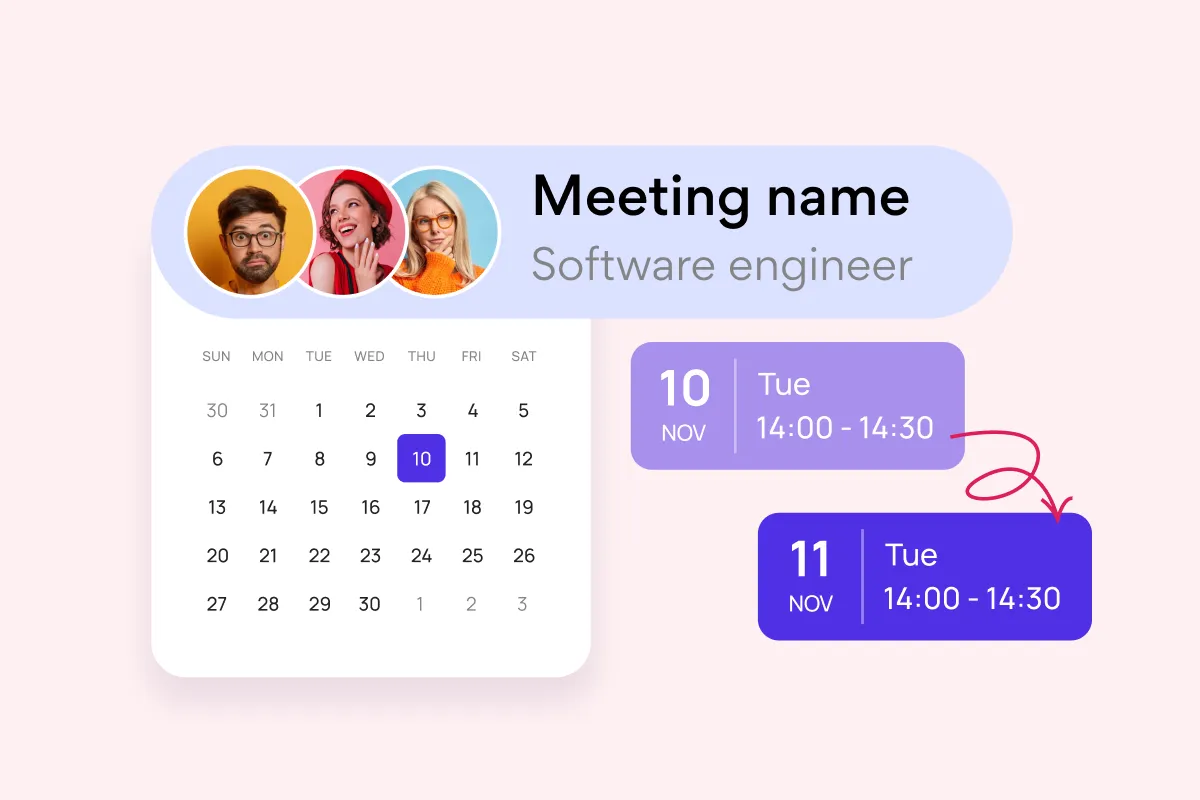
Team and Project Calendar
Maximize project visibility and coordination across teams with Virto Calendar, streamlining workflow and simplifying stakeholder communication.
Learn more about Team and Project Calendar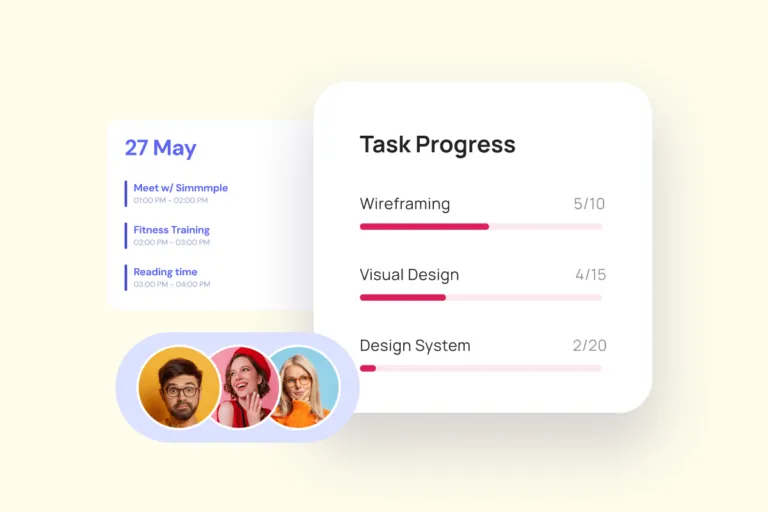
Project Management
Leverage Virto's advanced tools to masterfully manage projects—breaking down complexities, optimizing timelines, and empowering agile methodology.
Learn more about Project Management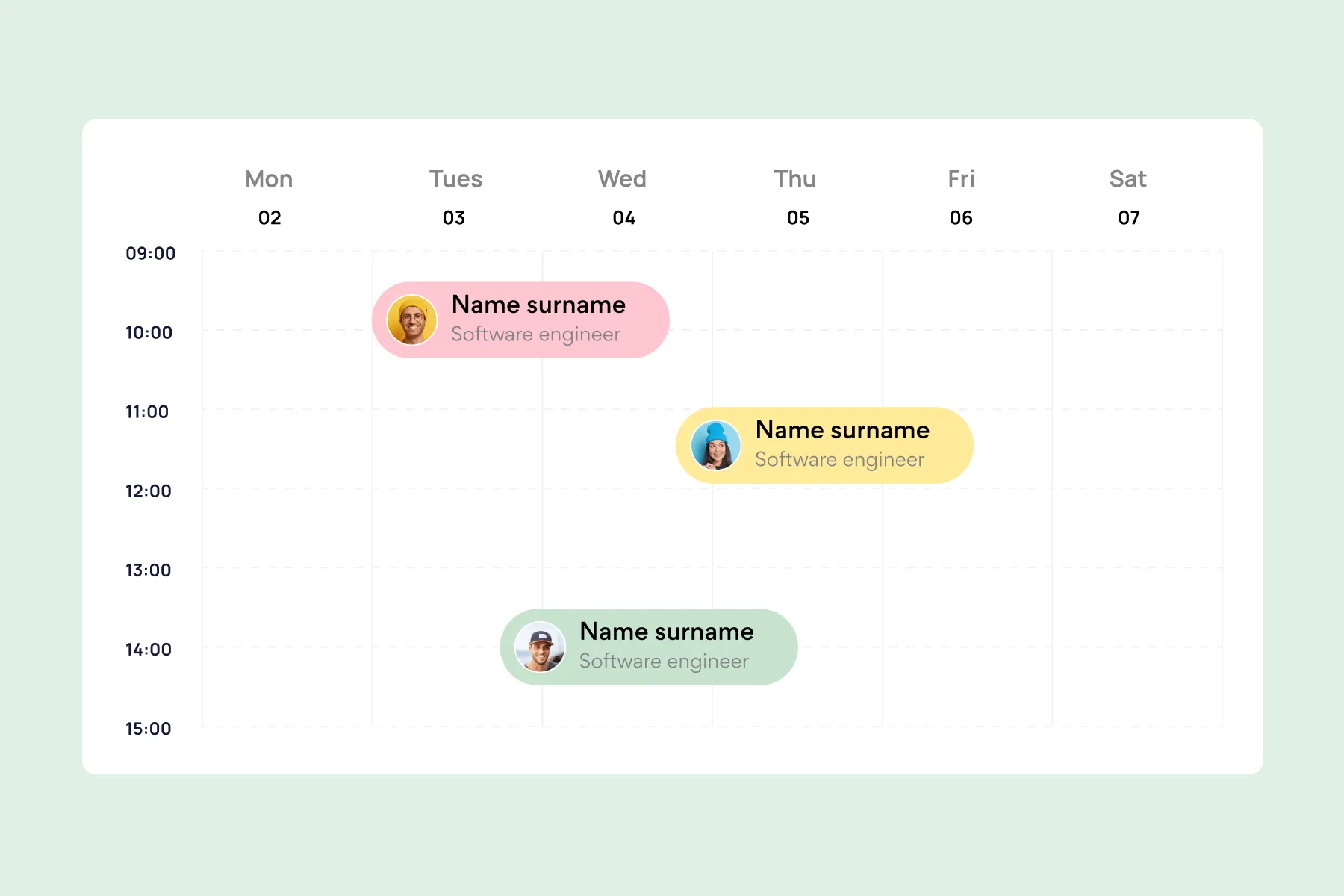
Employee Vacation Tracker
Optimize vacation scheduling with Virto's comprehensive tools, providing a centralized platform for a high-level overview and strategic resource planning.
Learn more about Employee Vacation Tracker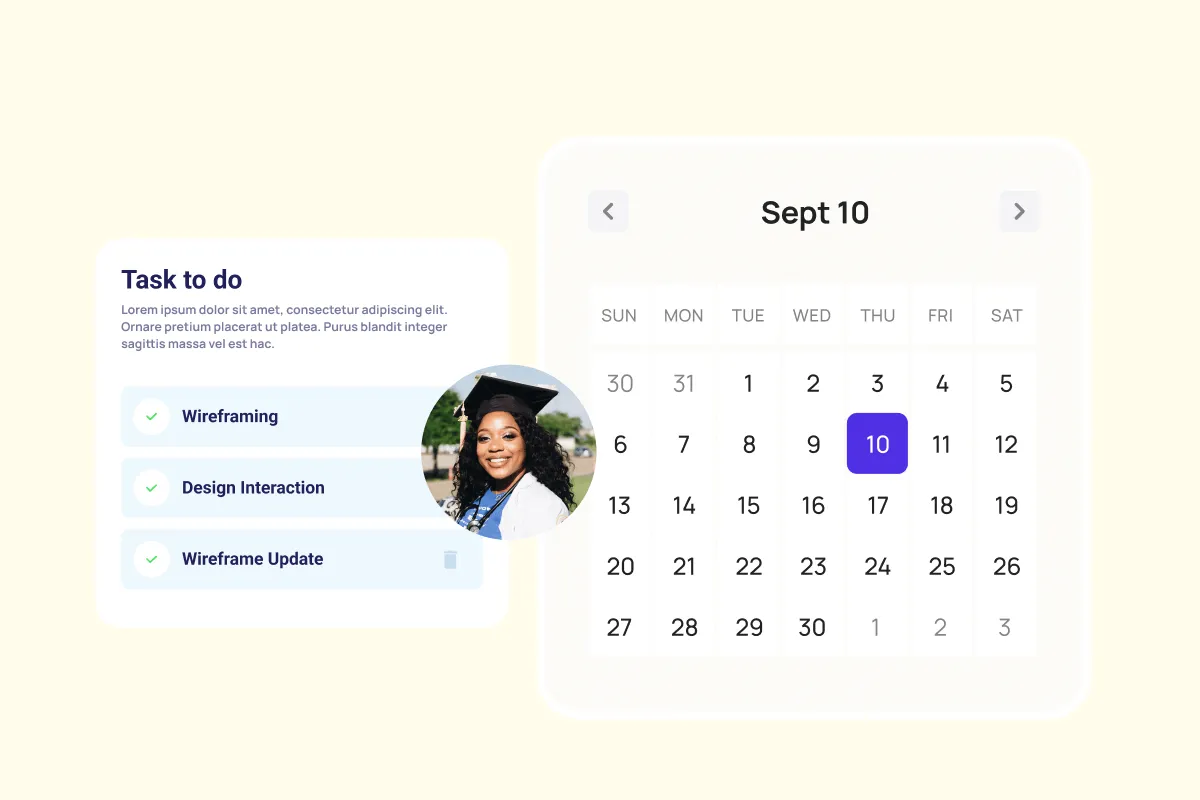
Agile Project Management
Harness agile workflows with Virto Kanban to prioritize backlogs, manage sprints with precision, and track progress through customizable dashboards.
Learn more about Agile Project Management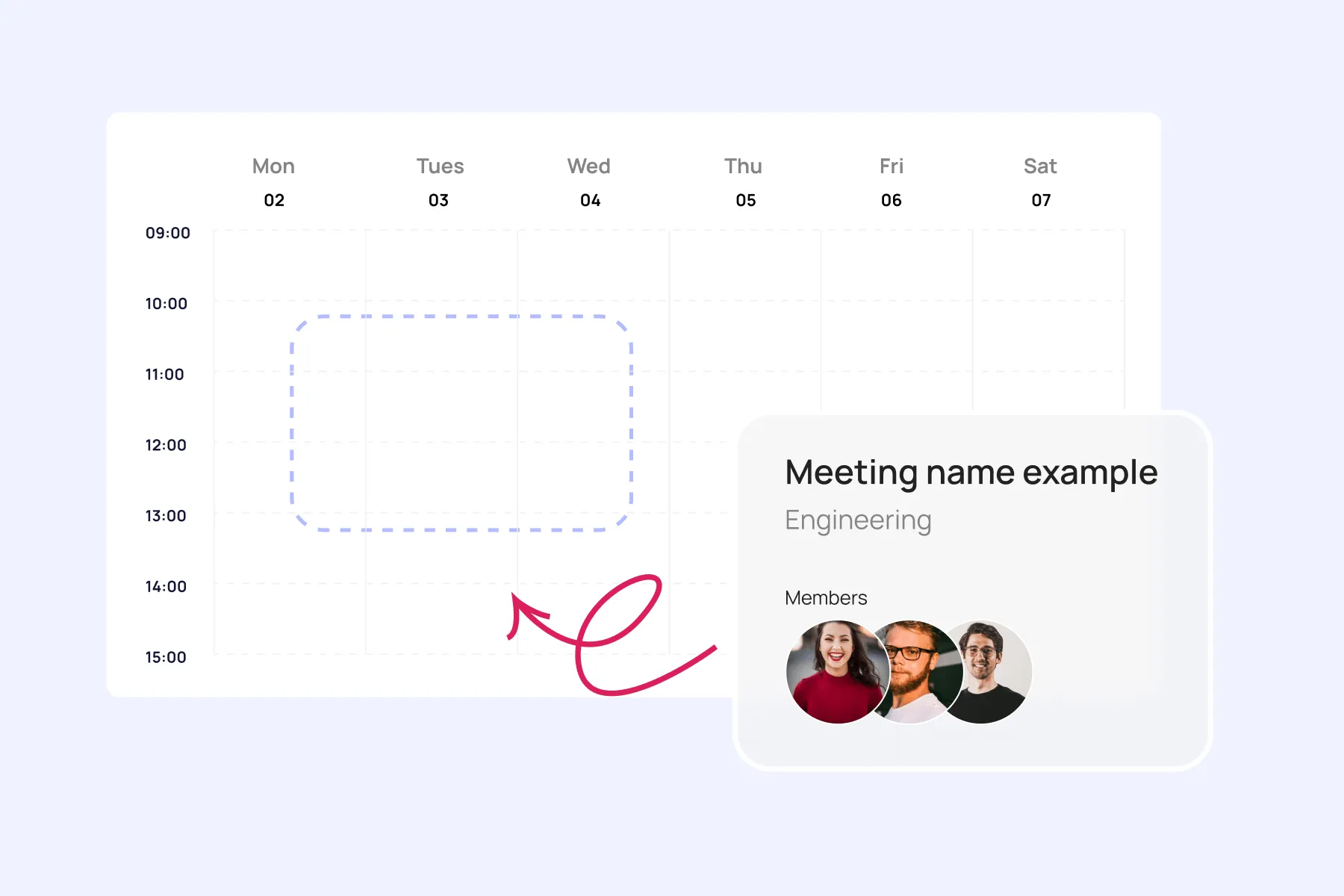
Event Calendar
Effortlessly plan and execute corporate meetings and events with our feature-rich calendar. Ensure real-time visibility for both internal and external users.
Learn more about Event Calendar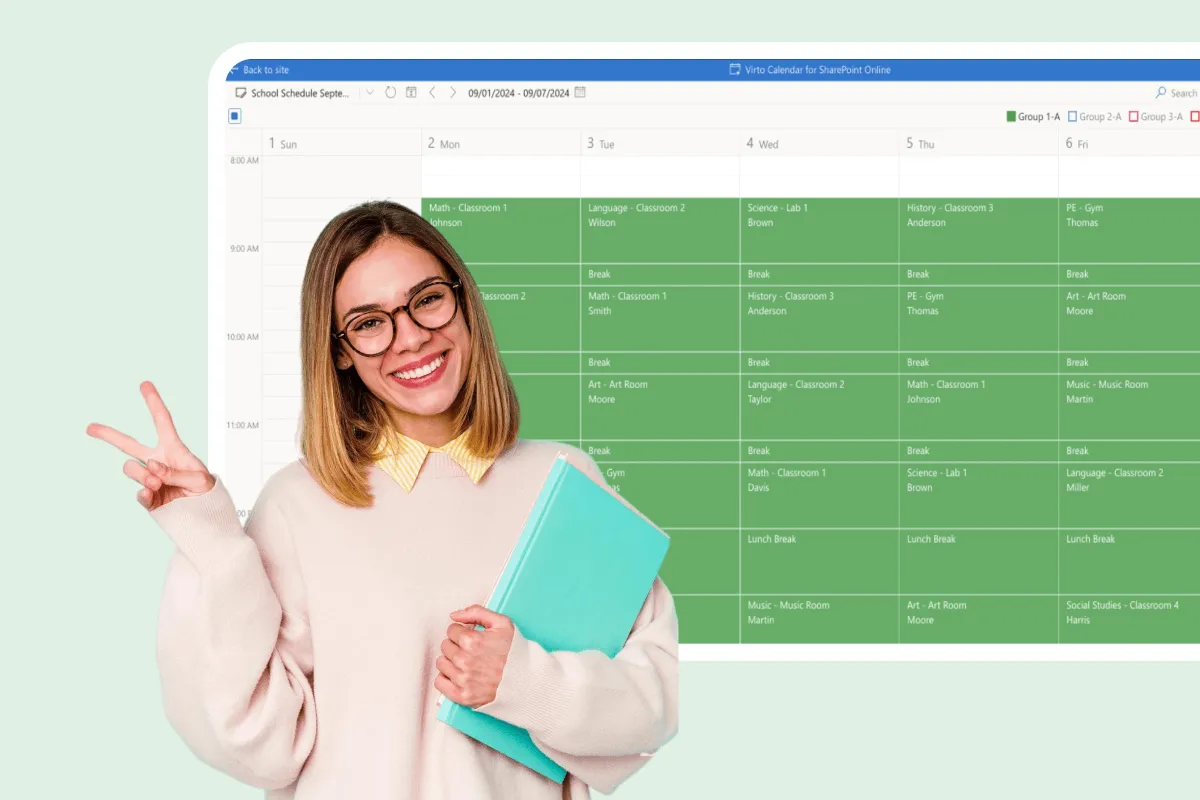
Assignment Calendar
Get a clear view of your academic workload with Virto Calendar. Track assignment deadlines, plan study sessions, and balance coursework across subjects.
Learn more about Assignment Calendar
Assignment Tracker
Master coursework management with VirtoSoftware's assignment trackers. Organize due dates, set reminders, and prioritize tasks to boost academic performance.
Learn more about Assignment TrackerStart your 30-day trial. Or subscribe now

Connect people, places, and platforms

Microsoft Teams
Send alerts directly into Teams channels to keep your team informed and responsive within their collaborative workspace.

Microsoft SharePoint
Automatically set alerts for updates on changes in SharePoint lists, ensuring you're always informed.

Microsoft Outlook
Schedule customized email alerts, from immediate notifications to weekly summaries.

iCalendar
Set alerts on internet calendars added to the Virto Calendar app to stay informed of updates beyond the M365 environment.
Talk to our team
Need clarity on our app's suitability for you? Set up a quick call with us or chat via Microsoft Teams chat to explore its potential for your needs.
Sized to fit your business
Billed yearly
Basic
Request- Up to 30 alerts
- Free support
- Enterprise-grade security
- Help & learning content
- Web ticketing support
- Up to 72 hours response time
Pro
Request- Up to 100 alerts
- Free support
- Enterprise-grade security
- Help & learning content
- Web ticketing support
- Up to 48 hours of response time
Enterprise

For large organizations needing advanced features and enterprise-grade security and controls.
- Unlimited alerts
- All Pro plan features
- Top-notch security
- Unlimited priority support
- Live setup training
- Customer success manager
- Consulting sessions

Purchase Info & Discounts
When you buy online, you are forwarded to the secure checkout of our payment partner 2Checkout, where you select the quantity and additional services and finish the order.

Educational & Non-profit Discounts
We are glad to offer a set of special 15% discounts for schools, colleges, universities, hospitals and charity organizations. Please contact our sales department for more information.

License Notes & Renewal
Upon purchase, your license comes with a free 1-year update period. Once this initial period expires, an extension for a further year needs to be purchased to maintain access to the latest product updates.
The pricing outlined herein is valid only as to new purchases occurring on or after June 1, 2024. VirtoSoftware reserves the right to adjust its packaging and pricing at any time.