


Microsoft Teams Guides & Tips
How Teams works day to day — channels, chats, meetings, governance and guest access, plus the limits worth knowing before you scale.

Recent Content

Microsoft Teams Chat: How to Start & Manage Chats
Most of the work in Microsoft Teams happens in chat. Here is how to start and manage one-on-one, group and meeting chats, when a channel is the better place, and which chat features are worth knowing …
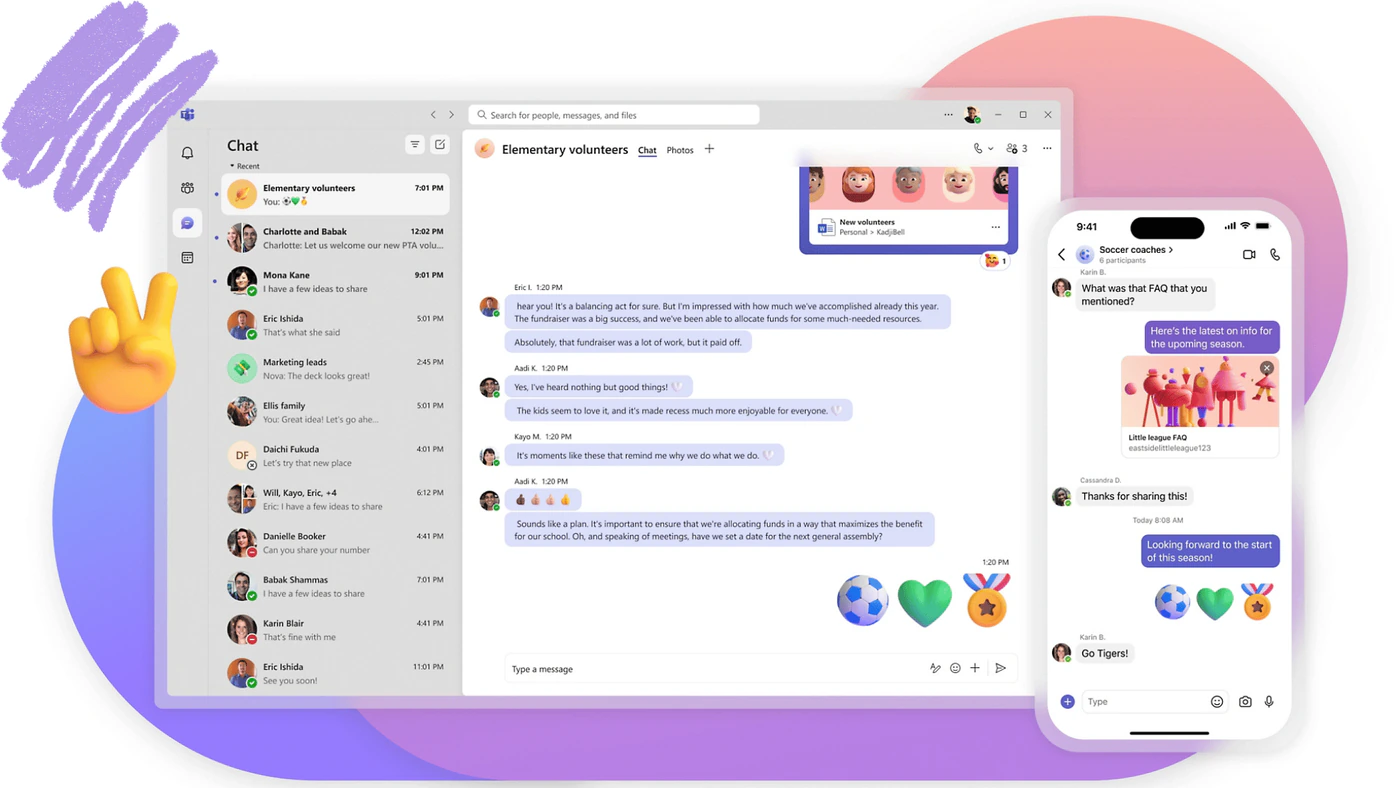
What Is Microsoft Teams and How to Use It
Microsoft Teams is easy to start using and just as easy to use badly. Here is what it is, what it is used for and how to set it up well from day one, with a link to the dedicated guide for every area.

Microsoft Teams Reporting: Dashboards, Analytics and Usage Reports in 2026
Most organisations do not have a Teams reporting problem. They have a console problem — the data sits in five places, each with its own date ranges, refresh lag and permission model. Here is the whole …

Microsoft Teams Governance: Policies & Best Practices

Microsoft Teams Task Management: Tools & How-To

Microsoft Teams Channels: Types & How to Use Them 2026

Microsoft Teams Permissions: Roles, Channels & Apps

Microsoft Teams Guest Access: Enable, Add Guests & Manage

SharePoint vs Microsoft Teams: Differences & When to Use Each
Featured categories

Education
Discover how digital tools are transforming education, making learning and classroom management smarter.

Event Management
Explore best practices, along with VirtoSoftware products, to help you plan and execute events.

Government
Learn about cutting-edge technologies and strategies, that are driving efficiency and modernization in the public sector.

Legal
Uncover the latest legal tools, with insights into how VirtoSoftware products can improve operations and workflows.

News
Stay up to date with emerging trends and VirtoSoftware innovations making waves across industries.

Project Management
Find expert strategies and helpful tools to enhance how you plan, track, and complete projects successfully.

Task management
Get practical tips, effective systems, and VirtoSoftware solutions that help you stay organized and on top of your tasks.

Team Management
Explore best practices and tools designed to improve dynamics, collaboration, and leadership in any organization.

Enterprise
Explore best practices and tools to boost organizational dynamics, collaboration, and leadership, driving your enterprise to success.

Finance & Compliance
Discover how smart calendar solutions can simplify payroll, payment scheduling, compliance deadlines, and financial planning.

SMB Management
Learn how to streamline daily operations, manage limited resources, and drive growth with lean teams and smart technology.

Shift Scheduling
Explore best practices, tools, and strategies for managing employee schedules, shift planning, and resource allocation.

Business workflows
Learn how to automate workflows, configure alerts and reminders, and improve visibility of business processes.

SharePoint
Permissions, libraries, automation and migration — the SharePoint questions teams actually ask.
Microsoft Teams
Channels, meetings, governance and guest access, with the limits worth knowing before you scale.

Microsoft 365
Planner, Copilot, Outlook and OneDrive explained — plus what Microsoft retires and what replaces it.
Featured Product
Virto Calendar App
Overlay Outlook, SharePoint, Planner and internet calendars in one color-coded view, right inside SharePoint and Microsoft Teams.
Learn more about Virto Calendar Overlay AppTalk to our team
Need clarity on our app's suitability for you? Set up a quick call with us or chat via Microsoft Teams chat to explore its potential for your needs.