


Team Availability Calendar
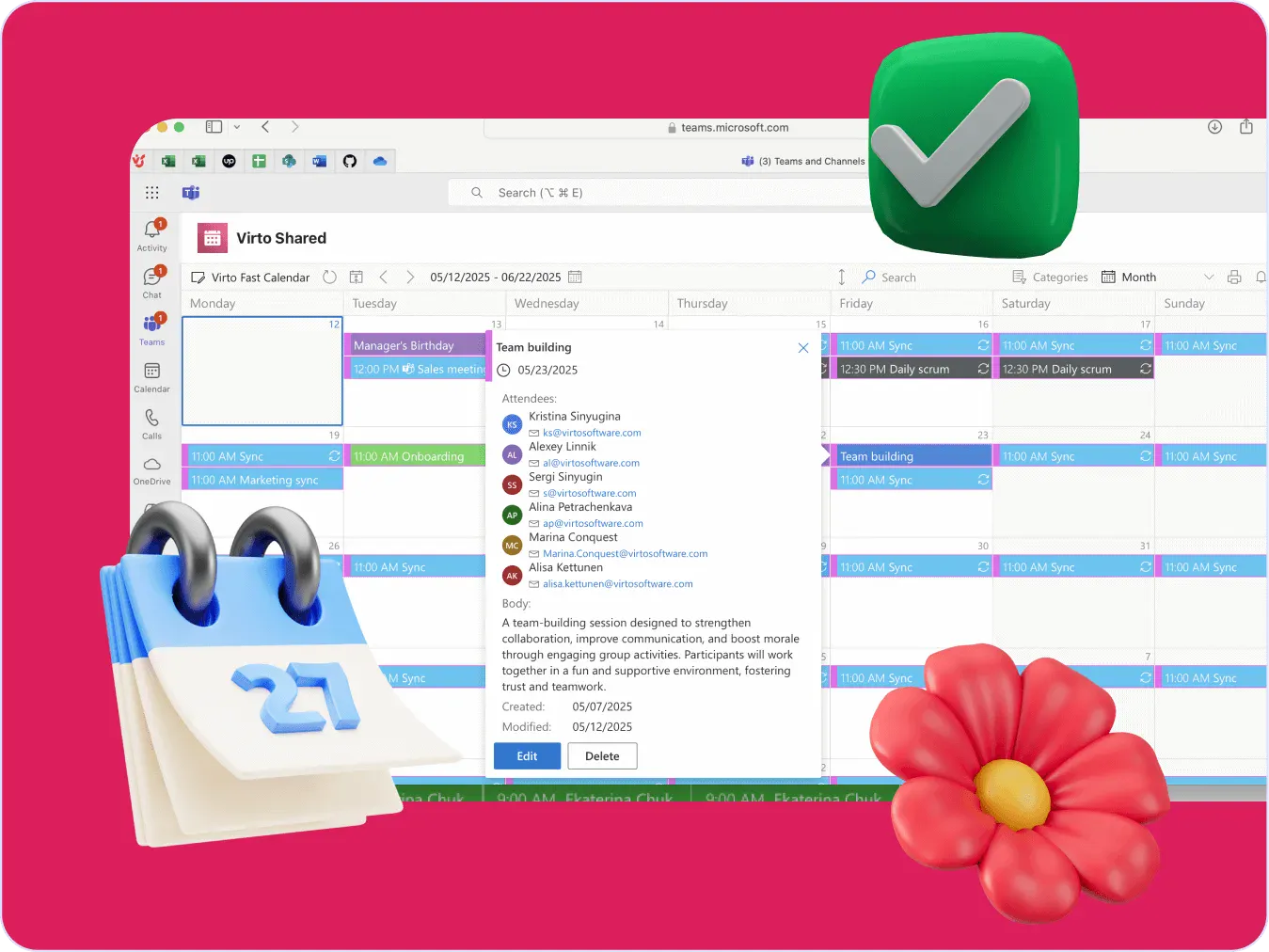
Virto Calendar App draws every team member's calendar in one Outlook view — busy time, vacations and shared meetings, under the permissions each source already has.



Trusted by Industry Leaders












and over 8,000 businesses worldwide
Time Saved Calculator
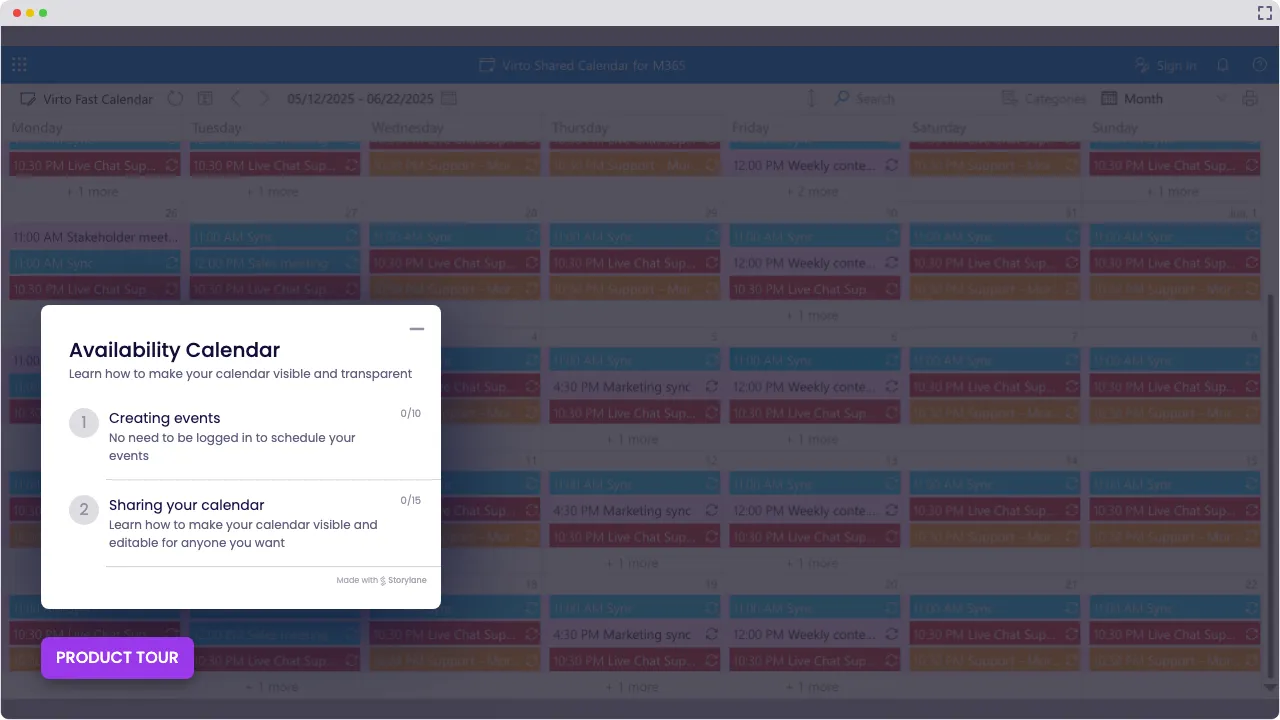
Launch Interactive Demo
Stress-free scheduling with Virto’s Availability Calendars
Teams normally keep separate calendars. Virto Calendar App reads them together.
Everything in one place

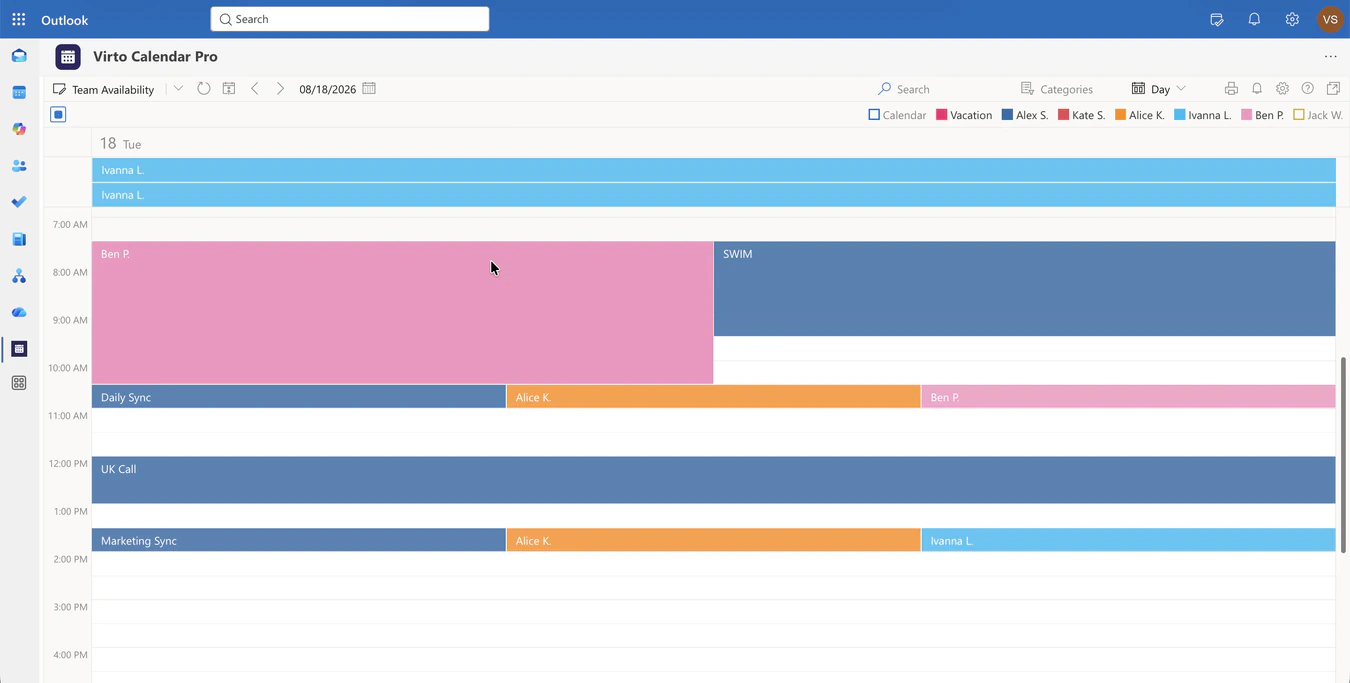
Virto Calendar App overlays meeting rooms, project timelines and team calendars. A Task (hours) timeline lays each person's commitments out side by side, so a lead reads the week as a resource picture rather than a grid of squares.

Just want to create an availability calendar fast and share it with someone outside your org? Pop one into Microsoft Teams and send them a link—done and dusted.

Sharing schedules made easy
Set up detailed permissions so external users only see what they’re supposed to—perfect for teams that take calendar security seriously. Great for sharing schedule of availability with partners, vendors, or clients.
Share a link with anyone outside the organisation — no account required.

Custom, clear & secure
Colour-code by person, filter by team and keep every source under its Microsoft 365 permissions. Virto Calendar App reads the calendars a team already shares, and shows nothing a source does not expose.
Tag it, sync it, share it — updates in real time.
Key benefits

Overlaps show up before they are booked
Because every member's busy time sits on one grid, a clash is visible while the meeting is still being planned — not after the invitations go out.
Your schedule, always current
The view stays current as the source calendars change, so a colleague checking whether a slot is free is reading the same picture as the person who owns it.
Easy sharing with outsiders (no logins required)
Need to share your availability calendar with someone outside the company? Virto lets you send a simple link—no Microsoft account, no hoops to jump through. Or, if you like control, set up detailed permissions. Either way, it's the easiest way to collaborate with vendors, clients, or freelancers.
See everything at a glance
Color-coded views = instant clarity. With one look, you can tell what’s booked, what’s free, and where your team stands. That means fewer misunderstandings, faster planning, and a calendar to show availability that actually makes sense.
Reminders keep the view current
New bookings, cancellations and recurring events show up as the source calendars change; approvals stay wherever they happen today.
Each calendar keeps its own permissions
Virto Calendar App reads what a person already shares with the team and nothing beyond it. The view follows the access model of the source calendar, not a separate copy of it.
Which Virto Calendar Is Right for You?
You’re running a large organization with dozens of meeting rooms, team schedules, and gear to manage.
You need an availability calendar that reads Outlook, SharePoint and Planner in one place. Colour-coded overlays and filters show an overlap while the meeting is still being planned.
Your growing company shares a few conference rooms and devices across one office.
You want a calendar availability tool that plays nice with Microsoft 365 and lets you control who does what, down to the minute.
You’re solo and just need to show your schedule of availability to clients who don’t use Teams or Outlook.
Real-time updates, easy sharing, no logins, no licensing headaches. Just a clean calendar to show availability.
You’re juggling multiple venues, vendors, and timelines all at once.
Several venues and vendors keep their own calendars. Virto Calendar App draws them in one view, so a planner reads one timeline instead of five.
You’re coordinating volunteer shifts and shared events with external partners.
Create and share availability calendars without forcing folks to log in. It’s inclusive, accessible, and perfect for community-driven teams.
Virto Calendar App
Ready to Take Control of Your Availability?
Related products

Integrations
Connect to the tools your teams use the most so everyone works seamlessly in one place.







Related use cases
Discover our range of use cases to take your planning and coordination to another level
Sprint Calendar
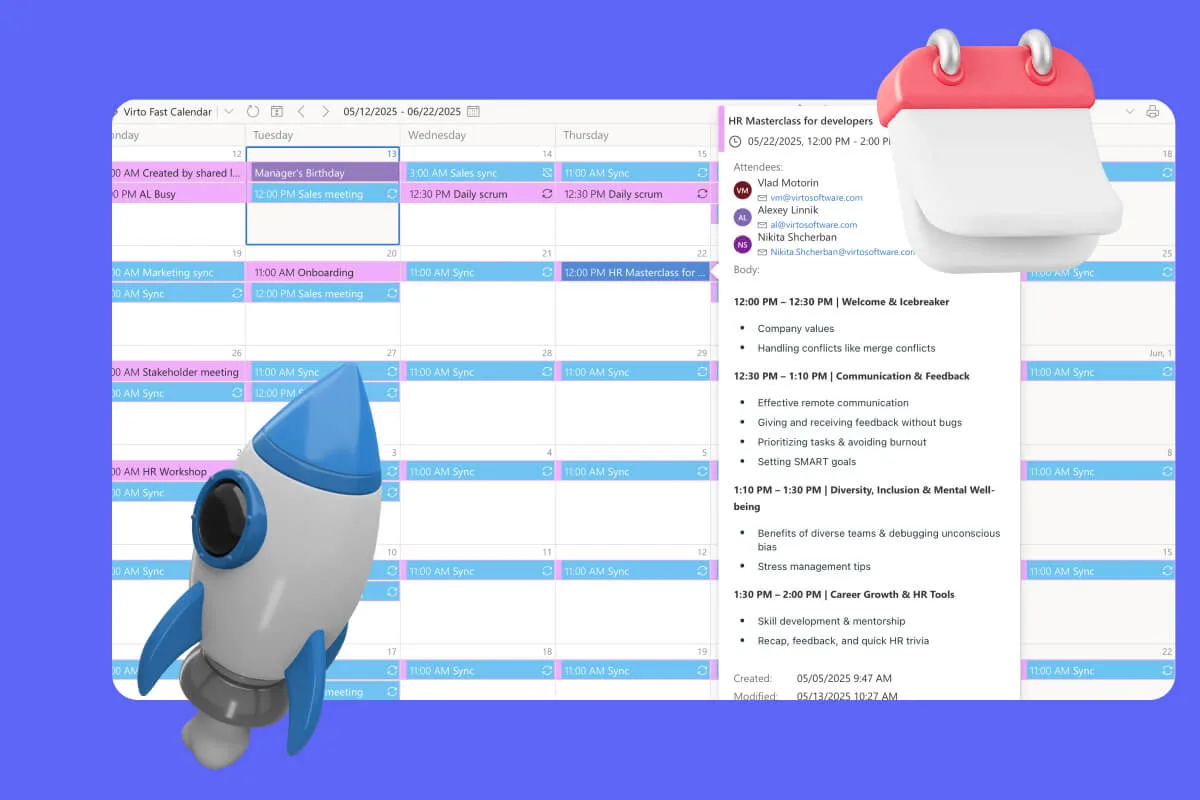
Stay in sync and sprint with style: planning, stand-ups, reviews and retros in one shared sprint calendar, color-coded, in a browser or in Microsoft Teams, and shared by link with the whole team.
Learn more about Sprint Calendar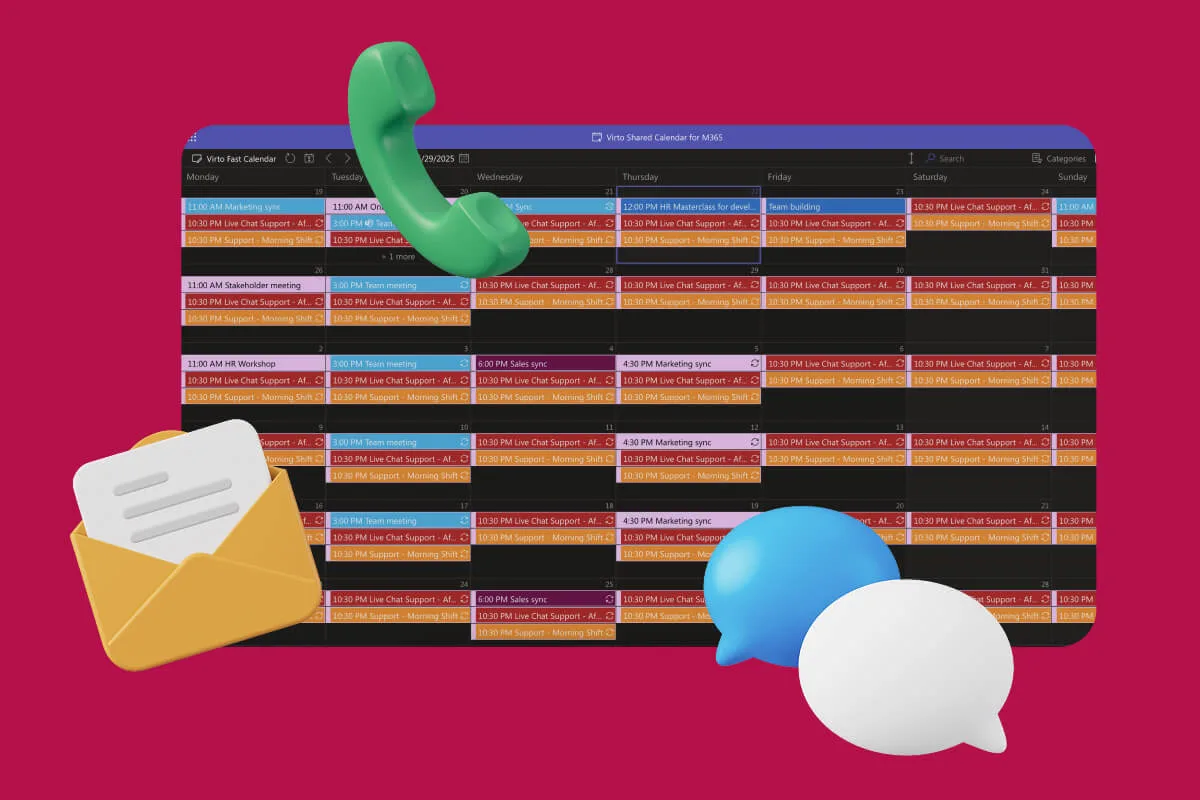
Customer Support Schedule
One shared rota for on-call shifts, PTO and night rotations, tagged by tier. Agents check it in Teams or on a phone, and part-timers or partners open it from a link, no Microsoft account needed.
Learn more about Customer Support Schedule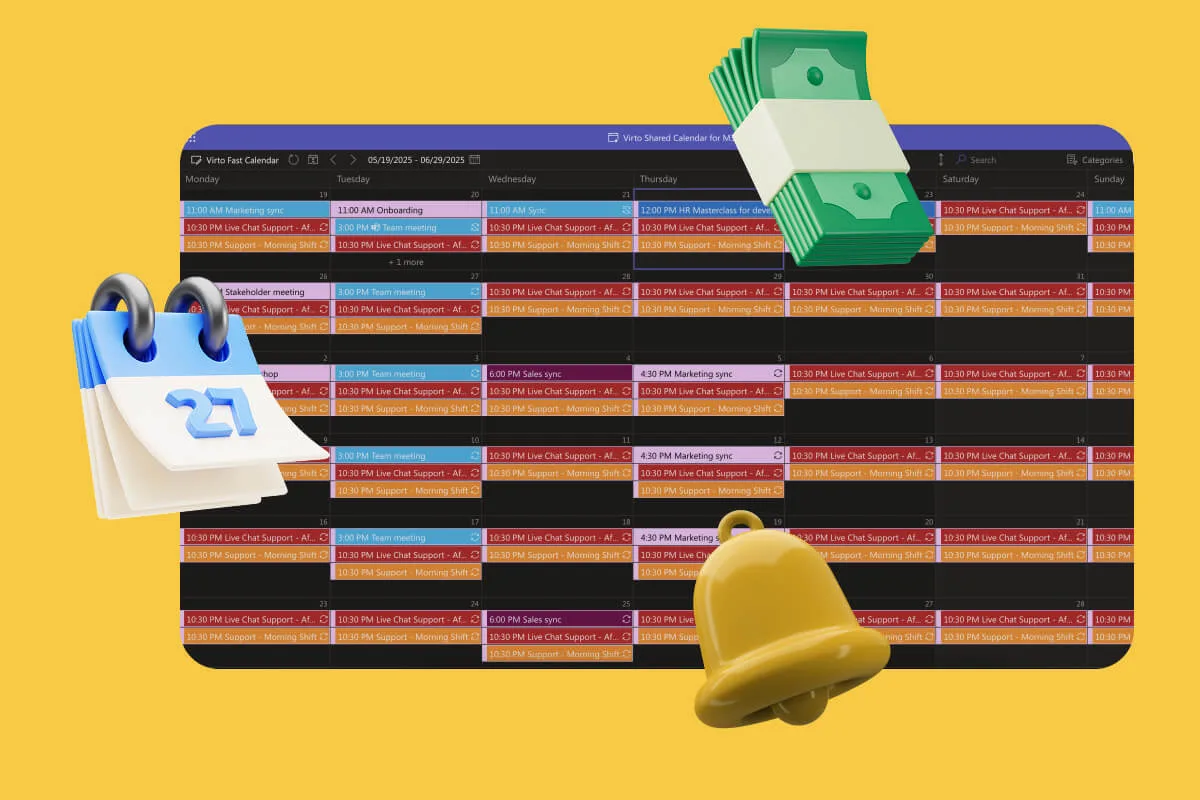
Payroll Calendar
One shared payroll calendar for HR and finance: pay dates, timesheet cutoffs and filing deadlines, tagged and color-coded, in a browser or in Teams. Payroll itself runs in your payroll system.
Learn more about Payroll CalendarSetting up an availability calendar

Comprehensive support, security, and integration
Our commitment to excellence in every aspect of your experience

Support
Get your questions answered by our global support team of VirtoSoftware product experts, available 24/7/365.

Security
We build our solutions with you in mind to give you control and visibility over access, data, and security.

Integrations
Connect to the M365 tools and internet calendars your teams use the most so that everyone works seamlessly in one place.
Talk to our team
Need clarity on our app's suitability for you? Set up a quick call with us or chat via Microsoft Teams chat to explore its potential for your needs.