


Clinic Scheduling Solutions
One clinic calendar for staff shifts, treatment rooms, clinic hours and closures with Virto Shared Calendar, open in a browser, in Microsoft Teams or on a phone. Patient appointments stay in your practice-management system.
Trusted by Industry Leaders












and over 8,000 businesses worldwide
The healthcare scheduling that feels like magic
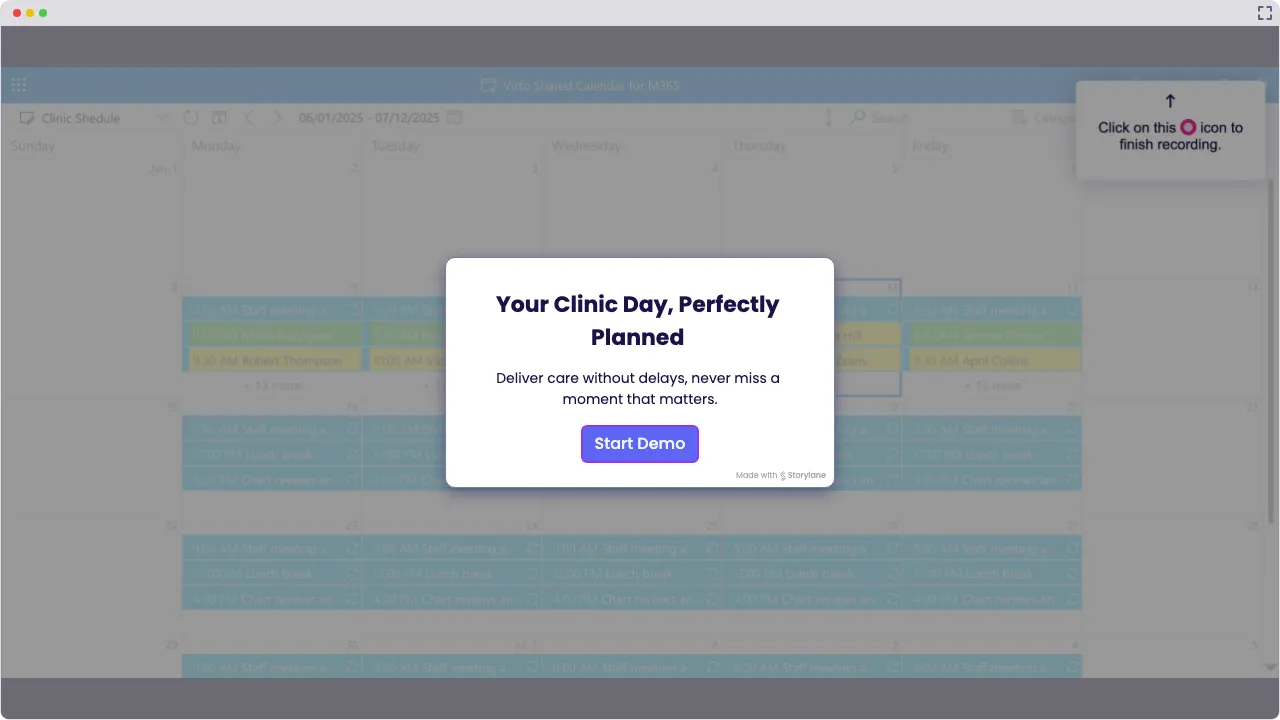
Launch Interactive Demo
Finally, Healthcare Scheduling That Gets It
Virto Shared Calendar gets your clinic staff schedule sorted without the headaches: shifts, rooms, clinic hours, closures and team meetings in one calendar, in a browser, in Microsoft Teams or on a phone. Patient appointments and records stay in your practice-management or EHR system.
Healthcare scheduling that actually reads your mind

Build the clinic staff calendar of your dreams: doctor and nurse shifts, room bookings, clinic hours and team meetings in one view, each tagged and color-coded. Watch the rota fall into place like puzzle pieces.

Collaboration that actually works
Share your staff schedule with specialists, temp staff, or whoever needs to know—they open it from a link without jumping through login hoops. Decide who edits and who only views, and stop answering “When am I on?” all day.

Updates that happen at the speed of healthcare
Change a shift or a room booking right in the calendar, from the front desk or a phone, and everyone who opens it sees the update. Perfect for those “Wait, did the 3 PM staff meeting move?” moments that happen approximately 47 times per day.

Key benefits

Your clinic scheduling everywhere you need it
Your medical team checks the staff calendar from anywhere—phone, tablet, computer, whatever. Share it by link (no login drama) so everyone can make smart decisions fast.
See everything before the chaos hits
Get the full picture of your clinic staff schedule, room bookings and closures before the day goes sideways. Spot conflicts, find gaps, and keep the clinic running smoothly—no nasty surprises.
Visual scheduling that actually makes sense
Make each shift type, room and team pop with colors and tags in your clinic calendar. Spot trouble before it finds you and fix the rota before patients notice.
All your tools playing nice together
Add a public-holiday feed, or a team calendar from Outlook or Google through its .ics link, and it shows read-only next to the clinic's own events. No more playing calendar hopscotch.
Control who sees what (finally!)
Keep a calendar private or visible to the whole organization, and set exactly who can edit your clinic calendar and who just gets to look. Links can be view-only or allow editing.
Learn from your scheduling wins
Look back over past months of the rota to see which shift patterns and room plans actually worked, and plan the next season from real history instead of just guessing.
When Virto Shared Calendar fits — and when it does not
A small practice that plans the rota in a spreadsheet or on a whiteboard.
Add each shift as an event and tag it by specialty and location, so a gap in cover or a doctor booked at two sites on the same day is visible at once.
Block rooms and devices such as the ultrasound unit as events tagged by room, so a session planned into a room already in use shows before the day starts. Record what the room is used for, not who the patient is.
Add opening hours and closures as recurring or single events and a public-holiday feed for your region, so everyone plans around the same days.
Send a view-only or edit link. They open the staff calendar in a browser or on a phone with no Microsoft account and no login.
Virto Shared Calendar stores its events on Microsoft Azure, hosted by VirtoSoftware, and shares by link, so keep patient names and health information out of it. Patient appointments, bookings and records stay in your practice-management or EHR system.
A larger clinic already keeps rotas and leave requests in SharePoint lists and books rooms through room mailboxes.

Virto Shared Calendar keeps its own events and reads iCal feeds, not SharePoint lists or mailboxes. Overlaying those sources, and approving leave requests in the calendar, is what Virto Calendar App does.
Virto Shared Calendar
Put staff shifts, rooms and clinic hours on one clinic calendar


Integrations
Connect to the tools your teams use the most so everyone works seamlessly in one place.







Related use cases
Discover our range of use cases to take your planning and coordination to another level
Availability Calendar
Virto Calendar App draws every team member's calendar in one Outlook view — busy time, vacations and shared meetings, under the permissions each source already has.
Learn more about Availability CalendarSprint Calendar
Stay in sync and sprint with style: planning, stand-ups, reviews and retros in one shared sprint calendar, color-coded, in a browser or in Microsoft Teams, and shared by link with the whole team.
Learn more about Sprint Calendar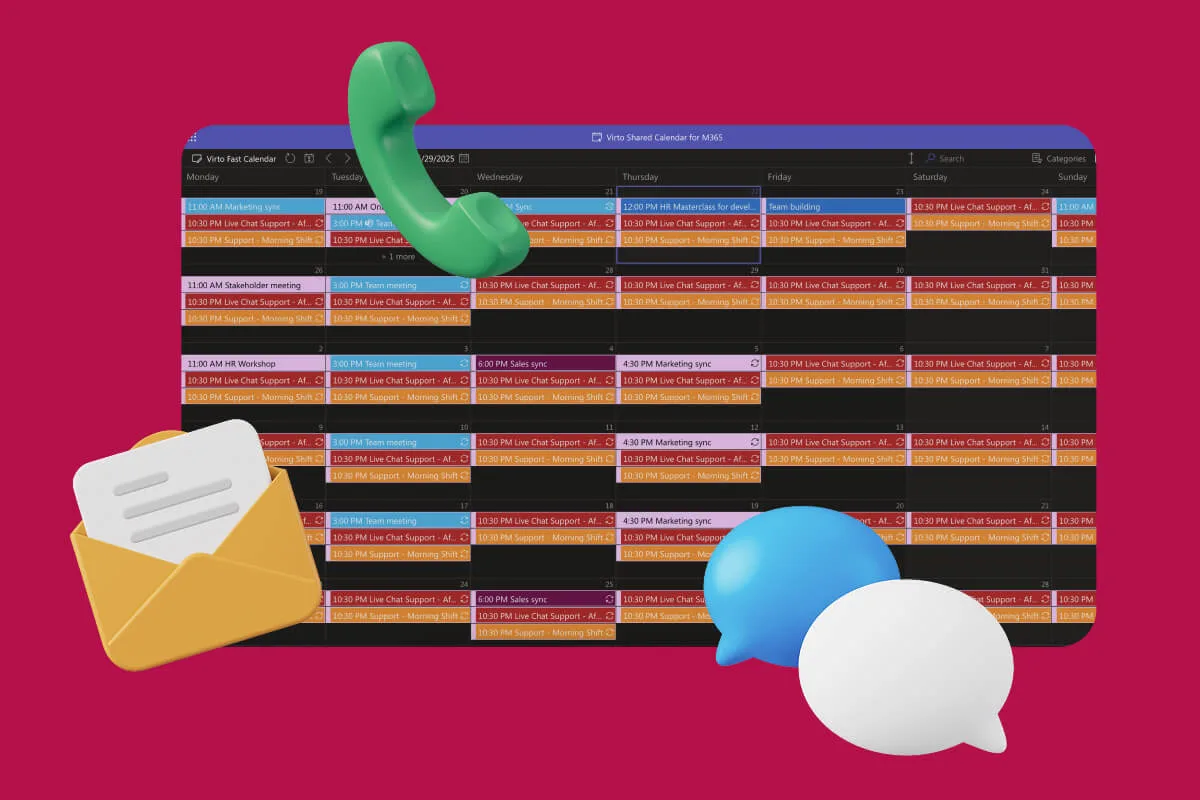
Customer Support Schedule
One shared rota for on-call shifts, PTO and night rotations, tagged by tier. Agents check it in Teams or on a phone, and part-timers or partners open it from a link, no Microsoft account needed.
Learn more about Customer Support ScheduleComprehensive support, security, and integration
Our commitment to excellence in every aspect of your experience

Support
Get your questions answered by our global support team of VirtoSoftware product experts, available 24/7/365.

Security
We build our solutions with you in mind to give you control and visibility over access, data, and security.

Integrations
Connect to the M365 tools and internet calendars your teams use the most so that everyone works seamlessly in one place.
Talk to our team
Need clarity on our app's suitability for you? Set up a quick call with us or chat via Microsoft Teams chat to explore its potential for your needs.