


VirtoSoftware Construction Employee Scheduling Software
Schedule crews across every job site in one shared calendar with Virto Shared Calendar: crew days, site visits and equipment tagged by site or trade, open in a browser or in Microsoft Teams, on the site office PC or a phone.
Trusted by Industry Leaders












and over 8,000 businesses worldwide
The construction crew scheduling that builds success
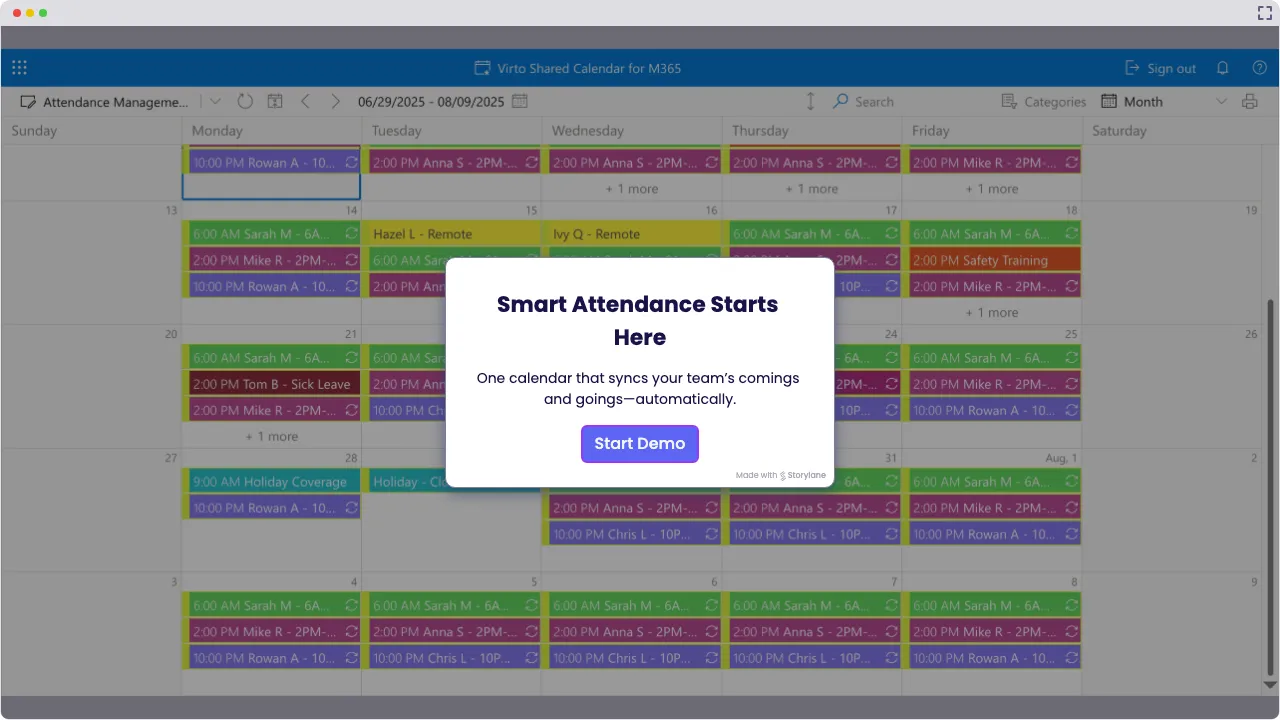
Launch Interactive Demo
Finally, Construction Employee Scheduling Software Built for the Job Site
Virto Shared Calendar gives the site office, the foremen and the subcontractors one calendar for crews, job sites and equipment, so everyone sees who and what is where before the day starts. Designed to work where construction actually happens: in a browser, in Microsoft Teams or on a phone.
The construction staff scheduling software that gets the job done

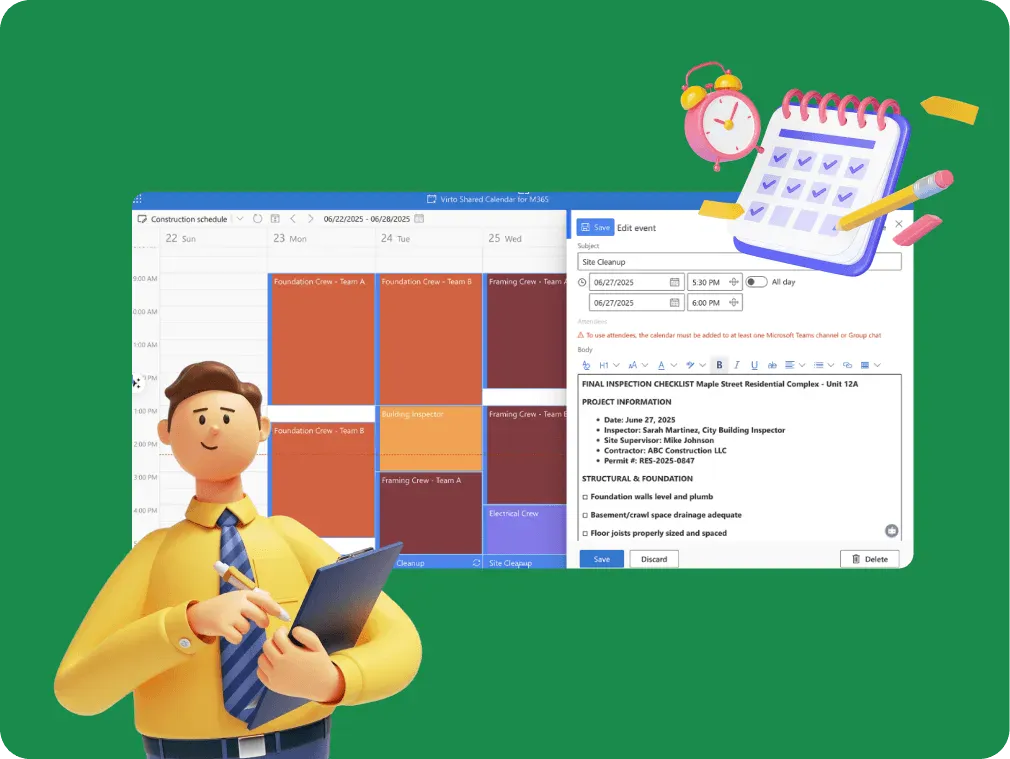
Handle your construction crew scheduling in one shared calendar: every project's crew days, the equipment and vehicle bookings and the site inspections, each tagged so each foreman finds what matters on their site.

Coordination that cuts through site noise
Color-code your construction schedules by trade, so electricians, framers and concrete crews stand apart at a glance. Subcontractors open the same schedule from a link, with view-only or edit access and no Microsoft account.

Updates that move at construction speed
Weather delays? Equipment breakdown? Move the crew day or add the extra shift right in the calendar, from the site office or a phone. Perfect for those “Site B needs three more electricians tomorrow” moments that define construction reality.

Key benefits

Centralized crew scheduling across all job sites
See all job sites and teams in one construction employee scheduling calendar, so errors and double bookings show up before the crew leaves the yard. No more juggling multiple spreadsheets or wondering which schedule is current: there is one, and everyone opens the same one.
Improved communication that keeps everyone informed
Everyone opens the same schedule in Microsoft Teams, in a browser or on a phone, so a change made by the site office is what the foreman sees next. Decide who may edit the calendar and who only views it.
Reduced admin overhead
Let one calendar replace the copies each site used to keep, and add a public-holiday feed so days off are already in the plan. Spend less time reconciling schedules and more time managing projects.
Improved productivity through optimized labor allocation
See where every crew is booked, day by day and site by site, so planners can spot idle crews and overbooked sites and move people to where the work is, keeping projects on schedule.
Certifications and inspections in view
Add safety inspections and certificate expiry dates to the same calendar as the crews, tagged so they stand out, and an expired ticket is visible before the shift. Hours, breaks and overtime are recorded in your time-tracking system.
Mobile & remote access for field teams everywhere
Field teams check schedules on their phones from anywhere, and the people you give edit rights update them on the spot, keeping your crews connected whether they're on-site or on the road.
When Virto Shared Calendar fits — and when it does not
A small contractor who plans the week on a whiteboard or in a spreadsheet.
Add each crew day as an event and tag it by site and trade, so the whole week reads at a glance and a crew booked on two sites the same day shows up before anyone drives out.
Send the subcontractor's foreman a view-only or edit link. They open the site calendar in a browser or on a phone with no Microsoft account and no login.
Move the pour or the crew day to its new date, and everyone who opens the calendar, in the site office, in Teams or on a phone, sees the change.
A larger contractor already books machines through equipment mailboxes and keeps crews in SharePoint lists.

Virto Shared Calendar keeps its own events and reads iCal feeds, not mailboxes or SharePoint lists. Drawing existing Microsoft 365 mailboxes and lists side by side is what Virto Calendar App does.
The calendar shows who is scheduled where. Hours worked, breaks, overtime and pay are recorded in a time-tracking or payroll system.
Virto Shared Calendar
Put every crew, site and shift on one schedule
Related products

Integrations
Connect to the tools your teams use the most so everyone works seamlessly in one place.







Related use cases
Discover our range of use cases to take your planning and coordination to another level
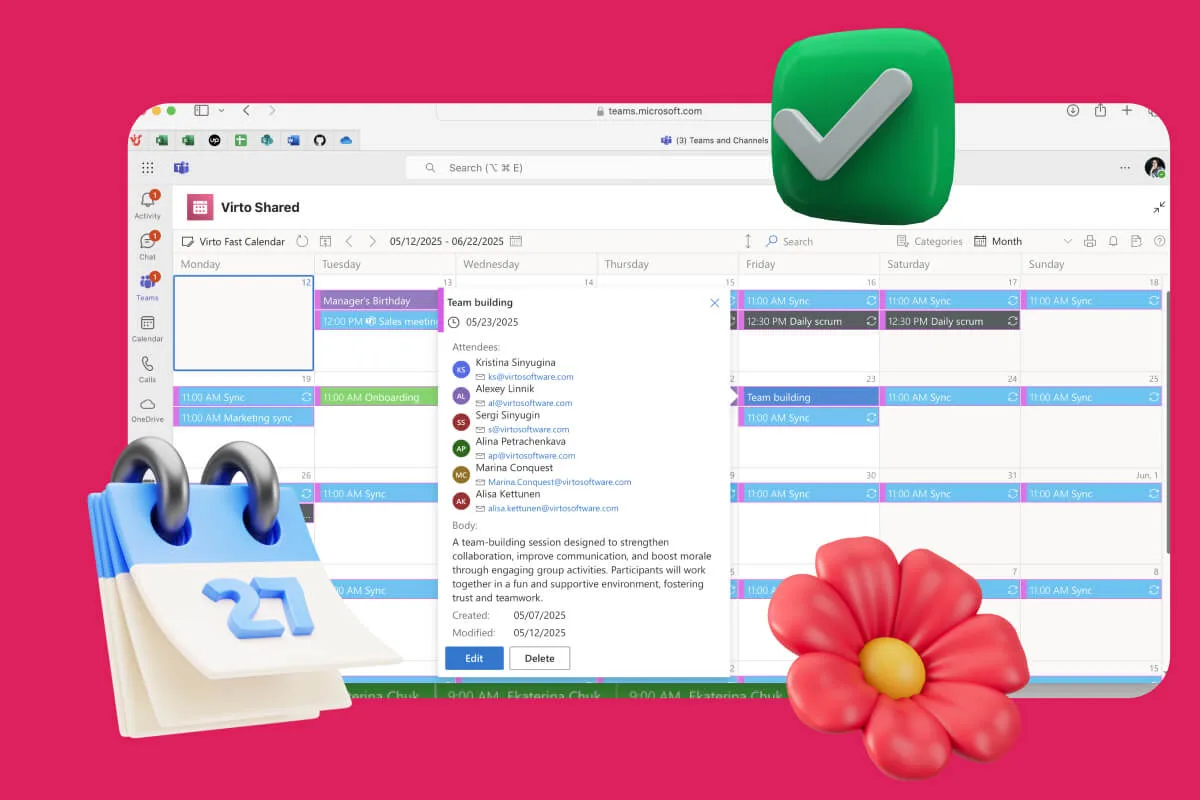
Availability Calendar
Virto Calendar App draws every team member's calendar in one Outlook view — busy time, vacations and shared meetings, under the permissions each source already has.
Learn more about Availability Calendar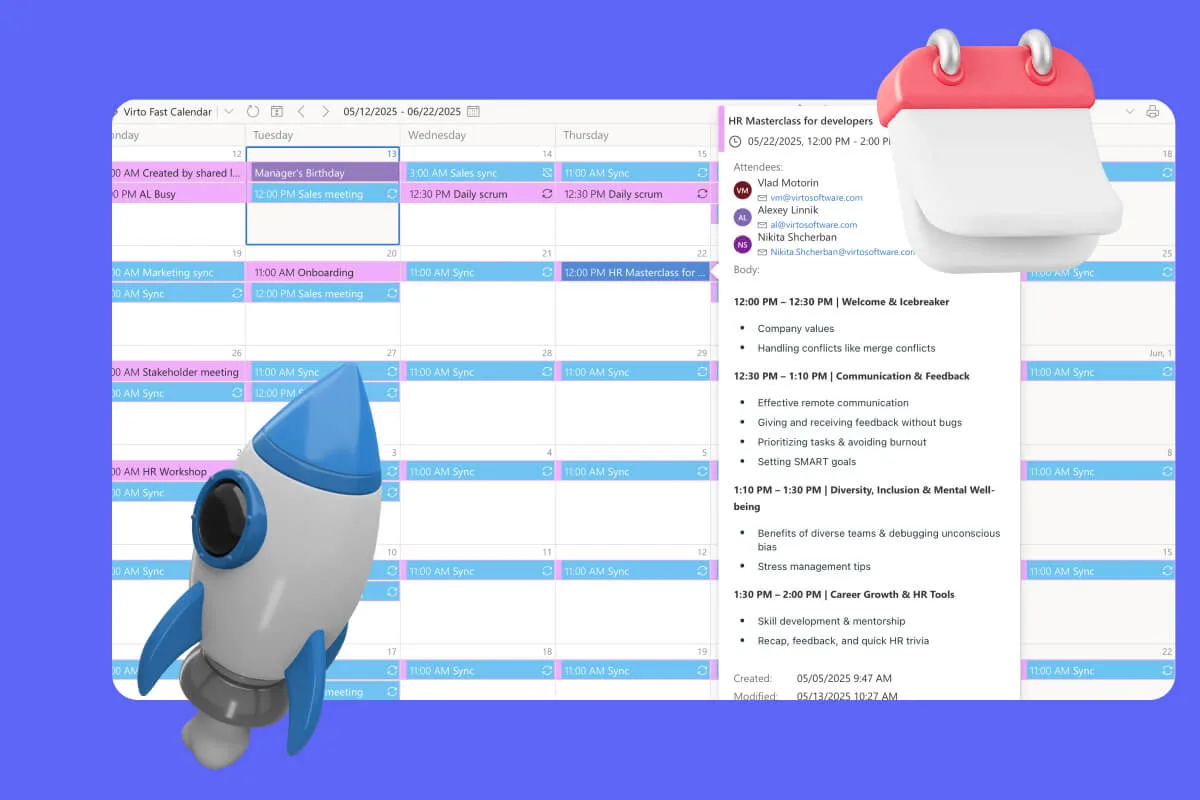
Sprint Calendar
Stay in sync and sprint with style: planning, stand-ups, reviews and retros in one shared sprint calendar, color-coded, in a browser or in Microsoft Teams, and shared by link with the whole team.
Learn more about Sprint Calendar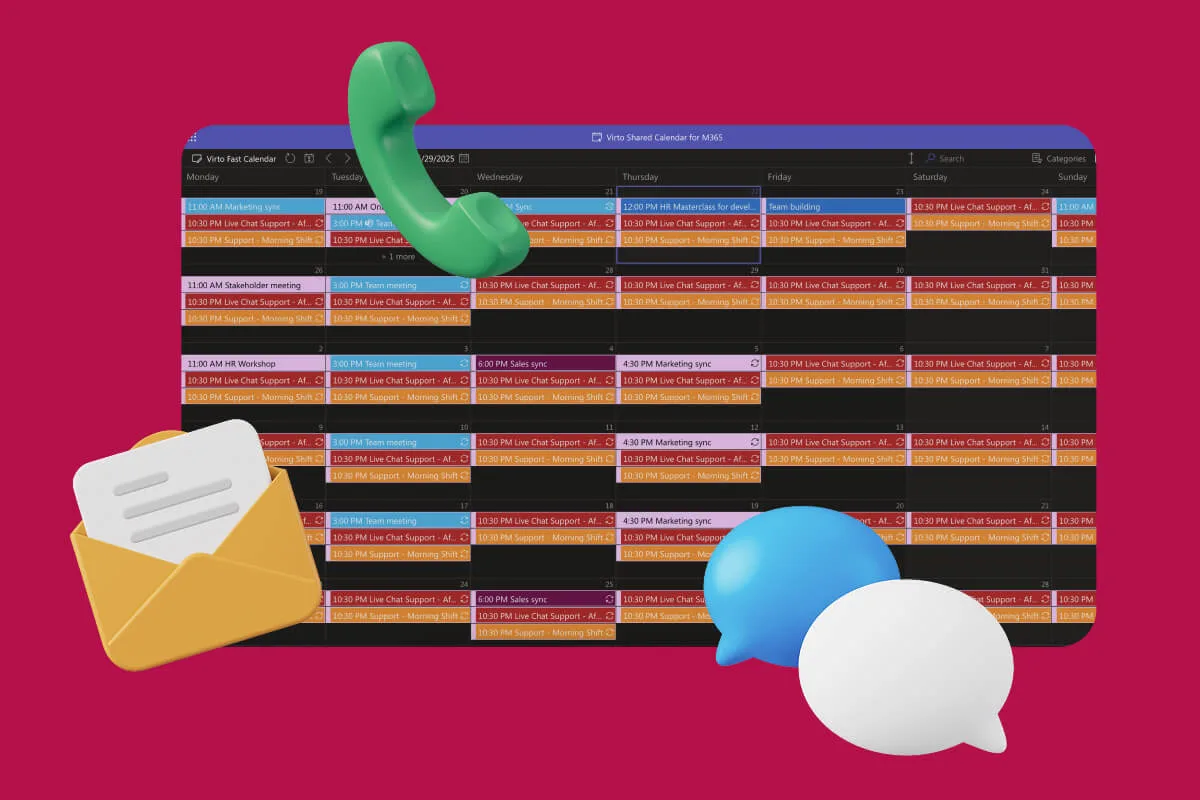
Customer Support Schedule
One shared rota for on-call shifts, PTO and night rotations, tagged by tier. Agents check it in Teams or on a phone, and part-timers or partners open it from a link, no Microsoft account needed.
Learn more about Customer Support ScheduleComprehensive support, security, and integration
Our commitment to excellence in every aspect of your experience

Support
Get your questions answered by our global support team of VirtoSoftware product experts, available 24/7/365.

Security
We build our solutions with you in mind to give you control and visibility over access, data, and security.

Integrations
Connect to the M365 tools and internet calendars your teams use the most so that everyone works seamlessly in one place.
Talk to our team
Need clarity on our app's suitability for you? Set up a quick call with us or chat via Microsoft Teams chat to explore its potential for your needs.