


Court Dates and Filing Deadlines in One Calendar
A court calendar for law firms in Microsoft 365: hearings, filing deadlines and attorneys' calendars in one view. Your docketing rules and your people set the dates; Virto Calendar App shows them.



Trusted by Industry Leaders












and over 8,000 businesses worldwide
Comprehensive Legal Calendaring
Simplify the complexities of legal calendaring and ensure your team is always prepared for upcoming court appearances, filings, and other time-sensitive tasks.
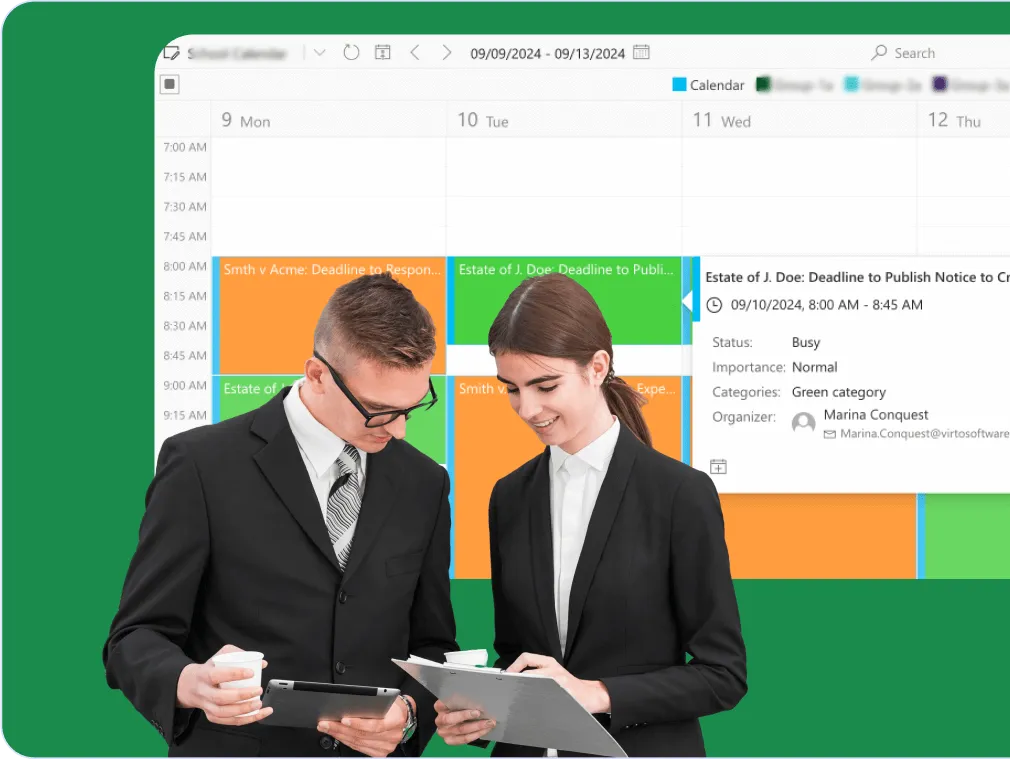
Unified court date management
Centralized court deadline calendar
Consolidate all court deadlines in one intuitive interface, making it simple to oversee and visualize critical dates across multiple cases and jurisdictions.
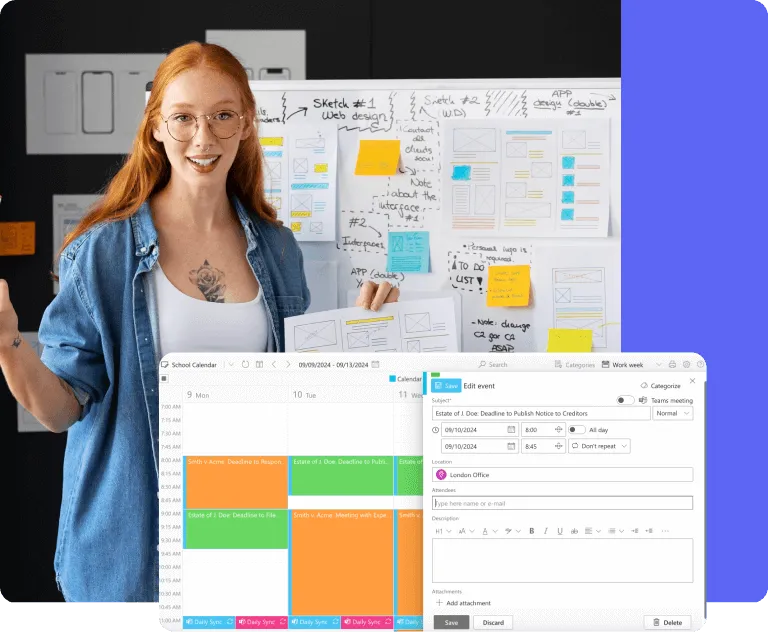
Customizable timetables
Change a date where it is kept, or move it by drag and drop in the calendar. Everyone who opens the calendar sees the current date; nobody works from an outdated copy.
Reminders on the dates in your docket
Reminders before each date
Virto Alerts & Reminder App sends email and Teams reminders a set time before the hearing and filing dates in your SharePoint docket list, so the team is prepared ahead of critical dates.
Alerts when a date changes
When a date in the docket list is moved, Virto Alerts & Reminder App alerts the people responsible, and summary emails list what is coming up. Virto Calendar App itself sends no notifications.

Enhanced Microsoft 365 integration
Microsoft Teams and M365 compatibility
Access your legal calendar directly within your existing Microsoft ecosystem, promoting better collaboration and information sharing.
Multi-source overlay
Court dates and deadlines are drawn next to Exchange and Outlook calendars, SharePoint lists and a Google Calendar through its iCal feed, for a comprehensive view of all commitments. The sources are read where they are, not copied.

Key benefits

Unified legal deadline calendar
Hearings, filing deadlines and client meetings from several sources are overlaid in one calendar: the firm's docket list, the attorneys' Outlook calendars and iCal feeds such as public holidays. See dates across cases and jurisdictions in one place; the dates themselves come from your docketing rules and the people who apply them.
Customizable filing date calendar
Create flexible timetables for court dates with Virto Calendar App. Move a date by drag and drop, keep recurring events for ongoing cases, and everyone sees the change the next time they open the calendar. Reminders about the change come from Virto Alerts & Reminder App.
Alerts and reminders from your docket list
Stay ahead of court deadlines with Virto Alerts & Reminder App: email and Teams reminders before the dates in your SharePoint docket list, alerts when an item changes, and summary emails of what is coming up.
Secure team collaboration
Access follows the permissions of each SharePoint list and Exchange calendar, so each team member sees the court dates they are entitled to. Co-counsel and clients can be invited as SharePoint guests; there are no anonymous links. Calendar content stays in your Microsoft 365 tenant, and Virto Calendar App does not store it.
Multi-platform calendar integration
Overlay Exchange and Outlook calendars, SharePoint lists, Planner and iCal feeds, such as a Google Calendar, in one legal calendar. An iCal feed is read-only; changes are made in the calendar it comes from.
Flexible calendar views and meeting integration
Choose day, week, month, year or Year Quarter views, or put several sources side by side. Create a Microsoft Teams meeting straight from an event kept in an Outlook calendar, or open a Zoom meeting from its event.
When Virto Calendar App fits — and when it does not
Court dates are kept in a SharePoint docket list, and each attorney has their own Outlook calendar.

The docket list and the attorneys' calendars are overlaid in one view, so a partner sees which cases have hearings this week and who is in court when a new date is set.
Holiday calendars added as iCal feeds are drawn alongside the firm's deadlines, so a date that falls on a public holiday stands out.

Virto Alerts & Reminder App emails the attorney or group responsible for the case a set number of days before the date in the docket list.
Virto Calendar App does not calculate deadlines from court or procedural rules. It shows the dates your docketing system or your attorneys enter, next to hearings and everyone's calendar.
Virto Calendar App
Never miss a critical court date. Start managing your deadlines today!



Integrations
Connect to the tools your teams use the most so everyone works seamlessly in one place.







Related use cases
Discover our range of use cases to take your planning and coordination to another level
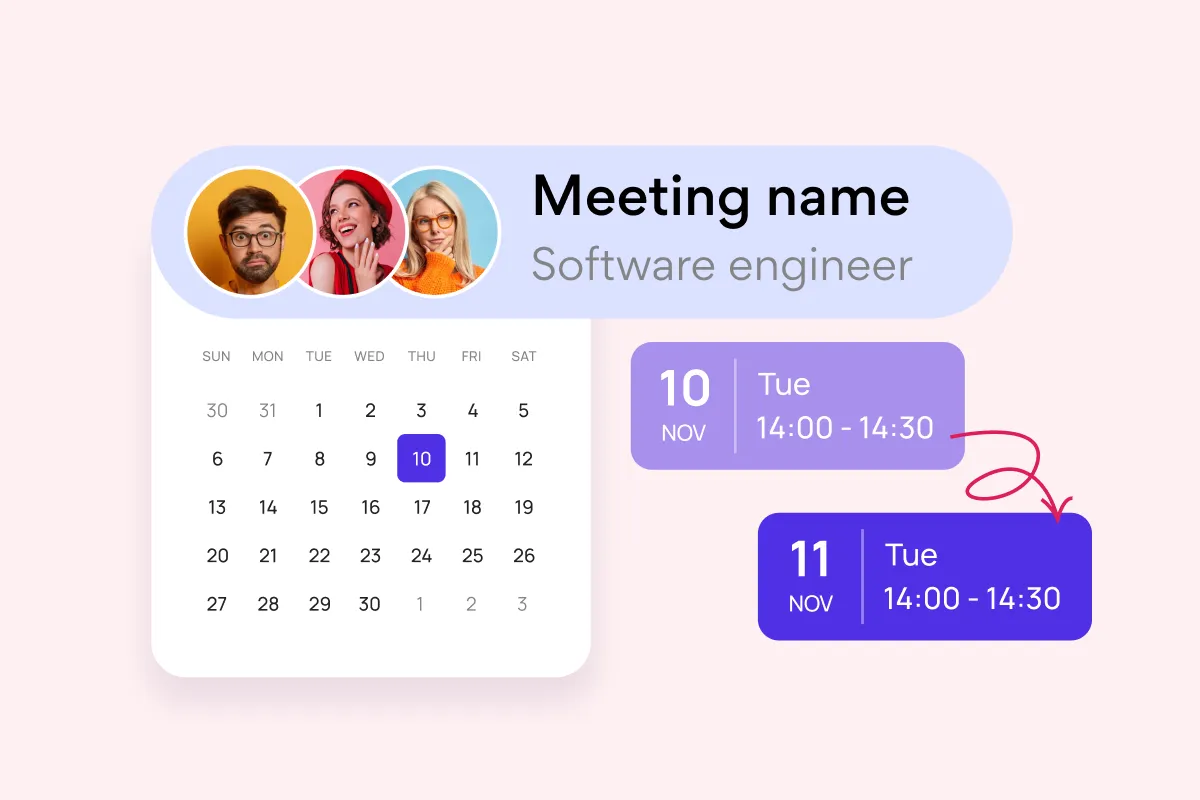
Team and Project Calendar
Maximize project visibility and coordination across teams with Virto Calendar, streamlining workflow and simplifying stakeholder communication.
Learn more about Team and Project Calendar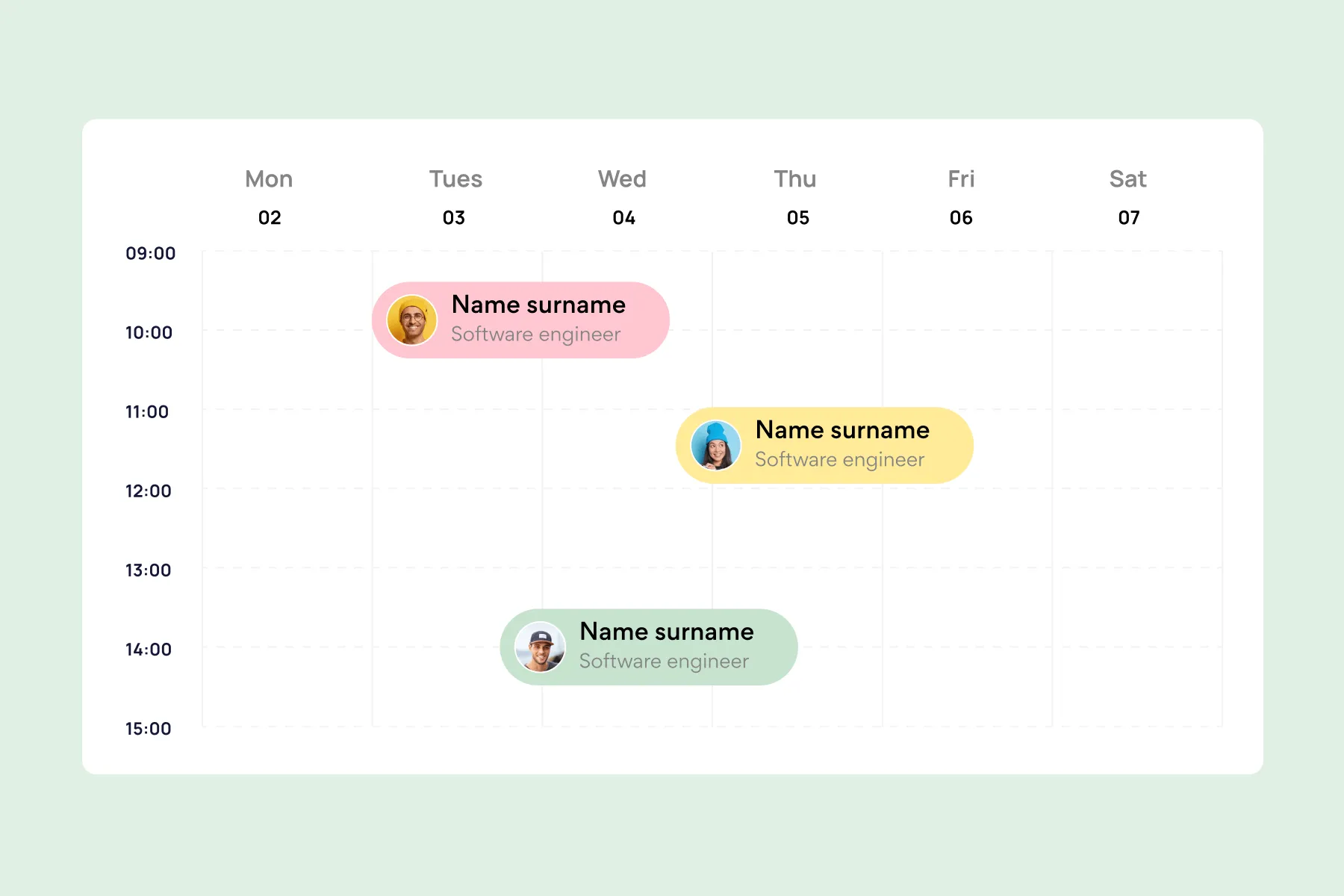
Employee Vacation Tracker
Virto Calendar App shows approved leave next to the public holidays of every country your team works in — who is away, and which offices are closed.
Learn more about Employee Vacation Tracker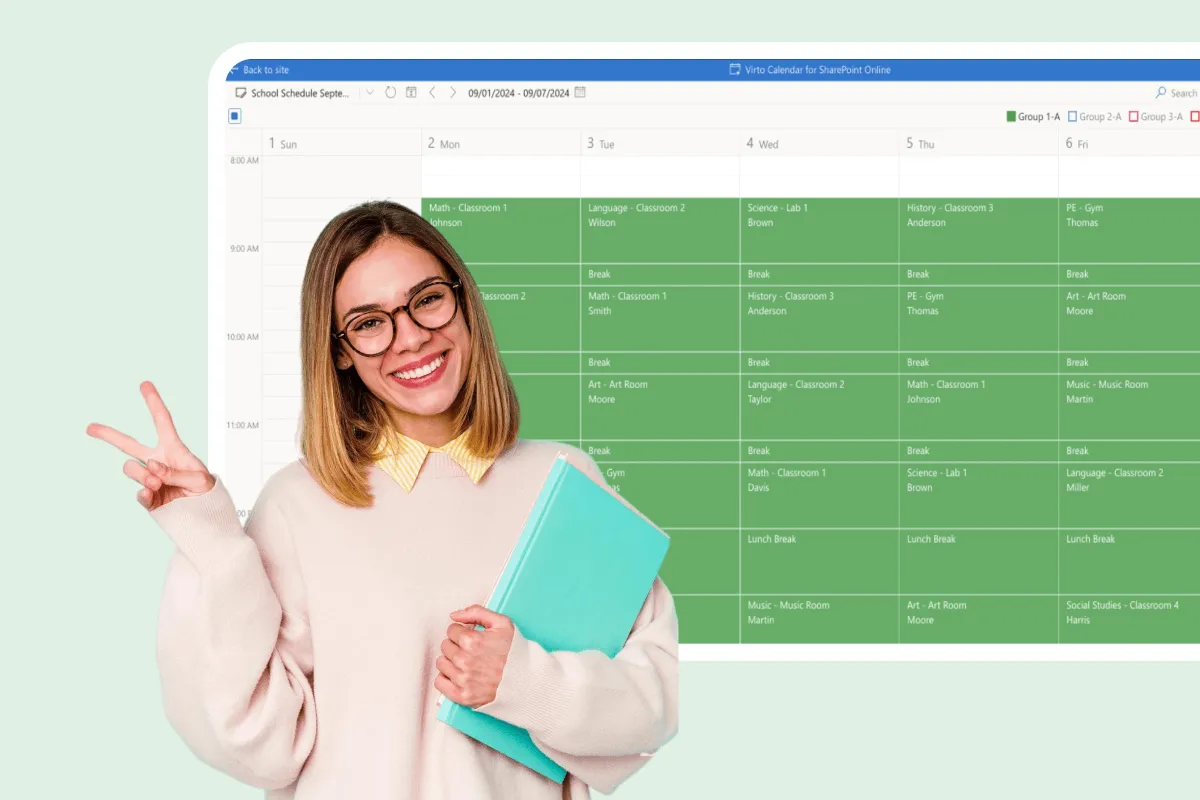
Assignment Calendar
Get a clear view of your academic workload with Virto Calendar. Track assignment deadlines, plan study sessions, and balance coursework across subjects.
Learn more about Assignment Calendar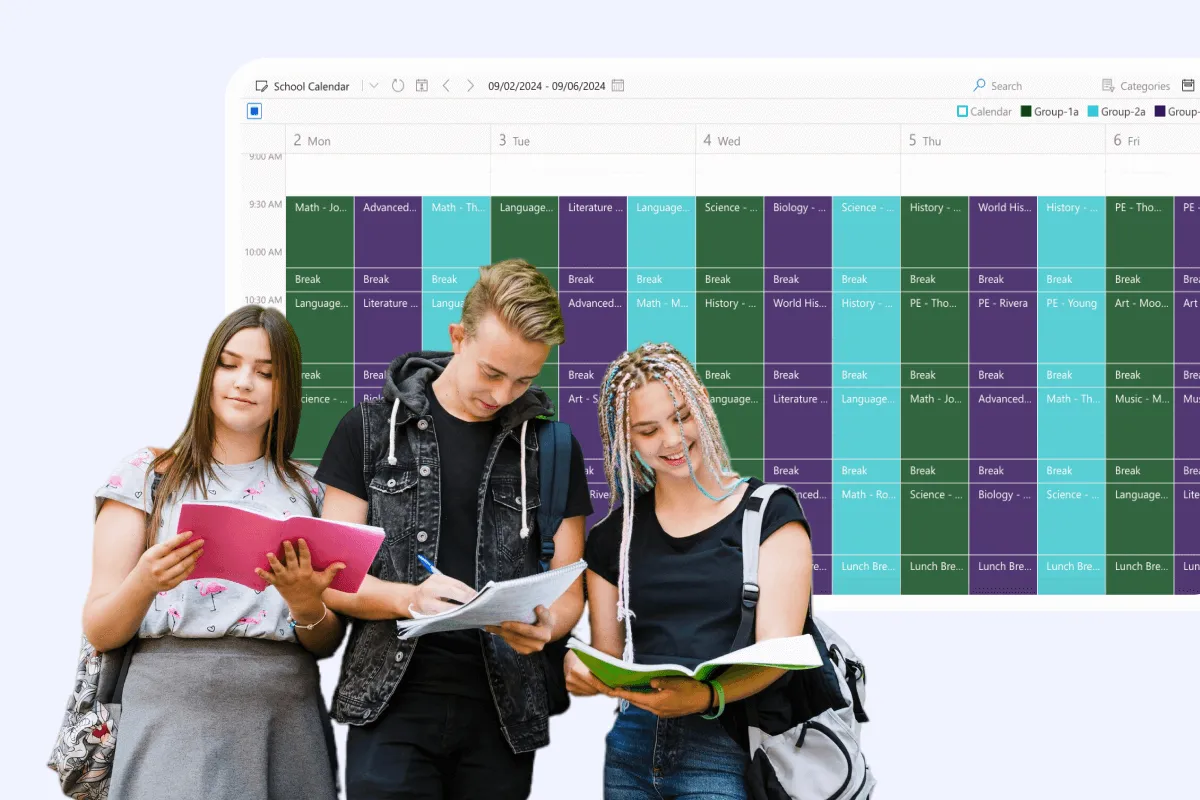
Class Scheduling
Say goodbye to scheduling conflicts, missed classes, and administrative headaches. With Virto Calendar, focus on what matters most: delivering quality education.
Learn more about Class Scheduling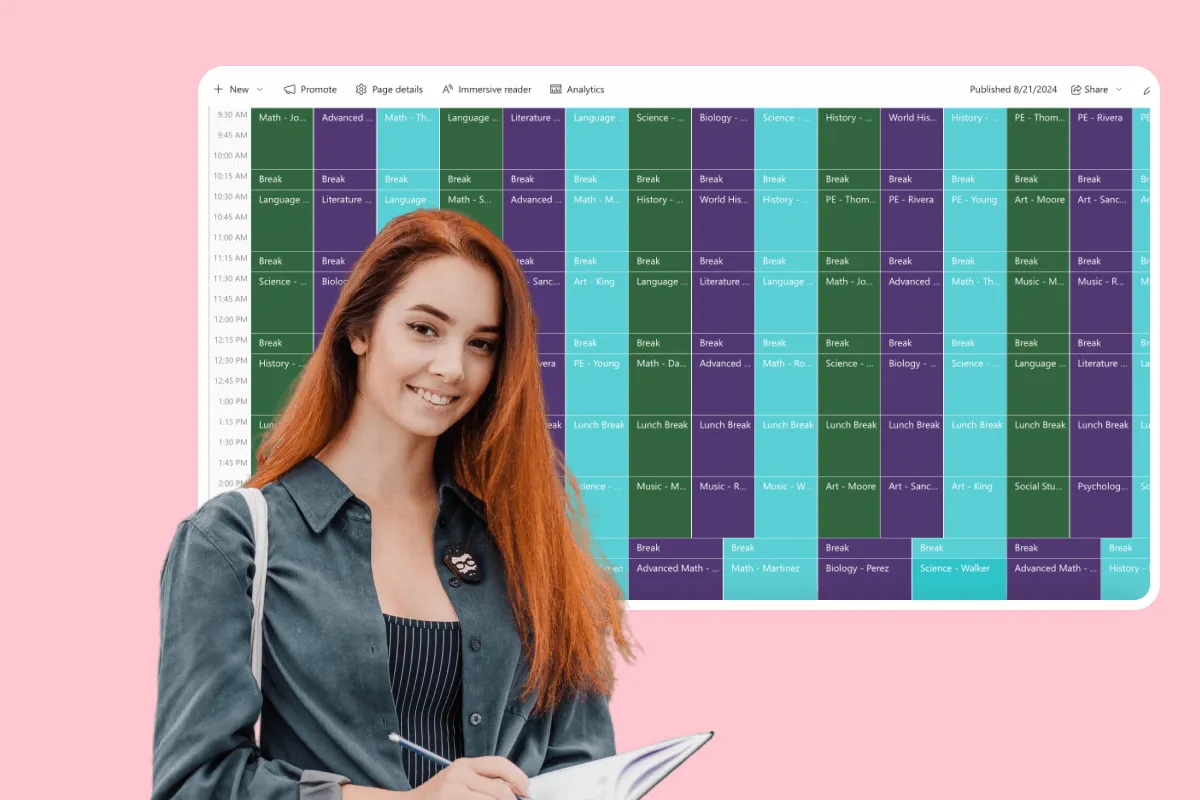
Online Class Scheduling
Simplify course management for educators and students. See every class session, office hour and term date in one Microsoft 365 calendar, and create a Teams meeting for an online session from its event.
Learn more about Online Class Scheduling
Remote Team Collaboration
Enhance remote team productivity with Virto Calendar. Coordinate across time zones, schedule virtual meetings, and manage shared projects effectively.
Learn more about Remote Team Collaboration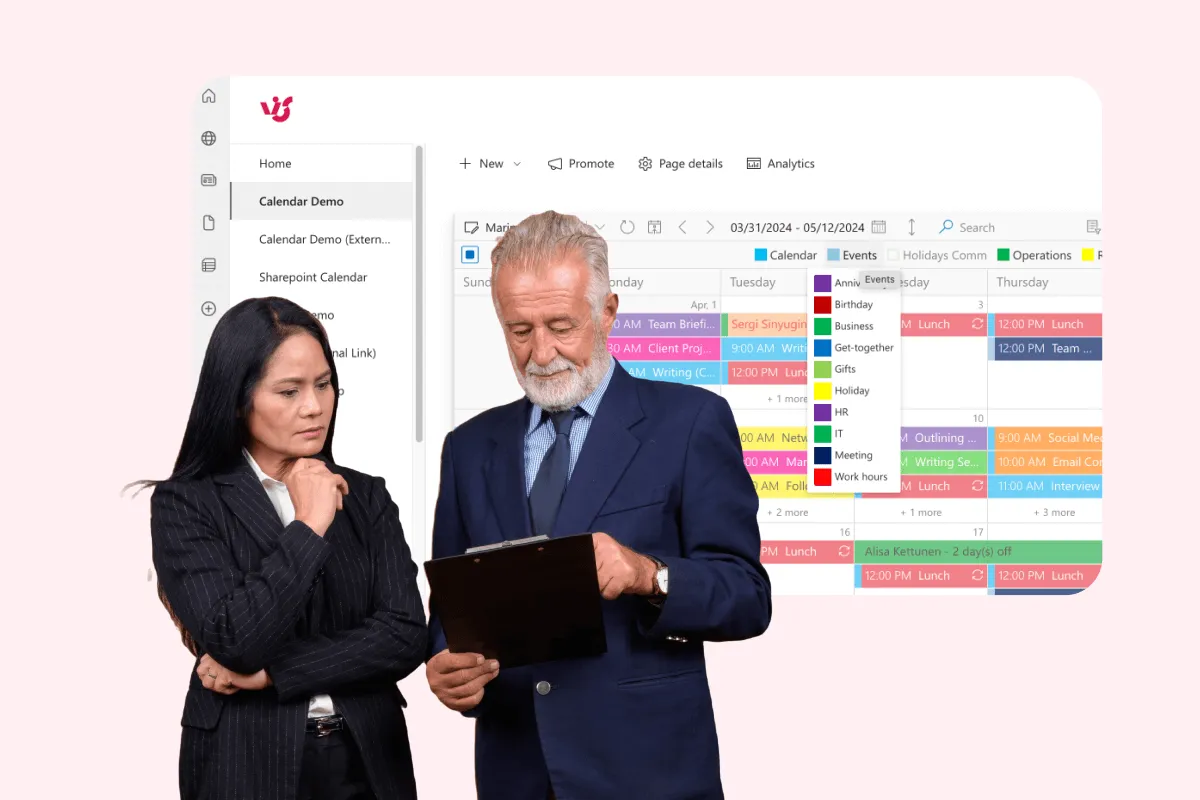
Client Appointment Scheduling
Optimize your law practice's client interactions with a scheduling calendar tailored to legal professionals. Manage consultations efficiently, balance workloads, and improve client satisfaction.
Learn more about Client Appointment Scheduling
Calendar for Interdepartmental Communication
Help your departments work better together with Virto Calendar for Microsoft 365. Coordinate meetings, share resources, and manage cross-department projects in one place.
Learn more about Calendar for Interdepartmental Communication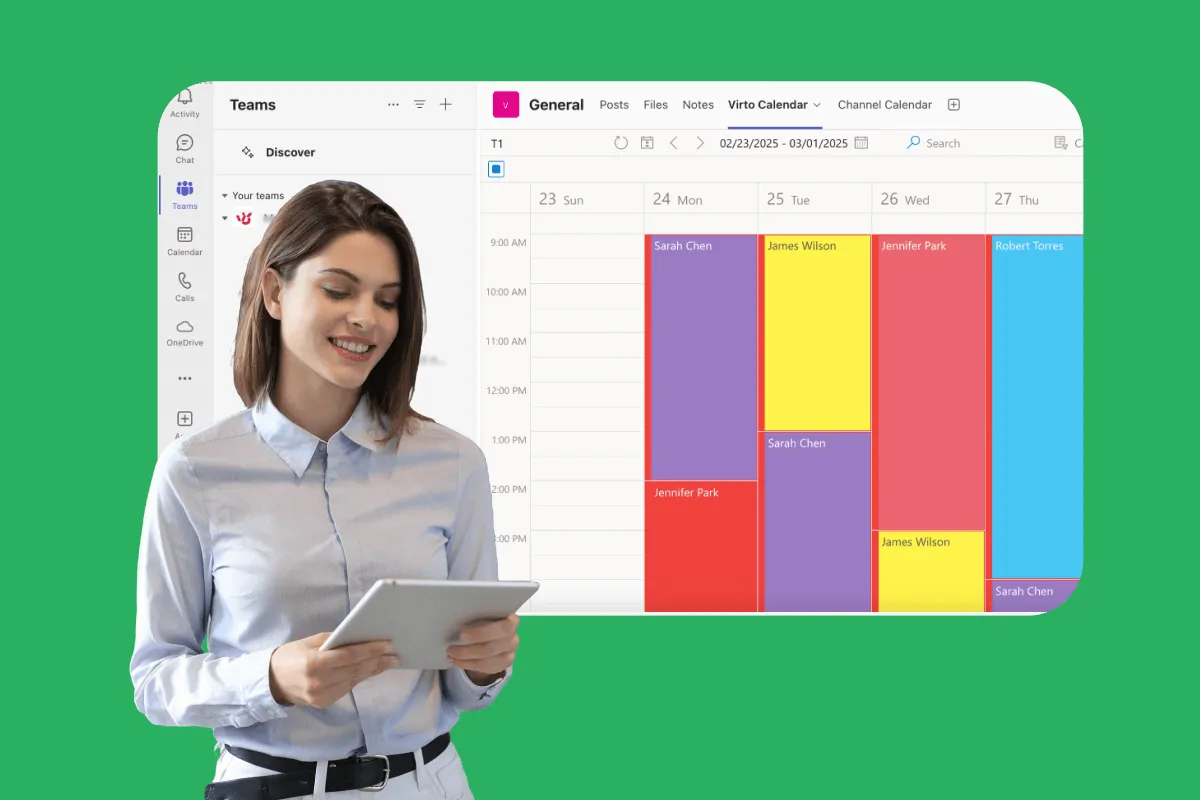
Shift Scheduling Software
VirtoSoftware’s shift scheduling software simplifies staff scheduling and shift planning for government agencies. See every department's shifts, leave and holidays in one Microsoft 365 calendar.
Learn more about Shift Scheduling Software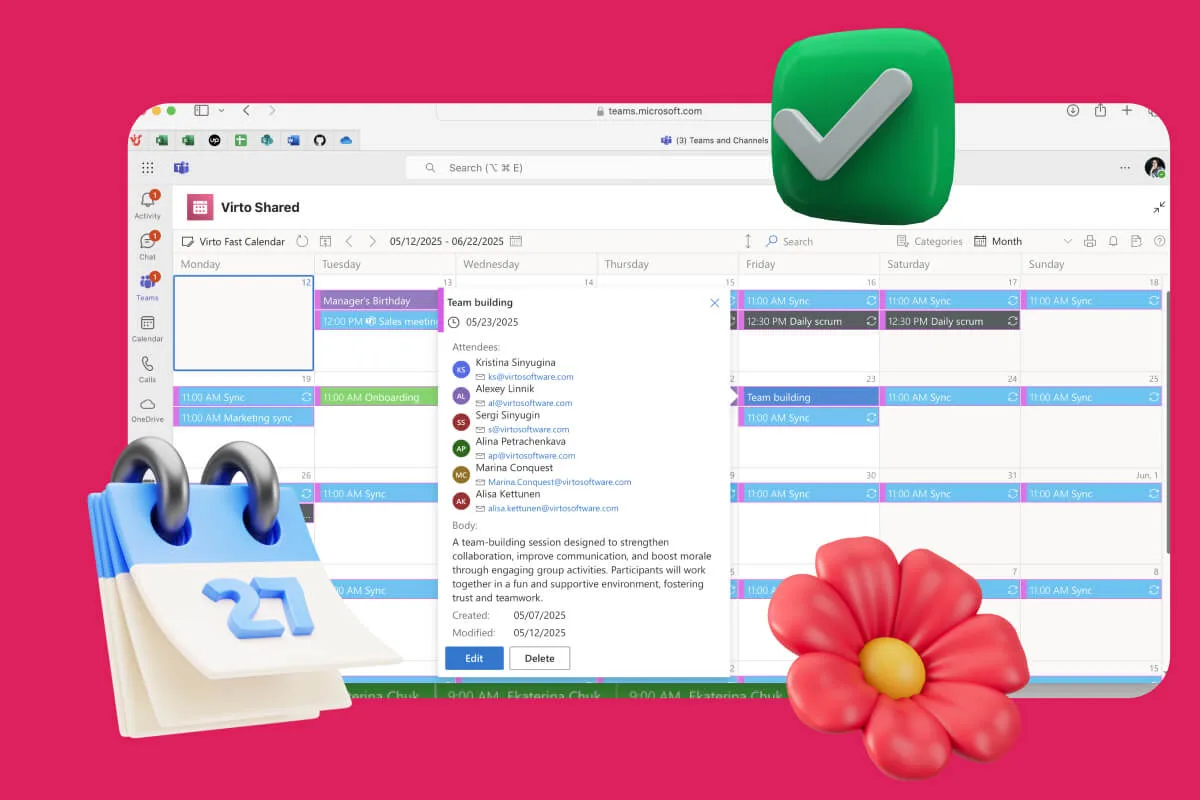
Availability Calendar
Virto Calendar App draws every team member's calendar in one Outlook view — busy time, vacations and shared meetings, under the permissions each source already has.
Learn more about Availability Calendar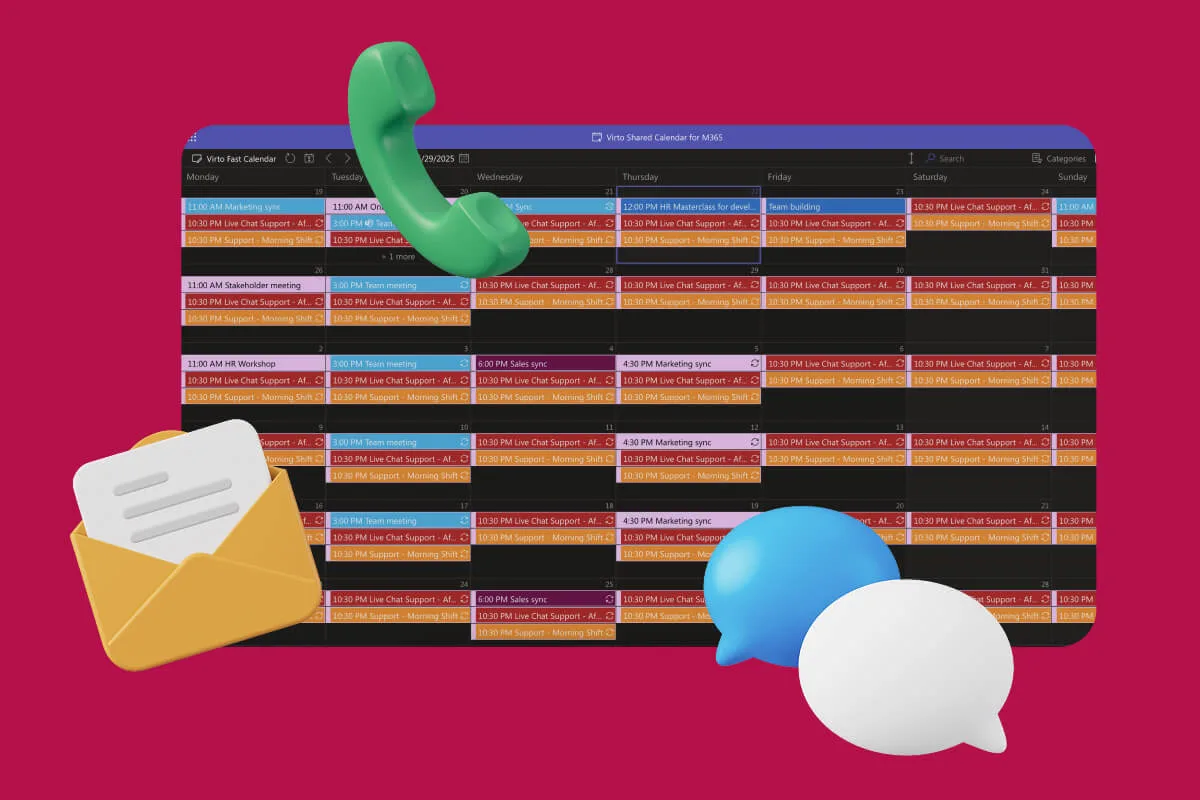
Customer Support Schedule
One shared rota for on-call shifts, PTO and night rotations, tagged by tier. Agents check it in Teams or on a phone, and part-timers or partners open it from a link, no Microsoft account needed.
Learn more about Customer Support ScheduleComprehensive support, security, and integration
Our commitment to excellence in every aspect of your experience

Support
Get your questions answered by our global support team of VirtoSoftware product experts, available 24/7/365.

Security
We build our solutions with you in mind to give you control and visibility over access, data, and security.

Integrations
Connect to the M365 tools and internet calendars your teams use the most so that everyone works seamlessly in one place.
Talk to our team
Need clarity on our app's suitability for you? Set up a quick call with us or chat via Microsoft Teams chat to explore its potential for your needs.