


Customer Support Schedule
Plan your support shifts in one shared calendar with Virto Shared Calendar: on-call, PTO and night rotations tagged by tier, open in Microsoft Teams, in a browser or on a phone, and shared with part-timers by link.
Trusted by Industry Leaders












and over 8,000 businesses worldwide
Because great support starts with a solid schedule
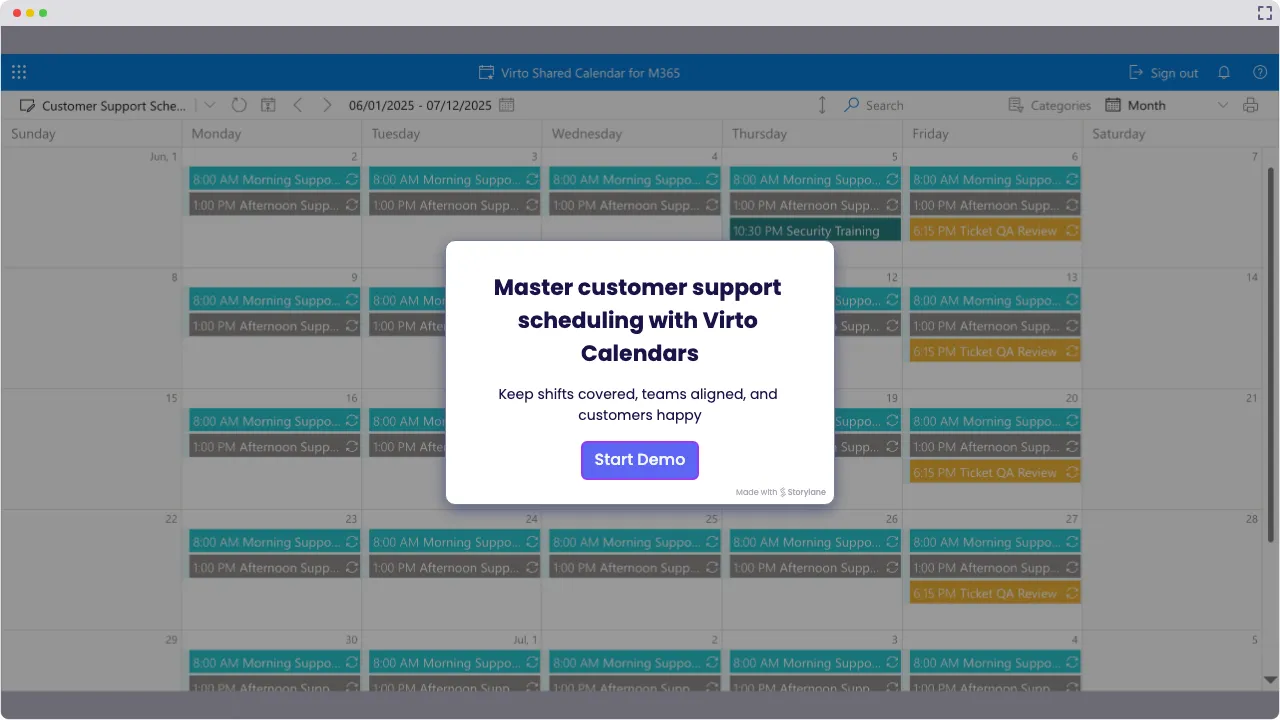
Launch Interactive Demo
Ready to Take Control of Your Customer Support Schedule?
Stop guessing, start planning. Whether you run a small help desk or a team of part-timers, Virto Shared Calendar gives every agent one customer service calendar to check: in Microsoft Teams, in a browser or on a phone.
Because 'Who's on call?' shouldn't be a mystery.

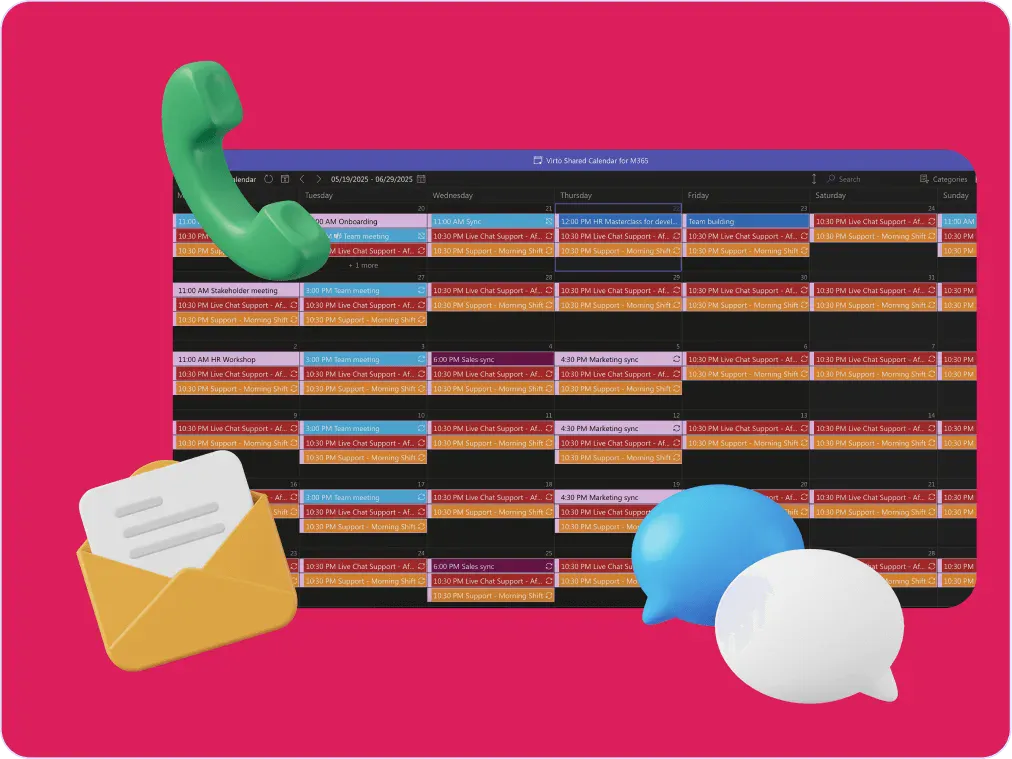
Put your entire customer support schedule—on-call shifts, PTO, sick days, night rotations—in one crystal-clear shared calendar, tagged and color-coded by tier. Ideal for small teams that cover long hours with a handful of people.

The rota in every agent's pocket
Every agent checks the same rota in Microsoft Teams, in a browser or on a phone, so the shift they look up is the current one. The calendar sends no reminders of its own. No more 'Which version of the rota is this?' moments in your support team schedule.

Customization & flexibility
Rotating, overnight or non-standard shifts are ordinary events, recurring where the pattern repeats, so any pattern your team works appears as it is, tagged by tier or channel. Add a public-holiday feed and the days off are already in the plan. Help-desk platforms are not connected.

Key benefits

24/7 customer support coverage
Late-night issue? Early morning meltdown? Plan for it. Day, evening and night shifts sit in one calendar, so a gap in the rotation shows up before the week starts. Every shift, every day, with a name on it—so your customers reach a real, live human (not a “We’re closed” message).
Balanced workloads
Nobody should carry the whole rota, especially not your best agents. With every agent's shifts in one calendar, an uneven rota shows up before it burns anyone out. Virto Shared Calendar shows the load; how tickets are assigned stays in your help desk.
Reduced scheduling errors
Double-booked agents? Missed shifts? Tag every shift with its agent and tier, and overlapping shifts sit side by side, so a double booking is visible before the week starts. Less scrambling to find out who’s supposed to be on call.
Real-time visibility
What’s going on today? Who’s on tonight? Any holes in coverage? Managers and agents open the same support staff calendar, so the change a manager makes is what the team sees next. Everyone knows where they need to be—and when.
Seamless collaboration
Distributed team? Remote agents? Part-timers? Bring it on. Virto Shared Calendar opens in Microsoft Teams, in a browser or on a phone, and people outside the company open it from a link with no Microsoft account. It’s like your scheduling HQ, wherever your agents sit.
Quick adaptation to changes
Time-off request just came in? Surge in ticket volume? No sweat. Add the time off as a PTO event and move or add shifts right in the calendar. Everyone who opens it sees the new rota; the leave request itself is approved wherever your team approves it today.
When Virto Shared Calendar fits — and when it does not
A small support team that plans the rota in a spreadsheet or a group chat.
Add each shift as an event, enter repeating rotations once as recurring events and tag them by tier, with time off tagged as PTO. The manager sees who is on tonight and where cover is thin before the week starts.
Send a view-only or edit link. Part-timers open the rota in a browser or on a phone with no Microsoft account and no login, and a partner company on Microsoft 365 can get the calendar shared with its own tenant.
Add the calendar to Microsoft Teams, where the team already talks, or open it in a browser or on a phone. Owners and members edit shifts; everyone else only views them.
A larger help desk follows the sun and already keeps shifts in SharePoint lists and Outlook calendars.

Virto Shared Calendar keeps its own events and reads iCal feeds, not SharePoint lists or mailboxes. Overlaying those sources, with a client time zone setting that shows each agent the shifts in local time, is what Virto Calendar App does.
The calendar shows who is on shift. It has no connection to help-desk platforms; queues, routing and SLAs stay in your help-desk system.
Virto Shared Calendar
Discover which Virto solution fits your support team best
Related products

Integrations
Connect to the tools your teams use the most so everyone works seamlessly in one place.







Related use cases
Discover our range of use cases to take your planning and coordination to another level
Availability Calendar
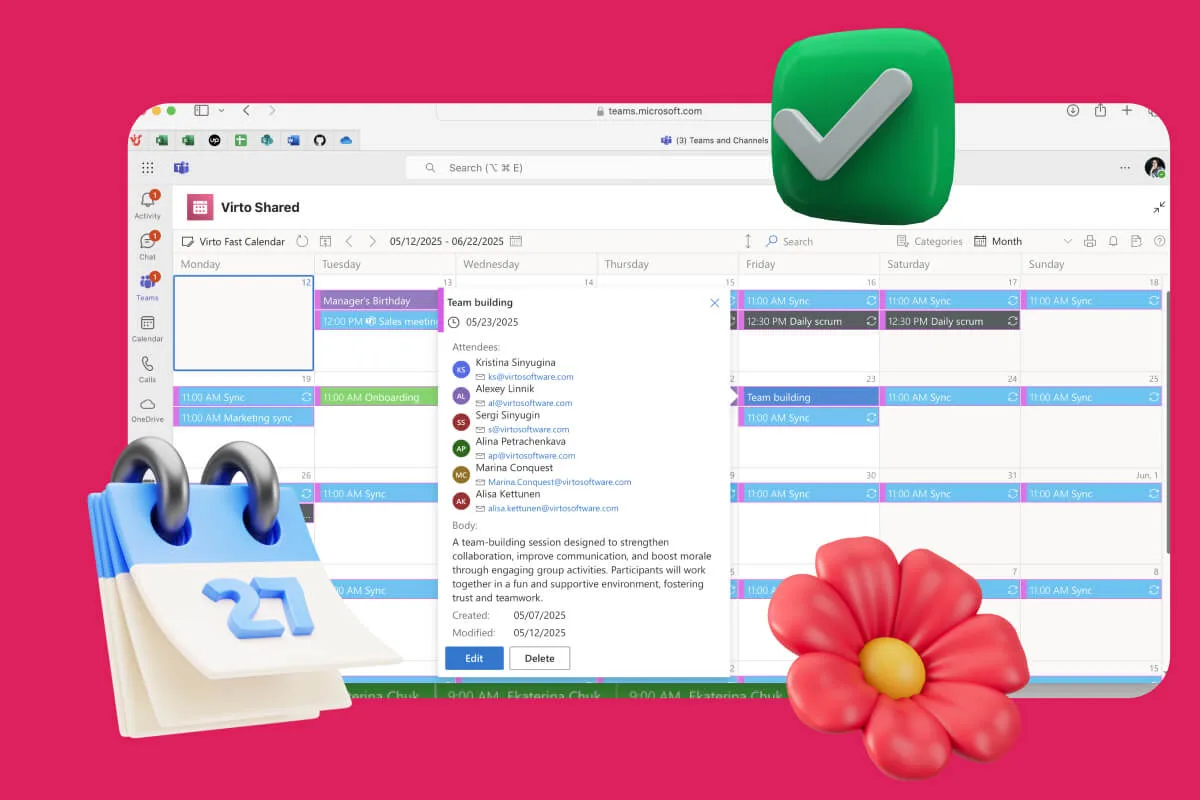
Virto Calendar App draws every team member's calendar in one Outlook view — busy time, vacations and shared meetings, under the permissions each source already has.
Learn more about Availability Calendar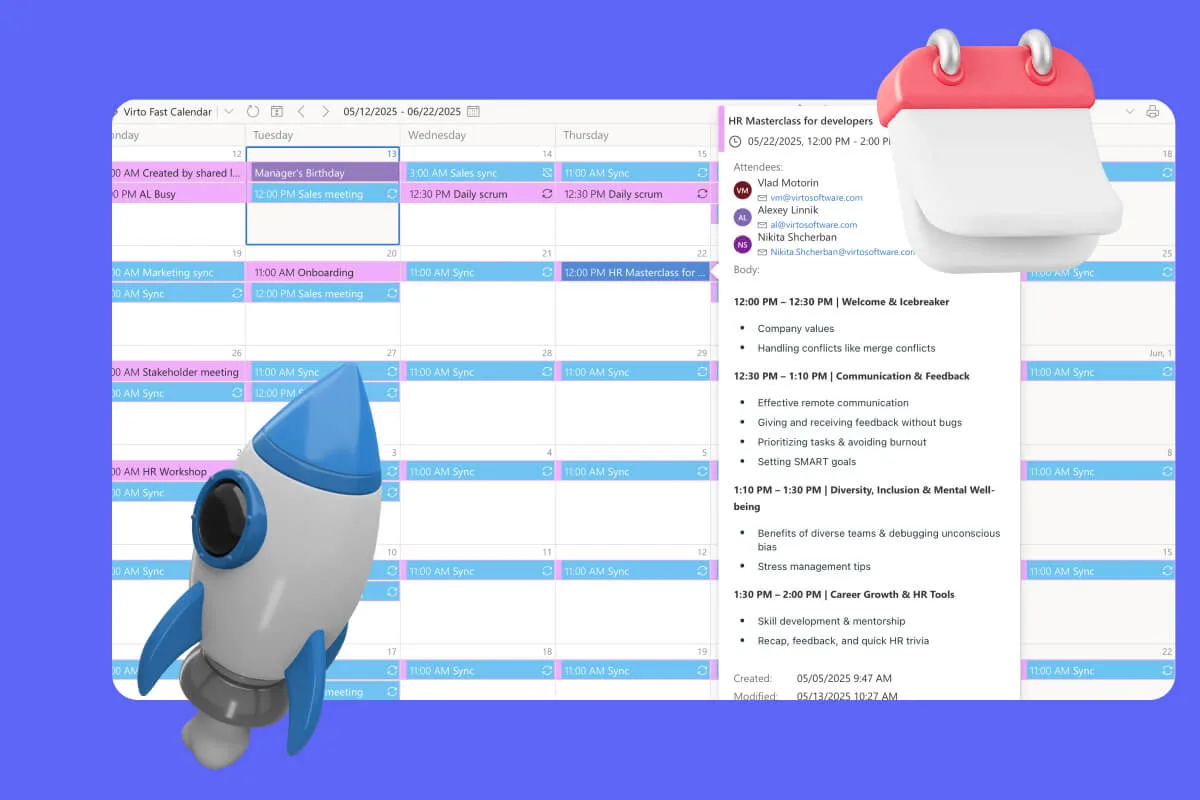
Sprint Calendar
Stay in sync and sprint with style: planning, stand-ups, reviews and retros in one shared sprint calendar, color-coded, in a browser or in Microsoft Teams, and shared by link with the whole team.
Learn more about Sprint Calendar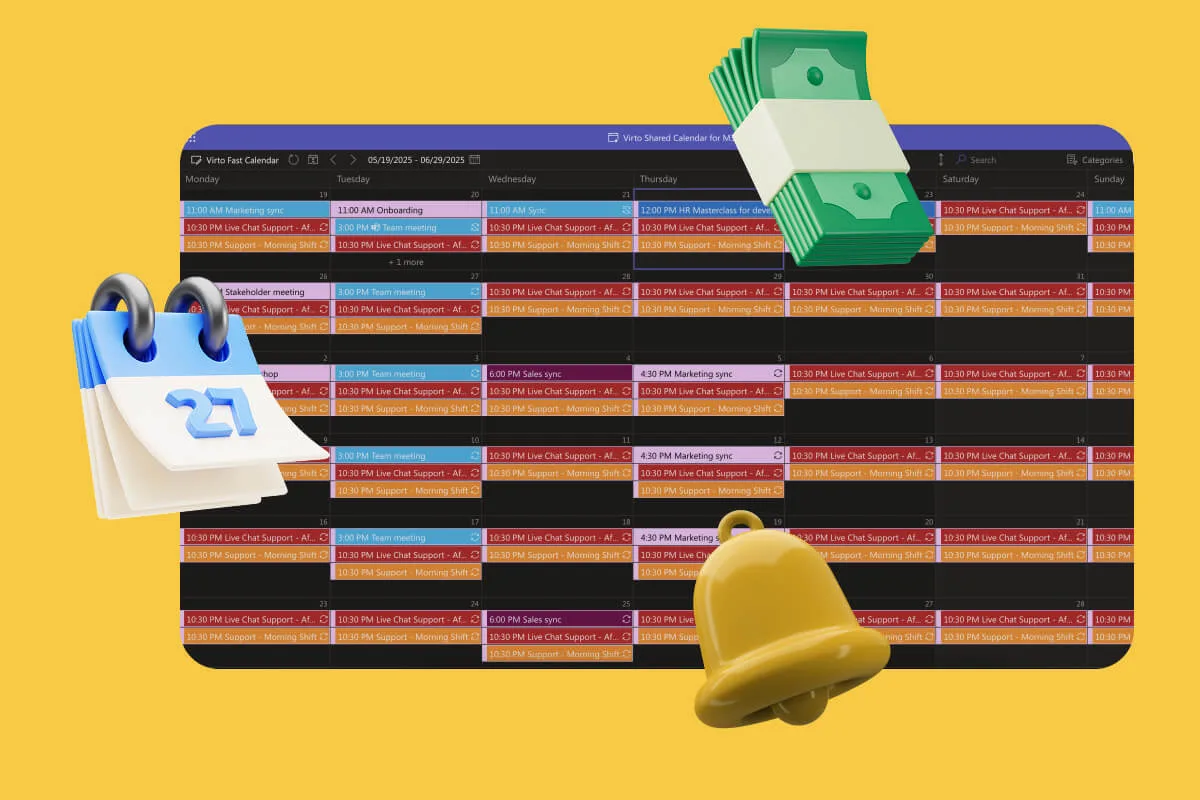
Payroll Calendar
One shared payroll calendar for HR and finance: pay dates, timesheet cutoffs and filing deadlines, tagged and color-coded, in a browser or in Teams. Payroll itself runs in your payroll system.
Learn more about Payroll CalendarComprehensive support, security, and integration
Our commitment to excellence in every aspect of your experience

Support
Get your questions answered by our global support team of VirtoSoftware product experts, available 24/7/365.

Security
We build our solutions with you in mind to give you control and visibility over access, data, and security.

Integrations
Connect to the M365 tools and internet calendars your teams use the most so that everyone works seamlessly in one place.
Talk to our team
Need clarity on our app's suitability for you? Set up a quick call with us or chat via Microsoft Teams chat to explore its potential for your needs.