


VirtoSoftware Email Marketing Calendar Solutions
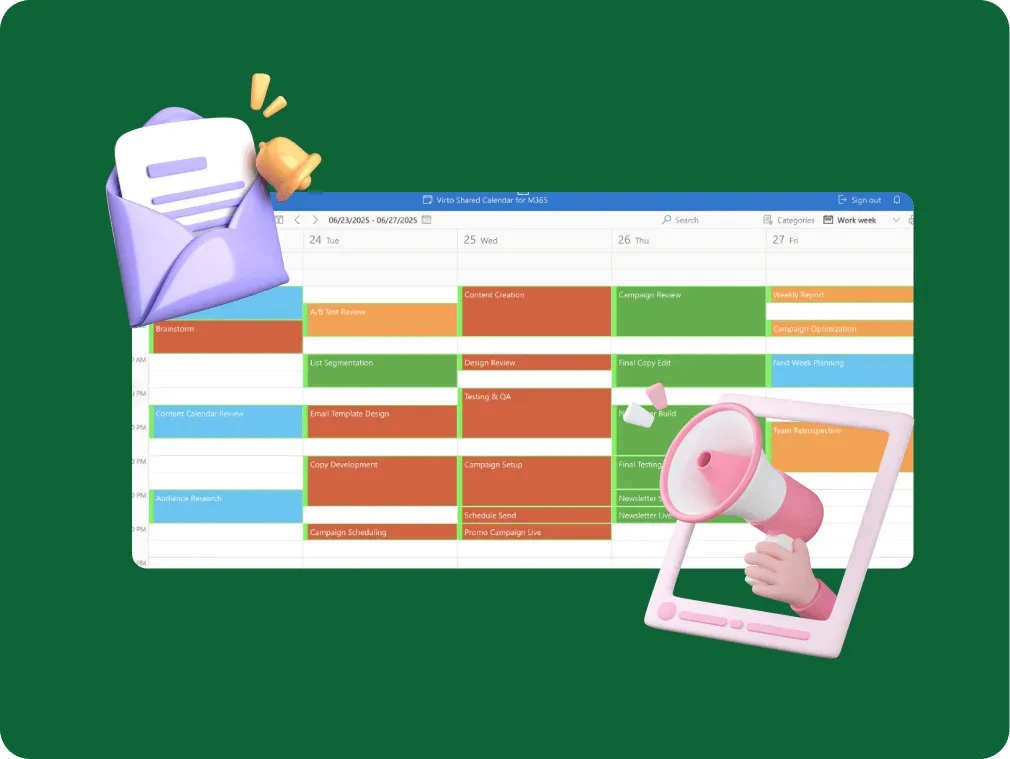
Plan your email campaigns in one shared calendar: send dates, content deadlines and launches, tagged by channel. Virto Shared Calendar opens in a browser or in Teams, and your agency opens it from a link.
Trusted by Industry Leaders












and over 8,000 businesses worldwide
The email marketing calendar that speaks fluent marketer
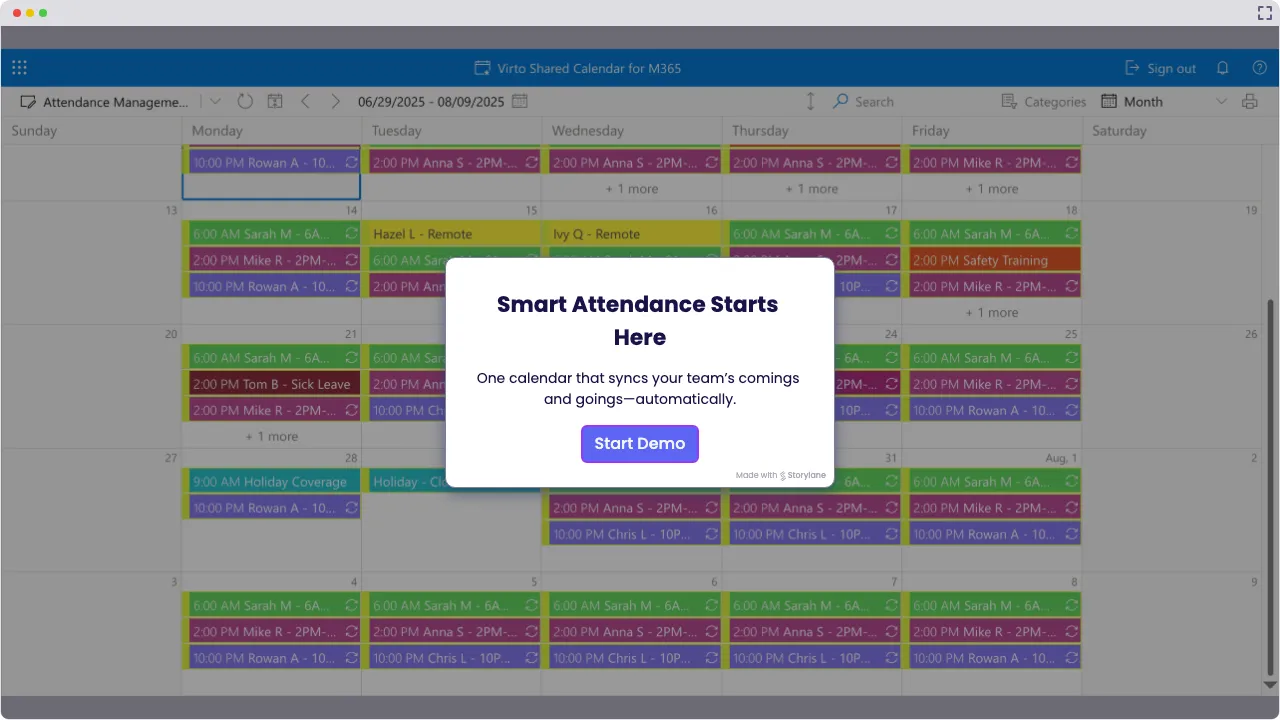
Launch Interactive Demo
Creating an Email Marketing Calendar That Actually Works for Real Marketers
Virto Shared Calendar gives your email marketing calendar one home: send dates, content deadlines and product launches, tagged and color-coded by channel, in a browser or in Microsoft Teams. Built by people who understand that marketing moves fast and forgives slowly.
Campaign coordination that cuts through the noise

Ready for the big leagues? Handle your most ambitious email marketing calendar by putting campaigns, content deadlines and launch dates in one color-coded calendar, and add the product team's Outlook or Google calendar through its iCal link. Coordinate marketing teams across departments, nail campaign deadlines, and execute with precision.

Team alignment that actually aligns teams
Color-code campaigns by channel, tag them by team, and see cross-functional marketing work in one calendar with the kind of precision that makes CFOs smile and competitors wonder how you do it. Freelancers and agencies open the same schedule from a link, no Microsoft account needed.

Updates that move at business speed
Campaign shifts happen. Content deadlines move. Change a send to its new date, and everyone who opens the calendar, in Teams, in a browser or on a phone, sees it. You decide who edits: owners and members change events, everyone else views.

Key benefits

Improved organization that actually organizes
Keep all campaigns, content, and deadlines in one email marketing calendar that makes sense. No more hunting through email threads or playing 'find the latest version' with spreadsheets. Everything you need lives in one place, and one change reaches everyone who opens it, so you can focus on strategy instead of searching.
Consistency in messaging that builds brands
Maintain a steady communication cadence with your audience through strategic email marketing calendar planning. When your messaging flows consistently, trust builds naturally and brand loyalty follows. Your email marketing calendar template becomes the foundation for relationships that convert.
Workload you can see before it piles up
See who is on which campaign and when. Tag each send and deadline with its owner, and an overbooked designer or a free copywriter is visible before the week starts. Assignments themselves stay in your task tool.
Collaboration that brings teams together
Align marketing, content, and sales teams for unified campaign execution through shared email marketing calendar visibility. When everyone sees the same schedule and understands their role, campaigns flow smoothly from concept to conversion.
Send dates next to what they depend on
Product launches, webinars, holidays and content deadlines sit on the same calendar as the send dates, with public holidays or the product team’s calendar added from an iCal feed, so a campaign is never scheduled blind. Open and click rates stay in your email platform, where they are measured.
Never miss another opportunity
Capture important dates, events, and emerging opportunities in your email marketing plan template system. When market moments arise, you're ready to adapt quickly because your calendar is built for agility, not just scheduling.
When Virto Shared Calendar fits — and when it does not
Managing straightforward newsletters without the complications
Add each send as an event, recurring for the weekly newsletter, and tag it by list or audience. Your email marketing calendar gets out of the way so your content can shine.
Running multi-channel campaigns that would make a Swiss watchmaker jealous
Email sends, social posts, webinars and launches each get a tag and a color, so the whole channel mix reads in one calendar instead of four spreadsheets.
Collaborating with external partners who don’t live in your software ecosystem
Send the agency or the freelancer a view-only or edit link. They open the campaign calendar in their browser with no Microsoft account and no login.
The product team keeps its launch dates in an Outlook or Google calendar.
Add that calendar through its iCal link, and the launch dates appear read-only next to your send dates, so no campaign goes out blind.
Campaigns sit in a SharePoint list with content approval; copy tasks live in Planner.

Virto Shared Calendar keeps its own events and reads iCal feeds, not SharePoint lists or Planner, and it has no approvals. Showing those sources in one view, with approve and reject right in the calendar, is what Virto Calendar App does.
Virto Shared Calendar shows when each campaign goes out. Sending, performance tracking, analytics and A/B tests stay in the email platform that sends the campaigns.
Virto Shared Calendar
Put every campaign and send date on one calendar
Related products

Integrations
Connect to the tools your teams use the most so everyone works seamlessly in one place.







Related use cases
Discover our range of use cases to take your planning and coordination to another level
Availability Calendar
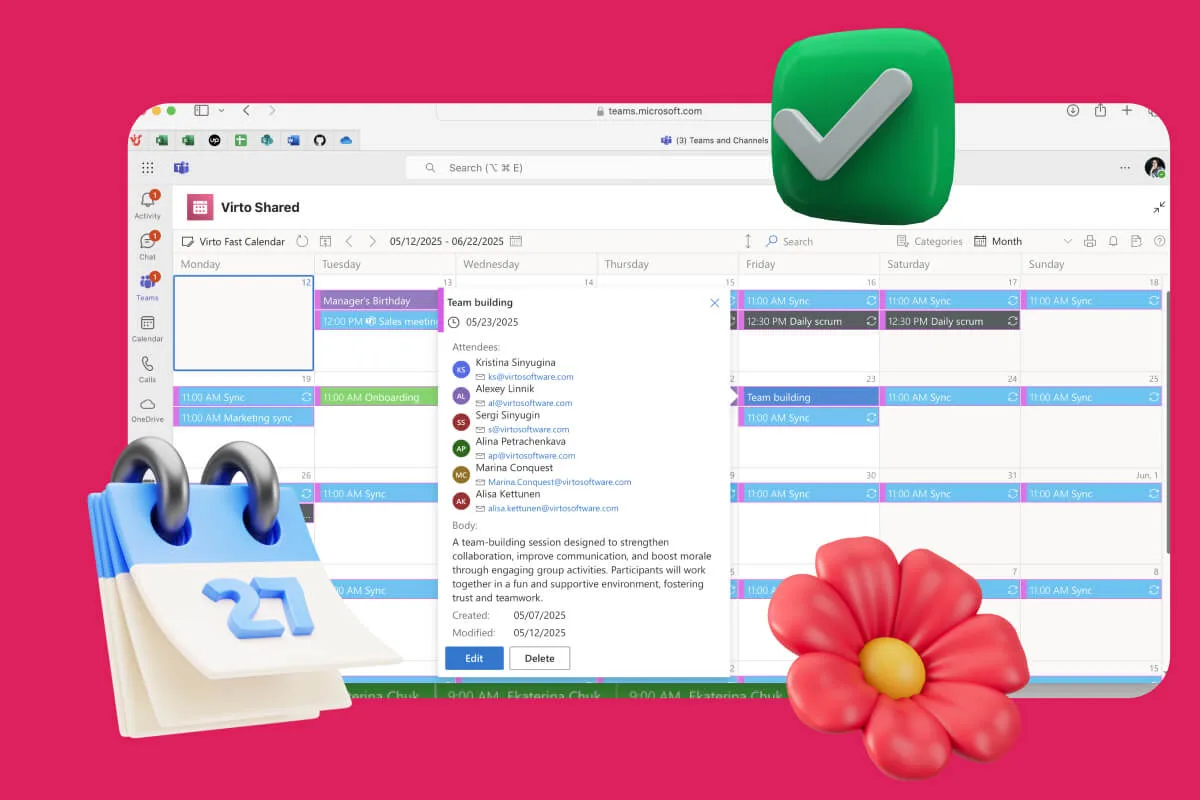
Virto Calendar App draws every team member's calendar in one Outlook view — busy time, vacations and shared meetings, under the permissions each source already has.
Learn more about Availability Calendar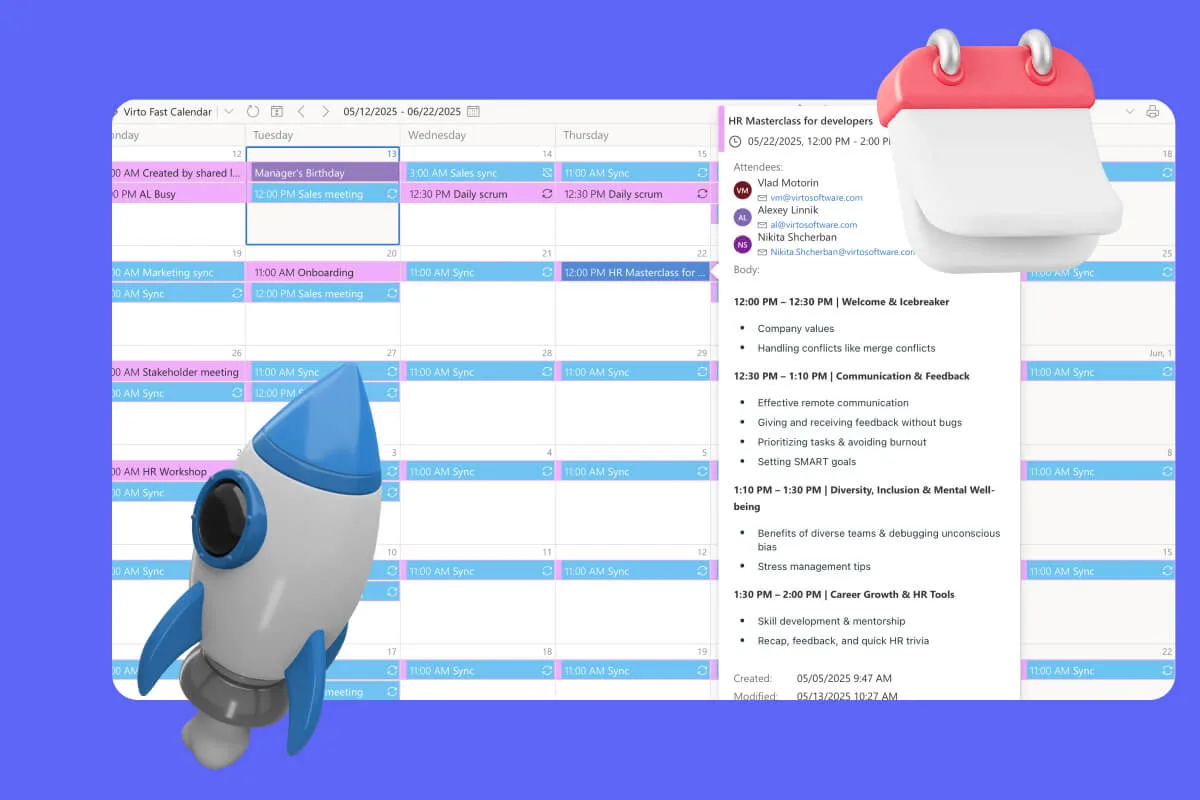
Sprint Calendar
Stay in sync and sprint with style: planning, stand-ups, reviews and retros in one shared sprint calendar, color-coded, in a browser or in Microsoft Teams, and shared by link with the whole team.
Learn more about Sprint Calendar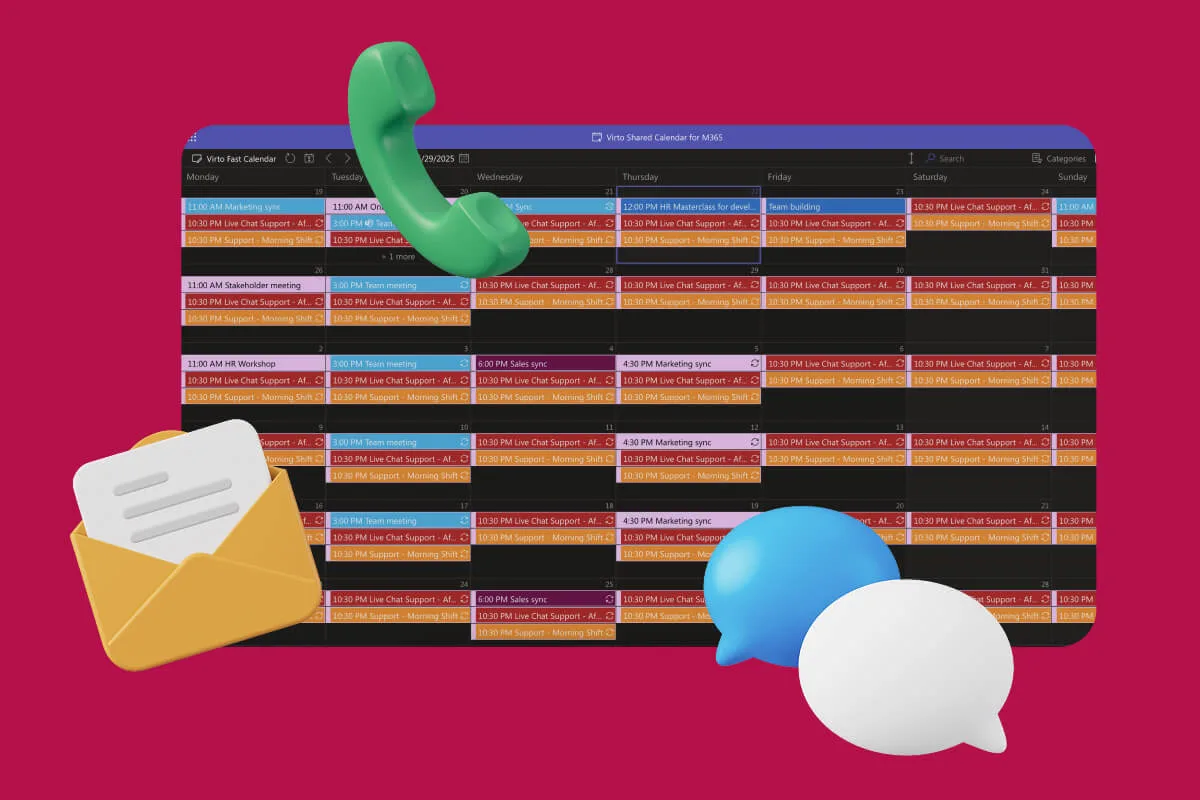
Customer Support Schedule
One shared rota for on-call shifts, PTO and night rotations, tagged by tier. Agents check it in Teams or on a phone, and part-timers or partners open it from a link, no Microsoft account needed.
Learn more about Customer Support ScheduleComprehensive support, security, and integration
Our commitment to excellence in every aspect of your experience

Support
Get your questions answered by our global support team of VirtoSoftware product experts, available 24/7/365.

Security
We build our solutions with you in mind to give you control and visibility over access, data, and security.

Integrations
Connect to the M365 tools and internet calendars your teams use the most so that everyone works seamlessly in one place.
Talk to our team
Need clarity on our app's suitability for you? Set up a quick call with us or chat via Microsoft Teams chat to explore its potential for your needs.