


VirtoSoftware Enterprise Project Management Tools
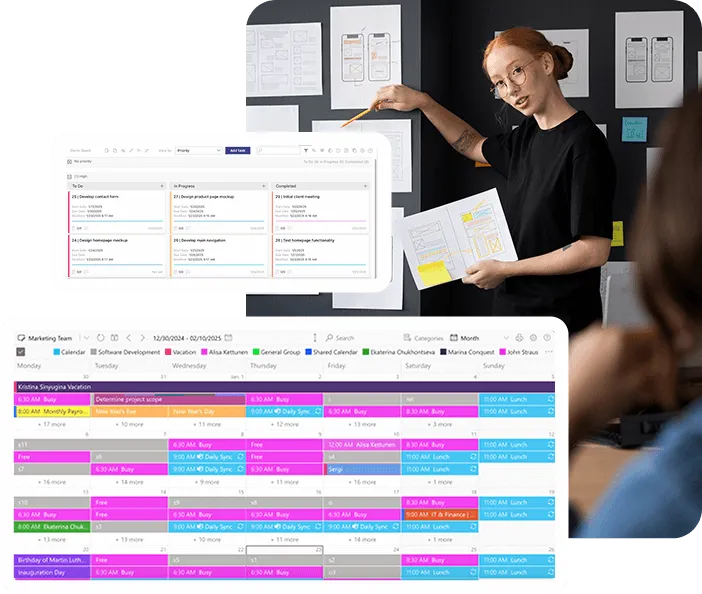
Plan enterprise projects in Microsoft 365: milestones next to meetings in one calendar, tasks on Kanban boards, and email reminders before due dates in SharePoint lists.



Trusted by Industry Leaders












and over 8,000 businesses worldwide
Complete Enterprise Project Management System
Three Microsoft 365 apps for project work: Virto Calendar App shows milestones and meetings, Virto Kanban Board App moves tasks through their stages, and Virto Alerts & Reminder App emails owners before due dates.
Unified project visibility
Three project apps from one provider
Combine Virto Calendar App, Virto Kanban Board App and Virto Alerts & Reminder App: dates on one calendar, tasks on boards, reminders by email and in Microsoft Teams. All three work on the SharePoint lists your projects already use.
Cross-departmental visibility
Overlay each department's calendars and SharePoint task lists in one calendar, and give each team a Kanban board on its own task list, so work that depends on another team is visible early.
Resource and workload visibility
Resource availability in one view
Overlay room and equipment mailboxes with team calendars in Virto Calendar App, so overlapping bookings show side by side before you commit people or rooms to a project.
Workload by owner
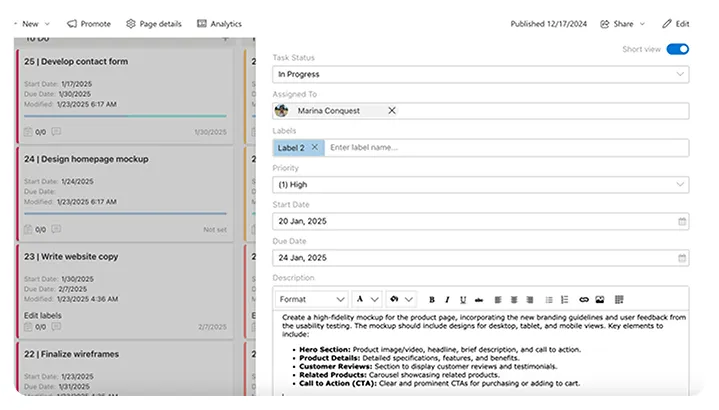
The Kanban board's Assigned to chart shows how many tasks each person holds, and WIP limits keep a stage from filling up. Who takes over a task is still your project leads' call.
Proactive project monitoring
Milestone reminders
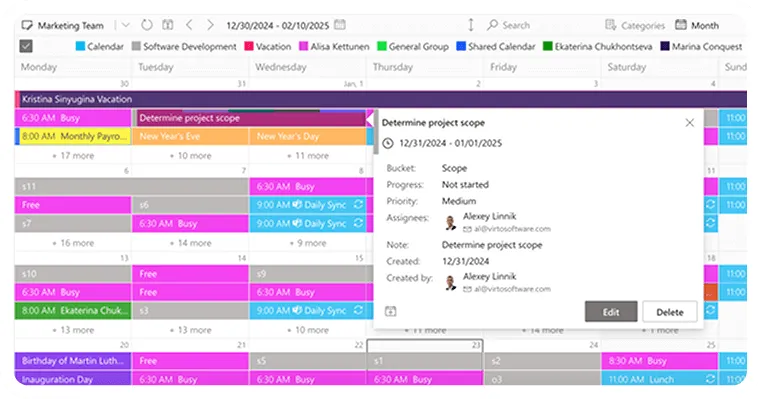
Virto Alerts & Reminder App emails the owner, or a group, before a milestone date in a SharePoint list and can post the reminder to Microsoft Teams. The calendar shows the milestones; it sends no reminders itself.
Progress charts on the board
Virto Kanban Board App charts tasks by status, by assignee and by completion, and adds Burndown and Lead Time charts; completion data exports to CSV. Portfolio-level reporting stays in your PPM tool.
Key benefits

360° calendar integration
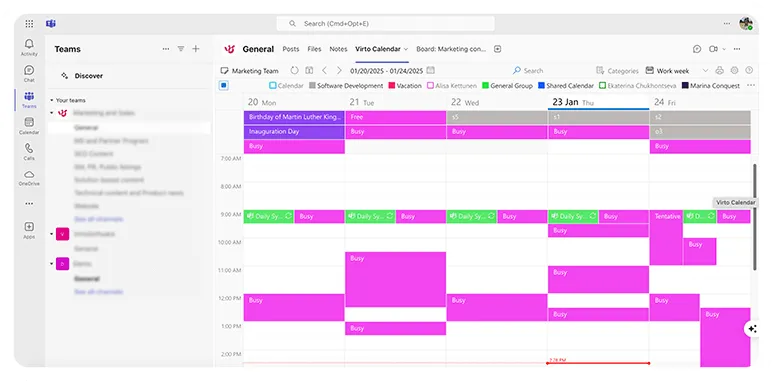
Connect and visualize all your schedules in one enterprise project management system. Merge SharePoint tasks, Outlook calendars, and external calendars through iCal links, colour-coded by source or category. See department schedules, room and equipment availability, and project milestones in one calendar view.
Advanced task organization
Transform workflows with our enterprise task management software’s customizable Kanban boards. Set work-in-progress limits, create swimlanes for different departments, and track task progression with visual indicators. The board works on your SharePoint task list, so every team sees the same tasks and stages.
Dynamic timeline management
See SharePoint and Planner milestones on one timeline next to meetings, releases and holidays, from a single week up to a whole year. Colour-code them by project or department to spot where deadlines cluster across the portfolio.
Reminders and change alerts
Virto Alerts & Reminder App emails owners before a due date or milestone in a SharePoint list, and alerts a team when a task is added, changed or deleted, by email or in Microsoft Teams. Recipients can be people, groups or the person named in the task's Assigned to field.
Resource overlaps in view
See room, equipment and team calendars side by side, so a double booking or an overloaded week is visible while there is still time to change it. The calendar shows overlaps; it does not block bookings or assign people, your project leads do.
Cross-department coordination
Enable smooth collaboration between teams in their SharePoint project sites. Departments share one calendar of milestones and meetings, keep their own Kanban boards, and can follow interdependent tasks and deliverables across teams.
Which Virto app for which project job
Teams work from SharePoint task lists and need to see what is in progress and what is stuck.

Columns and swimlanes show each task's stage and owner, and the Burndown and Lead Time charts show how fast work leaves the board.

Planner and SharePoint milestones are overlaid with group calendars and holiday feeds, so a milestone that lands on a board meeting or a holiday is visible early.
Virto Alerts & Reminder App emails the owner, or a group, a set number of days before a date in a SharePoint list.
Virto apps show the work and its timing. Budgets, cost tracking and portfolio prioritisation stay in the PPM system that owns them.
Virto M365 Productivity Kit
Gain control of your enterprise projects

Integrations
Connect to the tools your teams use the most so everyone works seamlessly in one place.







Related use cases
Discover our range of use cases to take your planning and coordination to another level
Risk Management Solutions
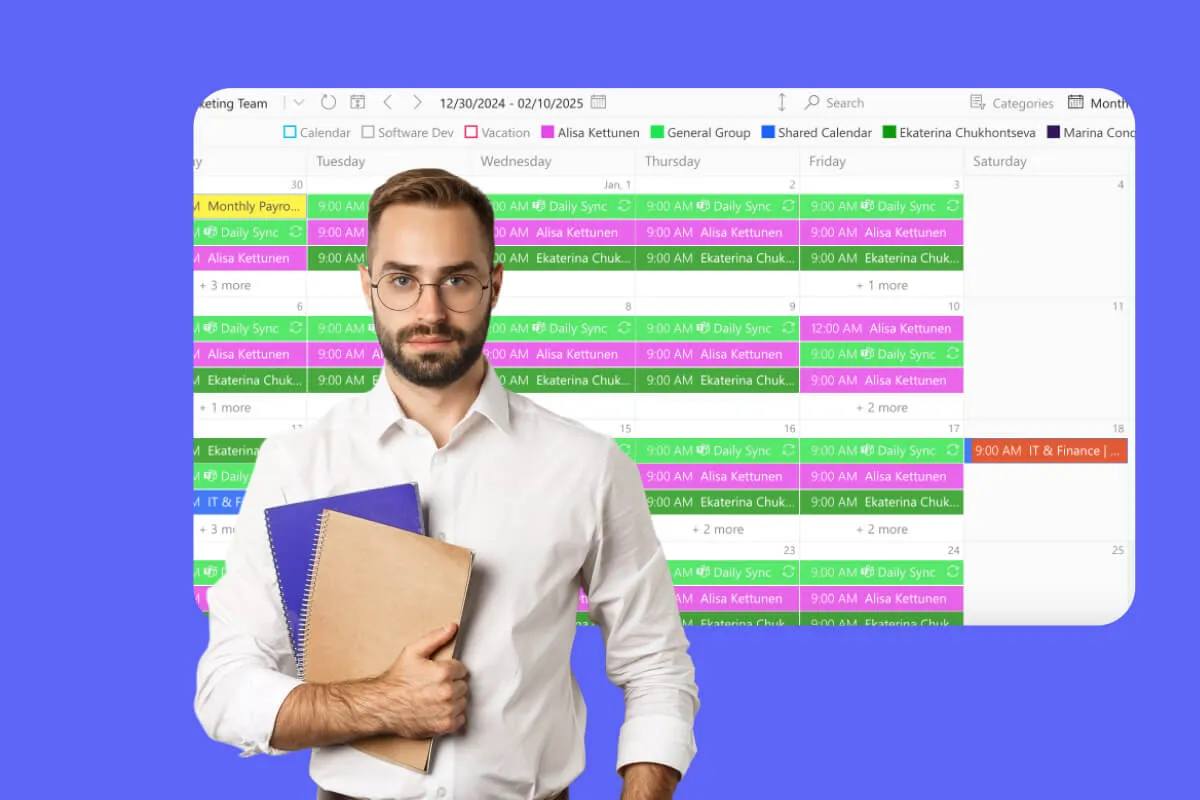
Put risk review and mitigation dates on one calendar, move mitigation actions across a Kanban board, and email risk owners before each review, all in Microsoft 365.
Learn more about Risk Management Solutions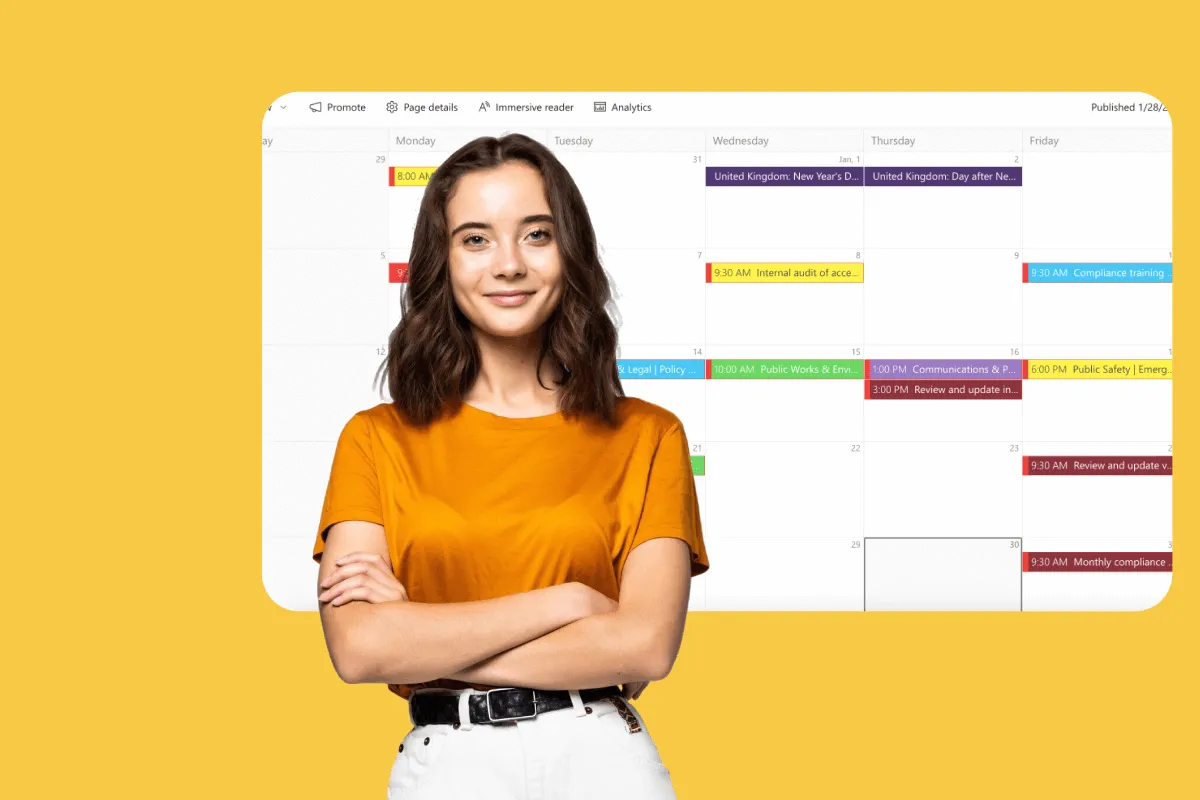
Compliance Management Software
See every audit and filing date in one calendar, move remediation tasks across Kanban boards, and email owners before compliance deadlines, all in Microsoft 365.
Learn more about Compliance Management Software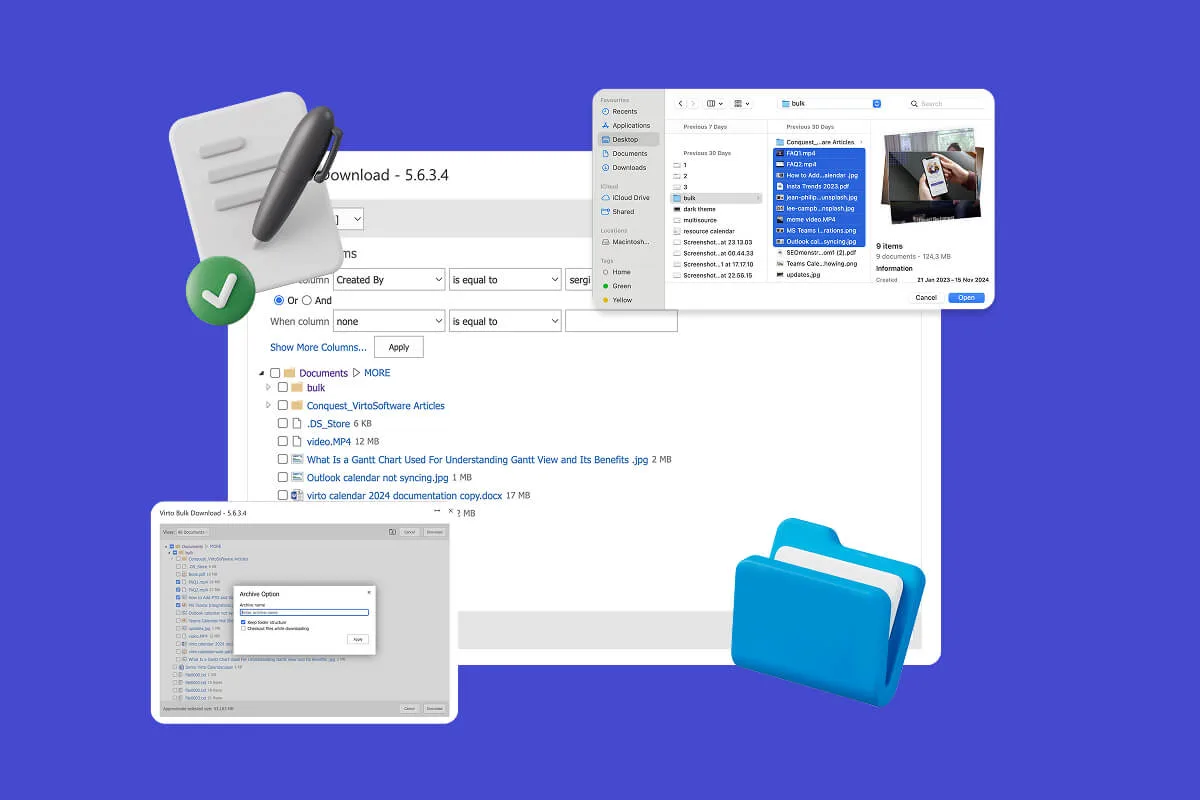
Multiple File Management
Built for high-compliance organizations: Virto Multiple File Operations uploads, moves, copies, deletes and re-tags SharePoint files in bulk, under the permissions you already set—without scripting or IT help.
Learn more about Multiple File Management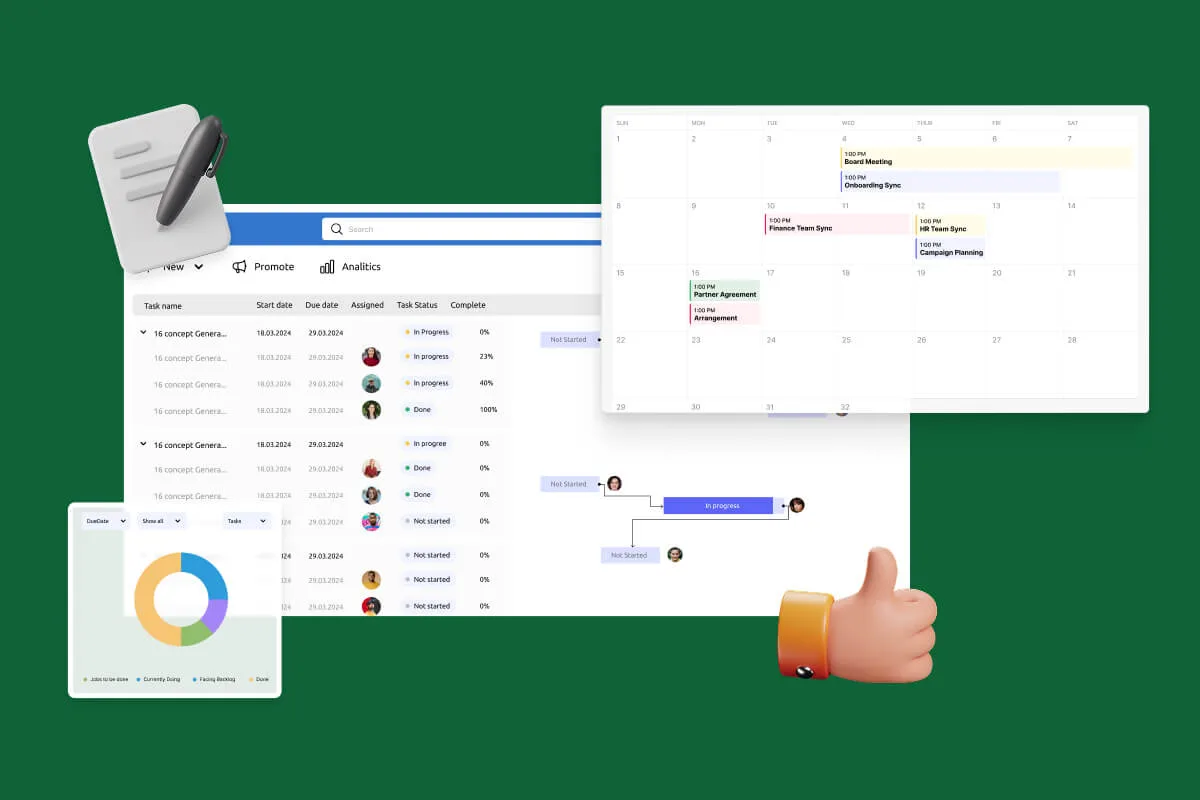
Notifications Automation for Government
For government, legal and finance teams: Virto Alerts & Reminder App sends email and Teams reminders before the deadlines kept in your SharePoint lists and alerts owners when items change.
Learn more about Notifications Automation for Government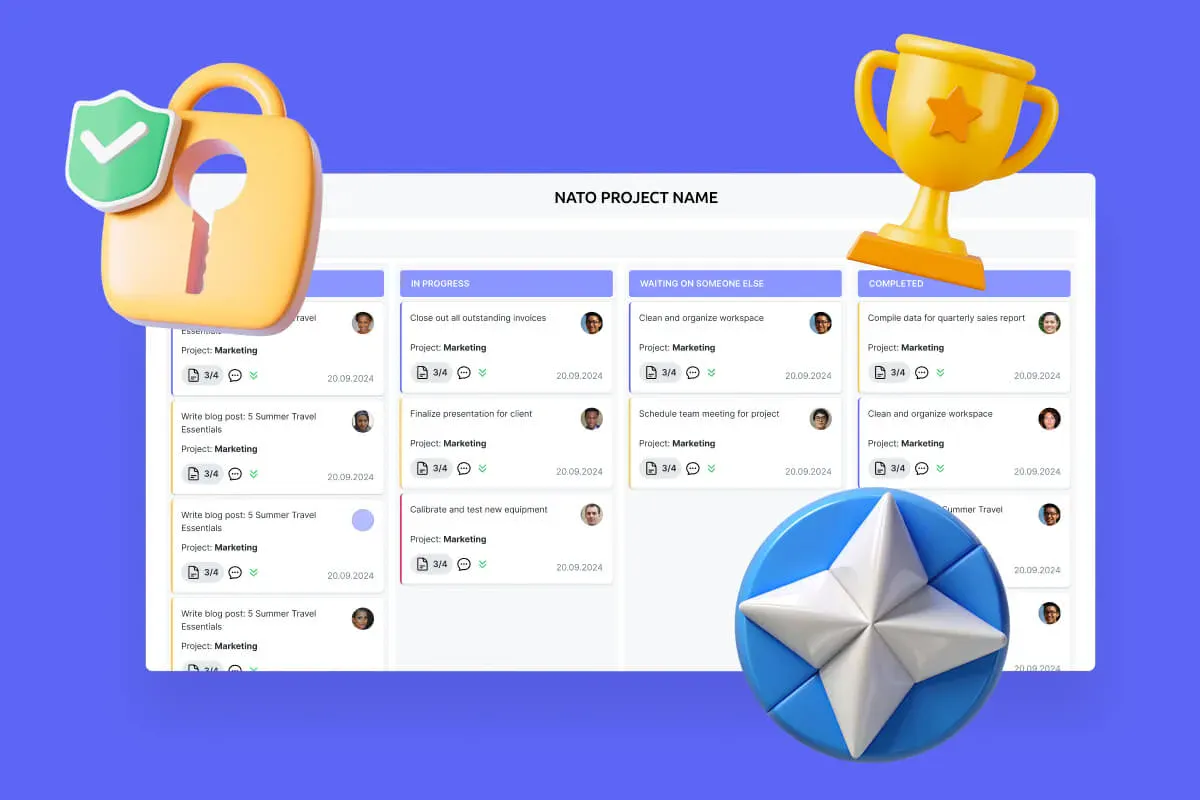
Secure Productivity for IGOs
Transform your secure project management, enhance mission coordination, and get your security and compliance features running like clockwork with VirtoSoftware's NATO-tested secure productivity solutions.
Learn more about Secure Productivity for IGOs
Comprehensive support, security, and integration
Our commitment to excellence in every aspect of your experience

Support
Get your questions answered by our global support team of VirtoSoftware product experts, available 24/7/365.

Security
We build our solutions with you in mind to give you control and visibility over access, data, and security.

Integrations
Connect to the M365 tools and internet calendars your teams use the most so that everyone works seamlessly in one place.
Talk to our team
Need clarity on our app's suitability for you? Set up a quick call with us or chat via Microsoft Teams chat to explore its potential for your needs.