


VirtoSoftware Risk Management Solutions
Put risk review and mitigation dates on one calendar, move mitigation actions across a Kanban board, and email risk owners before each review, all in Microsoft 365.



Trusted by Industry Leaders












and over 8,000 businesses worldwide
Comprehensive Enterprise Risk Management Platform
Microsoft 365 apps that put risk review dates on one calendar, mitigation actions on a board and reminders in owners' inboxes. Risk scoring and board reporting stay in your risk system.
Proactive risk management & mitigation
Mitigation board
Track mitigation actions across departments on Virto Kanban boards built on your SharePoint risk list, with a column for each stage, swimlanes by department and drag-and-drop between them.
Consistent assessment stages
Give every team the same columns and swimlanes for its risk assessments, so a risk moves through the same stages in every department.
Seamless cross-team collaboration
Integrated risk calendar
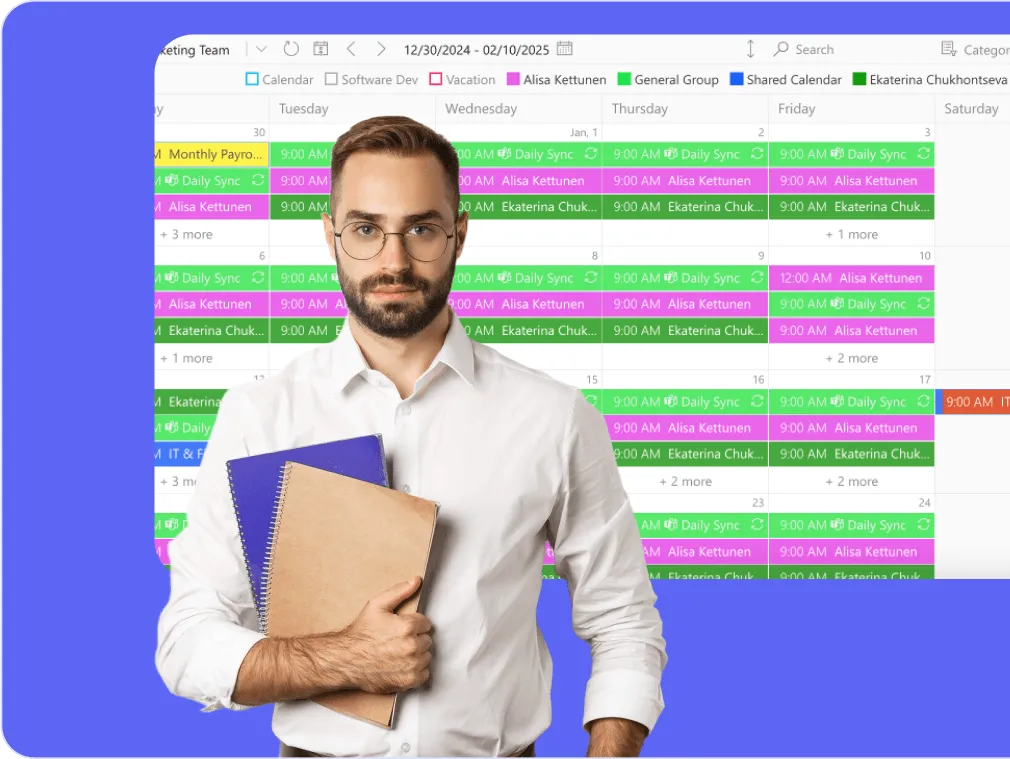
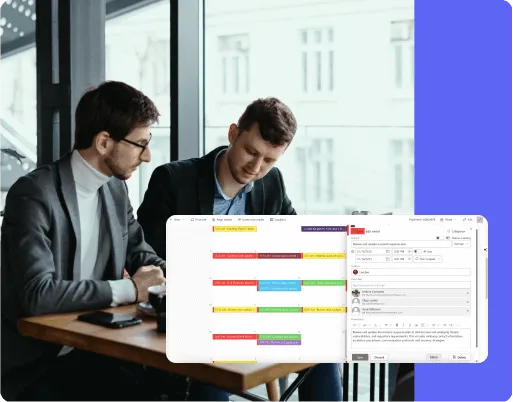
See risk reviews, assessments and deadlines from your SharePoint risk register in Virto Calendar App, next to department calendars, so your team stays aligned on what is due.
Risk documents in SharePoint
Keep risk documents in SharePoint libraries with SharePoint's own permissions and version history. SharePoint's audit log, not a Virto app, records who changed what.

Timely reminders and a shared timeline
Reminders and change alerts
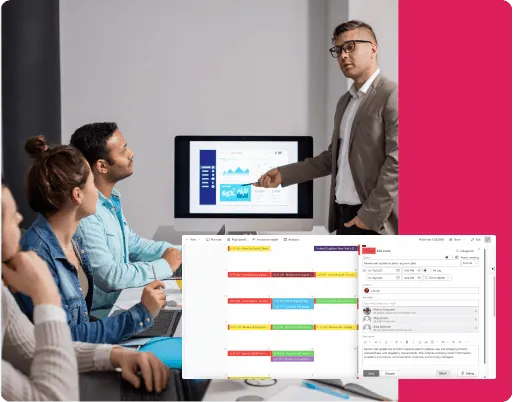
Virto Alerts & Reminder App emails owners before assessment and mitigation dates in the risk register, and alerts the risk team by email or in Microsoft Teams when an entry is added or changed, for example only when its rating is set to High.
Integrated timeline management
See the assessment schedules and deadlines of all teams in Virto Calendar App, from a week up to a whole year, so review cycles that pile up in the same month show early.
Key benefits

One calendar for risk dates
Overlay your SharePoint risk register with Outlook calendars and iCal feeds, colour-coded by risk category, and see review and mitigation dates across departments in one view.
Reminders and alerts on the risk register
Virto Alerts & Reminder App emails owners before review dates and alerts department contacts when a risk entry is added, changed or deleted, with filters on the fields that matter. The history of each entry stays in SharePoint's version history and audit log.
Visual risk management workflow
Track mitigation progress, assign ownership and see resolution status on a Kanban board, with swimlanes by department and charts by status and assignee.
Cross-departmental risk calendar
Coordinate risk assessments and mitigation activities across teams with our risk management platform. Overlay multiple department calendars, color-code risk categories, and see where assessments overlap before they collide.
Risk records stay in SharePoint
The risk register and its documents stay in SharePoint, with SharePoint's version history and permissions. Virto apps show and remind; they add no documentation workflow of their own.
Native Microsoft 365 risk management
Manage enterprise risks directly within your Microsoft 365 ecosystem. Add the risk calendar to a Teams channel, keep documents in SharePoint and send reminders by email and Teams, while the content stays in your Microsoft 365 tenant.
The right tool for each part of risk management
The risk register is a SharePoint list with a review date and an owner for each risk.

Review dates from the register are drawn next to department calendars and audit dates, so a review cycle does not collide with year-end or an audit.

Each action is a card with an owner and a due date, in swimlanes by department or risk category, and the Status and Assigned to charts show where actions are stuck.
Virto Alerts & Reminder App emails the risk owner a set number of days before the review date, and alerts the risk team when an entry in the register changes.
Virto apps show when reviews are due and how mitigation is moving. Scoring, heat maps, risk appetite and board reporting stay in the risk system that owns them.
Transform enterprise risk management from a burden into a business advantage



Integrations
Connect to the tools your teams use the most so everyone works seamlessly in one place.







Related use cases
Discover our range of use cases to take your planning and coordination to another level
Enterprise Project Management Tools
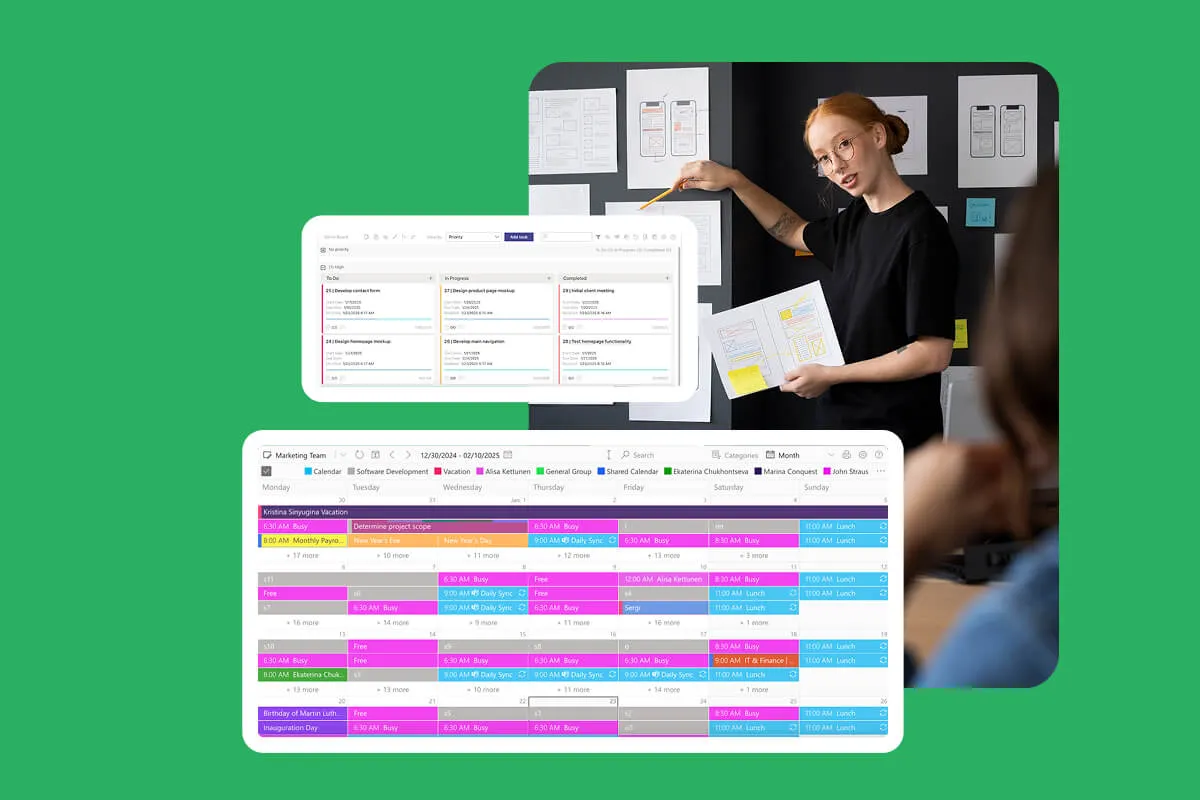
Plan enterprise projects in Microsoft 365: milestones next to meetings in one calendar, tasks on Kanban boards, and email reminders before due dates in SharePoint lists.
Learn more about Enterprise Project Management Tools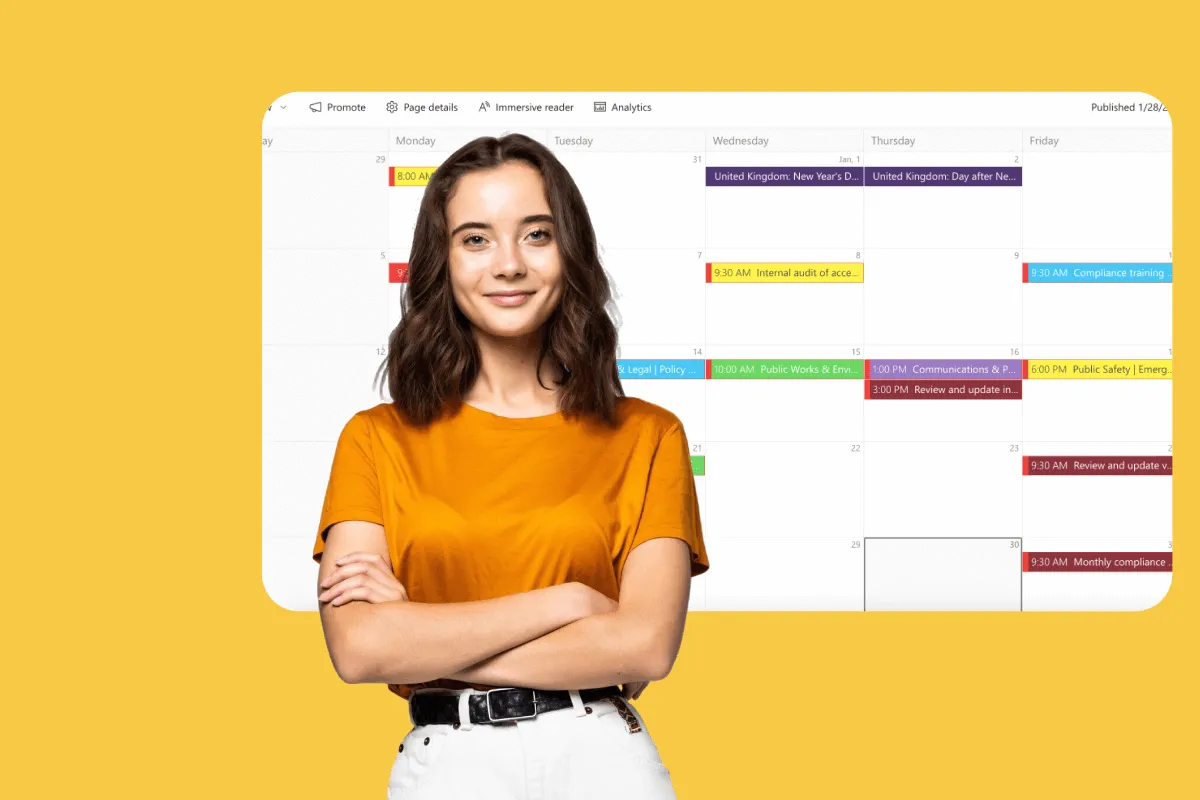
Compliance Management Software
See every audit and filing date in one calendar, move remediation tasks across Kanban boards, and email owners before compliance deadlines, all in Microsoft 365.
Learn more about Compliance Management Software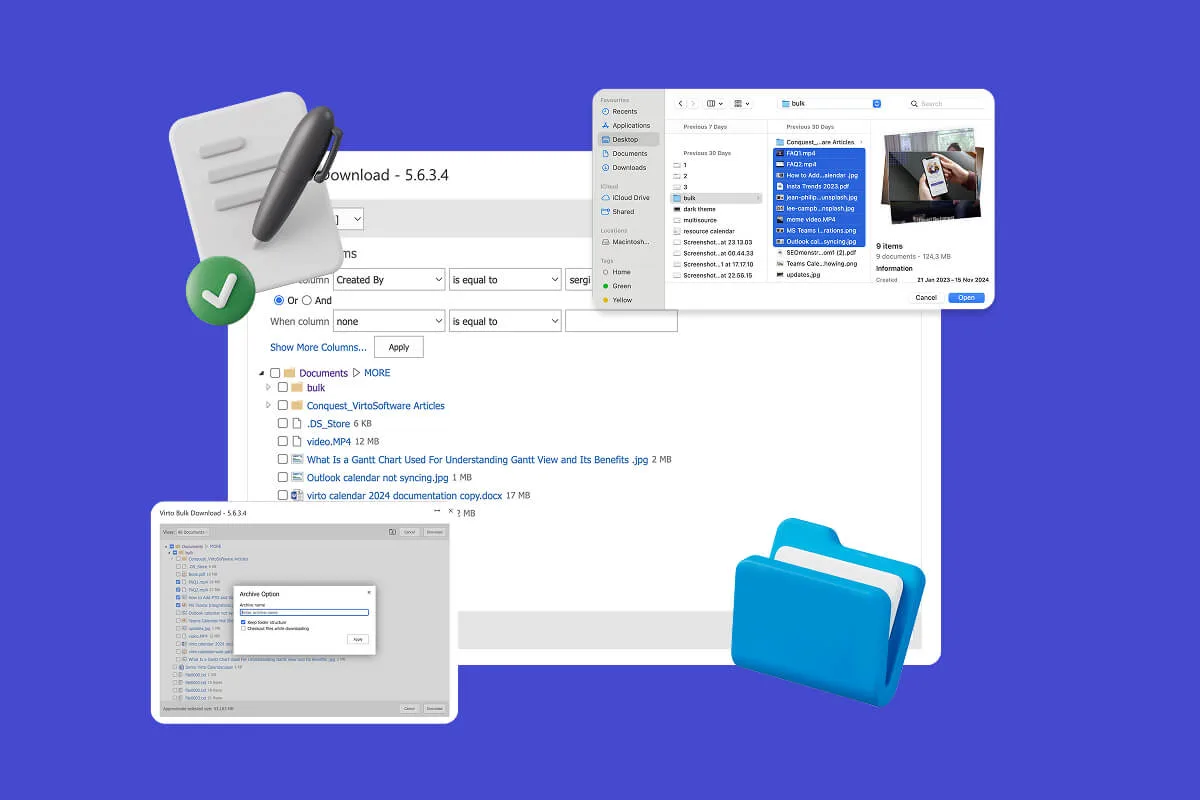
Multiple File Management
Built for high-compliance organizations: Virto Multiple File Operations uploads, moves, copies, deletes and re-tags SharePoint files in bulk, under the permissions you already set—without scripting or IT help.
Learn more about Multiple File Management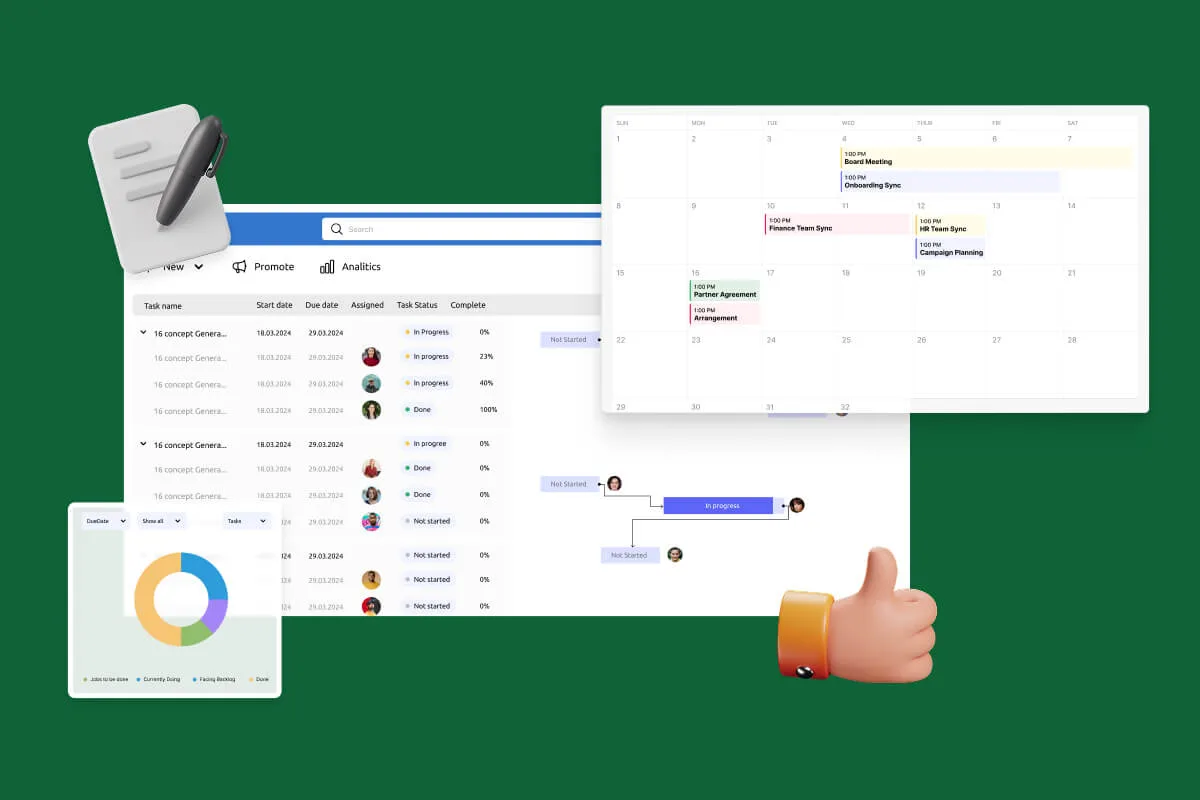
Notifications Automation for Government
For government, legal and finance teams: Virto Alerts & Reminder App sends email and Teams reminders before the deadlines kept in your SharePoint lists and alerts owners when items change.
Learn more about Notifications Automation for Government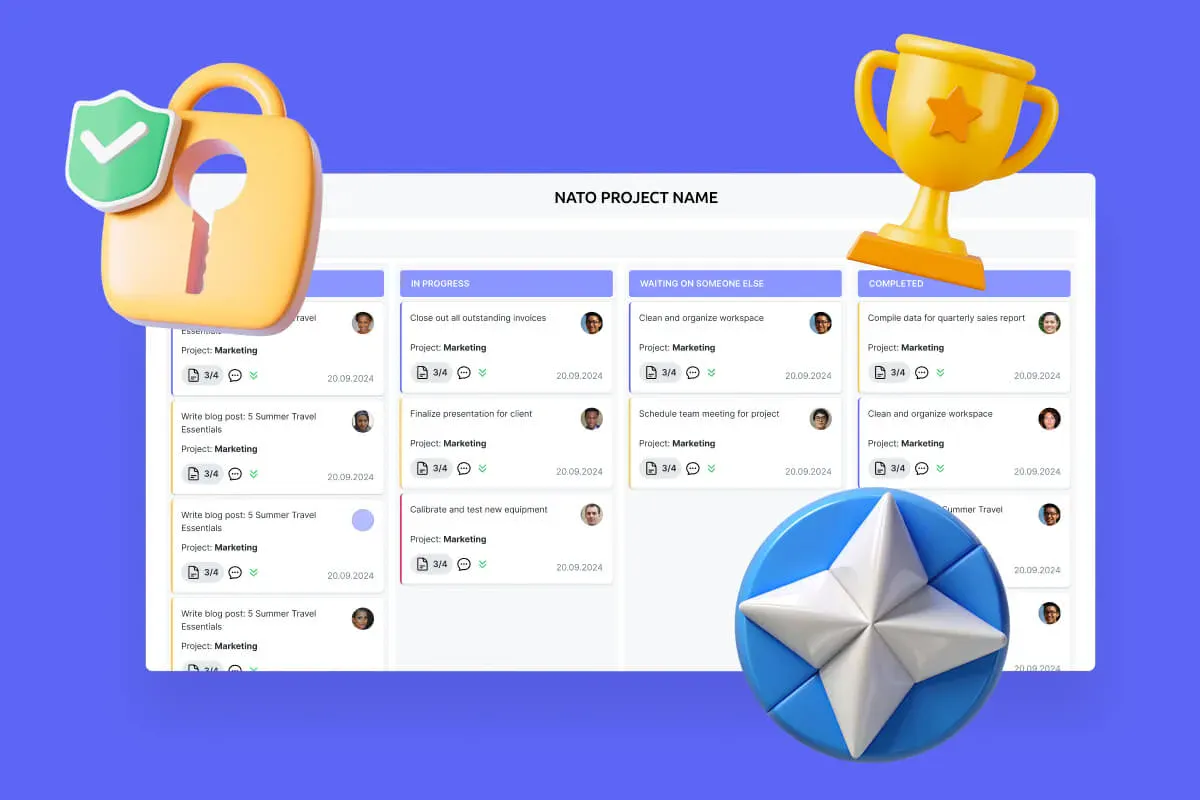
Secure Productivity for IGOs
Transform your secure project management, enhance mission coordination, and get your security and compliance features running like clockwork with VirtoSoftware's NATO-tested secure productivity solutions.
Learn more about Secure Productivity for IGOs
Comprehensive support, security, and integration
Our commitment to excellence in every aspect of your experience

Support
Get your questions answered by our global support team of VirtoSoftware product experts, available 24/7/365.

Security
We build our solutions with you in mind to give you control and visibility over access, data, and security.

Integrations
Connect to the M365 tools and internet calendars your teams use the most so that everyone works seamlessly in one place.
Talk to our team
Need clarity on our app's suitability for you? Set up a quick call with us or chat via Microsoft Teams chat to explore its potential for your needs.