


Secure document management and bulk file operations in SharePoint, with ease
Built for high-compliance organizations: Virto Multiple File Operations uploads, moves, copies, deletes and re-tags SharePoint files in bulk, under the permissions you already set—without scripting or IT help.



Trusted by Industry Leaders












and over 8,000 businesses worldwide
Accelerate document handling
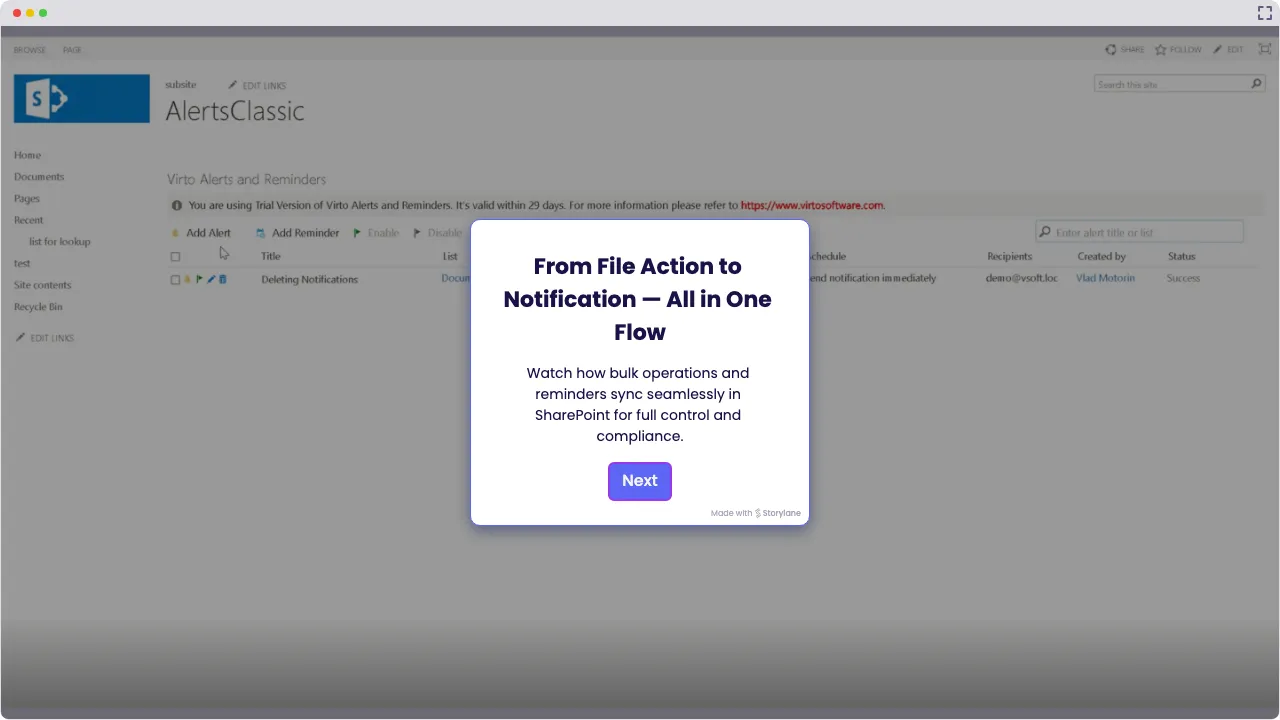
Launch Interactive Demo
Secure File Management Solutions by VirtoSoftware
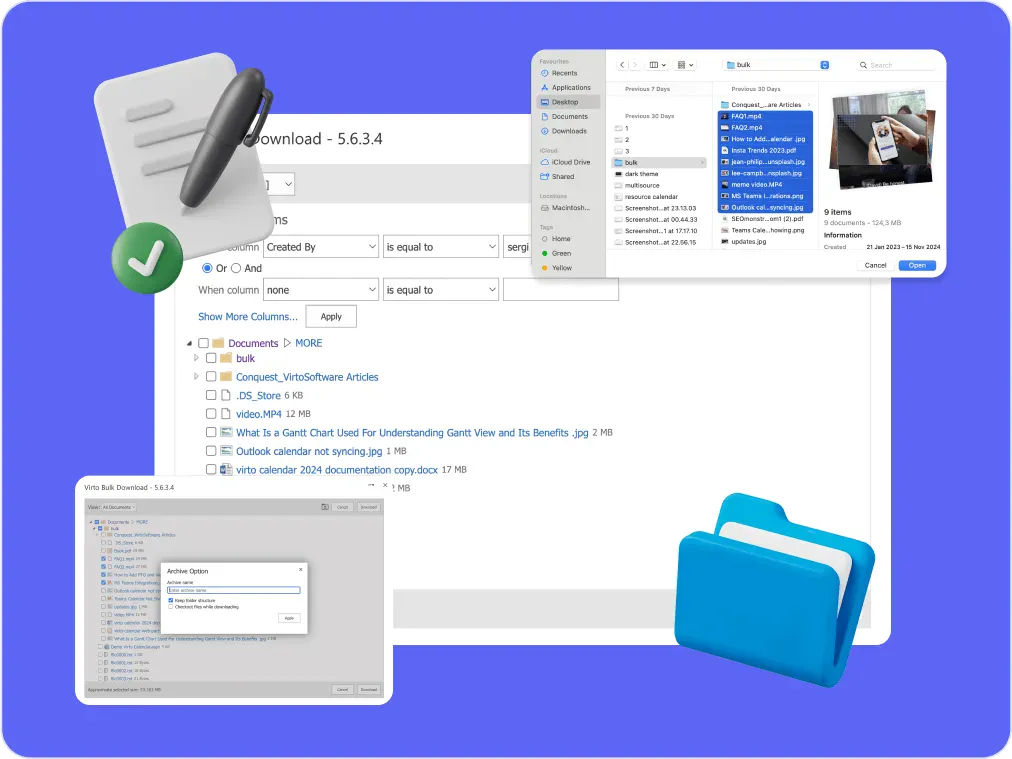
Virto Multiple File Operations for SharePoint On-Premise helps government agencies, NGOs and enterprises manage multiple files effortlessly—upload, download, copy, move, delete, check in or out, approve and edit metadata in bulk—inside the SharePoint farm and permissions that already protect them. Files waiting in SharePoint's content approval can be approved together, and the Virto Notifications & Alerts Web Part emails the people who need to act when files arrive or change.
Simple, Secure Management of Multiple Files in SharePoint
Virto makes handling multiple files in SharePoint easy. Upload, download, move, copy, delete, check-in/out, and update metadata—all in one go with a clean drag-and-drop interface. No more fighting with SharePoint’s built-in limits.

Full Control with Secure Document Management
Every action runs inside your SharePoint On-Premise farm under the permissions users already have, and the tool shows a log of the files it processed. Deleted files go to the Recycle Bin, and SharePoint's own version history and audit log keep their record.

Bulk Actions Instead of Repetitive Clicks
Cut out repetitive tasks: tag a whole batch with the same metadata, check files in or out or approve them together, and delete by a CAML filter instead of one file at a time. The approval itself is SharePoint's content approval, and the Virto Notifications & Alerts Web Part can email reviewers when new files arrive.

Key benefits

Accelerated document handling
Quickly process thousands of multiple files in SharePoint—speeding up heavy workflows often seen in government, NGOs, and enterprises.
Stronger security & compliance
Operate fully within your SharePoint On-Premise infrastructure, keeping control of sensitive data and meeting strict secure document management and compliance standards.
Reduced IT burden
A user-friendly interface empowers teams to handle routine tasks like bulk moves, check-ins and metadata updates—no IT tickets needed.
Consistent and reliable file management
Apply the same metadata to a whole batch of files for dependable results, even when multiple editors work in the same SharePoint library.
Seamless integration with SharePoint
Fully compatible with classic and modern SharePoint, making it easy to use SharePoint to share files, manage workflows, and maintain productivity.
Improved user adoption and productivity
By simplifying complex tasks like bulk upload SharePoint On-Premise, non-technical staff can confidently handle large volumes of documents.
When to Use Virto Multiple File Operations: Real-World Scenarios
Upload a whole batch of application files at once and set their metadata in one step, into a library where SharePoint's content approval takes over.
Process case files in batches under the SharePoint permissions that already protect them. The tool lists every file it processed, and SharePoint's audit log keeps the record.
Check contracts in and out and update their metadata in bulk, so several editors can share one library, and approve a finished batch at once when the library uses SharePoint's content approval.
Move and organize multiple files easily with reliable, secure structure.
Delete outdated files in bulk, picked by a CAML filter; they go to the Recycle Bin, so a mistake can still be undone.
Virto Multiple File Operations
Upload, move and copy SharePoint files in bulk, not one by one



Integrations
Connect to the tools your teams use the most so everyone works seamlessly in one place.







Related use cases
Discover our range of use cases to take your planning and coordination to another level

Compliance & Regulatory Deadlines Calendar
Simplify compliance management with a Microsoft 365 calendar that centralizes deadline tracking, with email and Teams reminders from Virto Alerts & Reminder App.
Learn more about Compliance & Regulatory Deadlines Calendar
Public Meeting Calendar
Simplify scheduling and enhance transparency with Virto Calendar App: public meetings, hearings and hall bookings in one Microsoft 365 calendar for government organizations, municipalities and public sector teams.
Learn more about Public Meeting Calendar
Calendar for Interdepartmental Communication
Help your departments work better together with Virto Calendar for Microsoft 365. Coordinate meetings, share resources, and manage cross-department projects in one place.
Learn more about Calendar for Interdepartmental CommunicationComprehensive support, security, and integration
Our commitment to excellence in every aspect of your experience

Support
Get your questions answered by our global support team of VirtoSoftware product experts, available 24/7/365.

Security
We build our solutions with you in mind to give you control and visibility over access, data, and security.

Integrations
Connect to the M365 tools and internet calendars your teams use the most so that everyone works seamlessly in one place.
Talk to our team
Need clarity on our app's suitability for you? Set up a quick call with us or chat via Microsoft Teams chat to explore its potential for your needs.