


Virto Calendar: Your All-in-One Online Class Scheduling Solution
Simplify course management for educators and students. See every class session, office hour and term date in one Microsoft 365 calendar, and create a Teams meeting for an online session from its event.



Trusted by Industry Leaders












and over 8,000 businesses worldwide
Improve Your Online Class Management
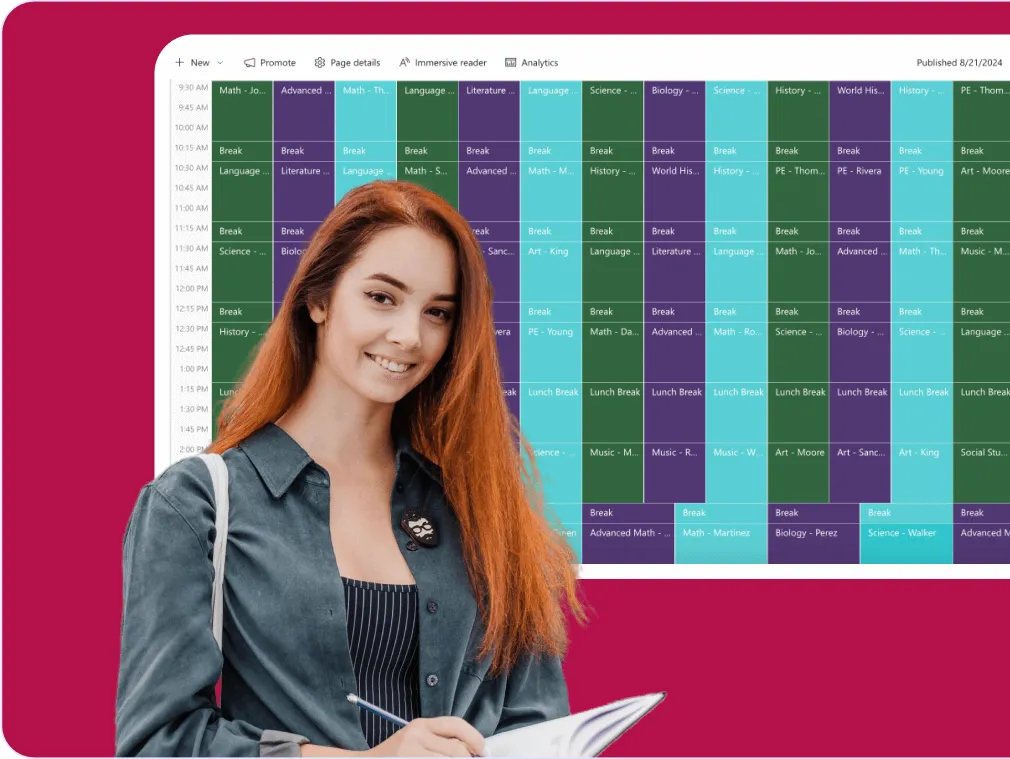
Virto Calendar provides a centralized platform that enhances the learning experience and simplifies online class scheduling. It lays teachers' calendars, session lists and the academic calendar in one view and creates a Microsoft Teams meeting from a session, improving coordination for educational institutions of all sizes.
Unified calendar integration
One calendar from many sources
Teachers' Outlook calendars, SharePoint lists of sessions and the academic calendar's iCal feed are overlaid in one view, colour-coded by source, so overlapping sessions are easy to spot.
Changes shown, reminders from the source
A session moved in Outlook or in the SharePoint list shows at its new time in the calendar. Virto Calendar App sends no notifications itself; Outlook reminders on the meeting still reach each participant, and Virto Alerts & Reminder App can send email and Teams reminders from dates in a SharePoint list.

Efficient class management
Quick rescheduling
Decrease administrative workload: move a session to another day or time by dragging it in the calendar, and the change is saved to its source. Overlapping sessions sit side by side, so a clash is easy to spot; the calendar does not pick times for you.
Customizable calendar views
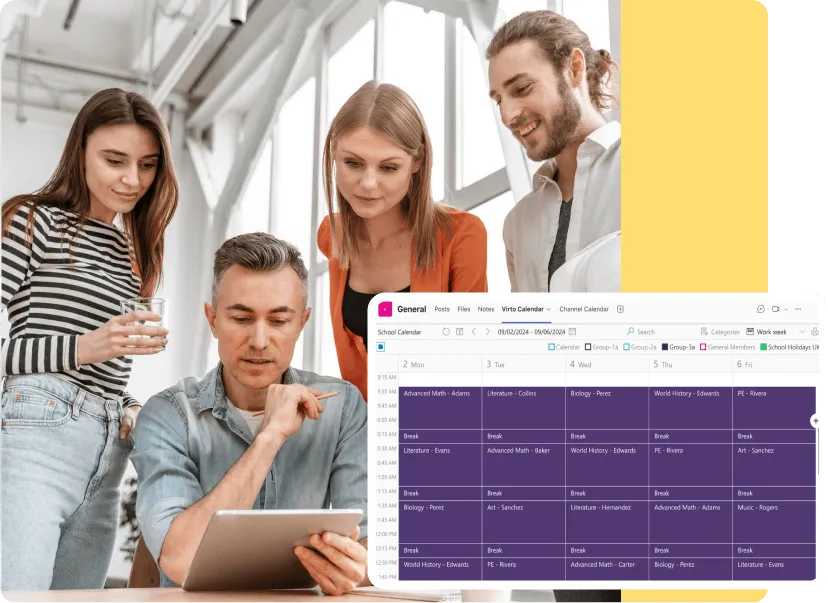
Empower users to personalize their schedule display, boosting productivity and time management for both educators and students.
User-friendly experience
Mobile accessibility
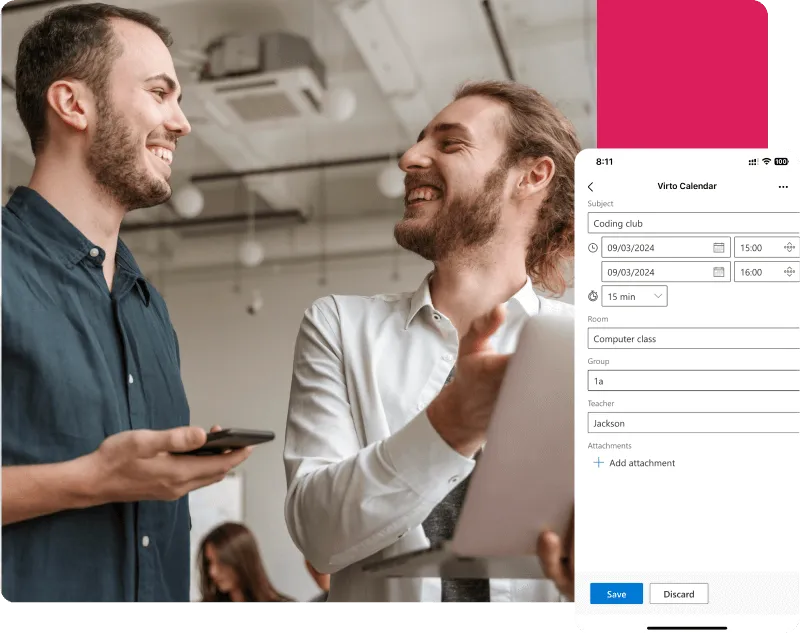
Access and manage online class schedules on-the-go with our responsive design, compatible with all devices.
Intuitive interface
Simplify class scheduling with an easy-to-use platform, minimizing the learning curve for all users.
Key benefits

Teams and Zoom meetings from the calendar
Virto Calendar App creates a Microsoft Teams meeting from a session kept in an Outlook calendar, and a session with a Zoom link opens in Zoom straight from the event. Sessions planned in other tools appear when they are in a calendar Virto Calendar App reads, such as an Outlook calendar or an iCal feed.
Real-time schedule updates
Fewer missed or overlapping sessions. Virto Calendar App shows every change made in the source calendars, and overlapping sessions are drawn side by side. Notifications about a change come from Outlook or from Virto Alerts & Reminder App; the calendar sends none of its own.
Centralized management hub
Overcome confusion and miscommunication with our centralized system. Virto Calendar offers a single source of truth for all your online class schedules, streamlining online class management for administrators.
Customizable calendar views
Tailor your online schedule of classes to your needs. Virto Calendar offers customizable views for faculty and administrators, making it easy to manage multiple classes, departments, or entire institutions at a glance.
Rooms, instructors and equipment at a glance
Room and equipment mailboxes and instructors' calendars are overlaid next to the sessions, so a coordinator sees what is already taken before booking it. Virto Calendar App shows availability; it does not assign rooms or instructors for you.
Student-friendly schedule access
Empower students with easy access to their class schedules. Virto Calendar's user-friendly interface and mobile compatibility allow students to view and manage their online schedule of classes anytime, anywhere.
When Virto Calendar App fits — and when it does not
Teachers keep their sessions and office hours in their own Outlook calendars.

Shared Outlook calendars are laid side by side, so a coordinator sees the whole teaching week and where office hours overlap.
When the data source is an Outlook calendar, a session becomes a Microsoft Teams meeting straight from the calendar event.
Term dates, exams and holidays from group calendars or iCal feeds are drawn alongside the sessions, so a class is not scheduled on a day the school is closed.
Virto Calendar App shows when sessions happen. The class itself, recordings and attendance stay in Teams or the LMS.
Virto Calendar App
Experience the next level of online class management with Virto Calendar
Related products


Integrations
Connect to the tools your teams use the most so everyone works seamlessly in one place.







Related use cases
Discover our range of use cases to take your planning and coordination to another level
Event Calendar
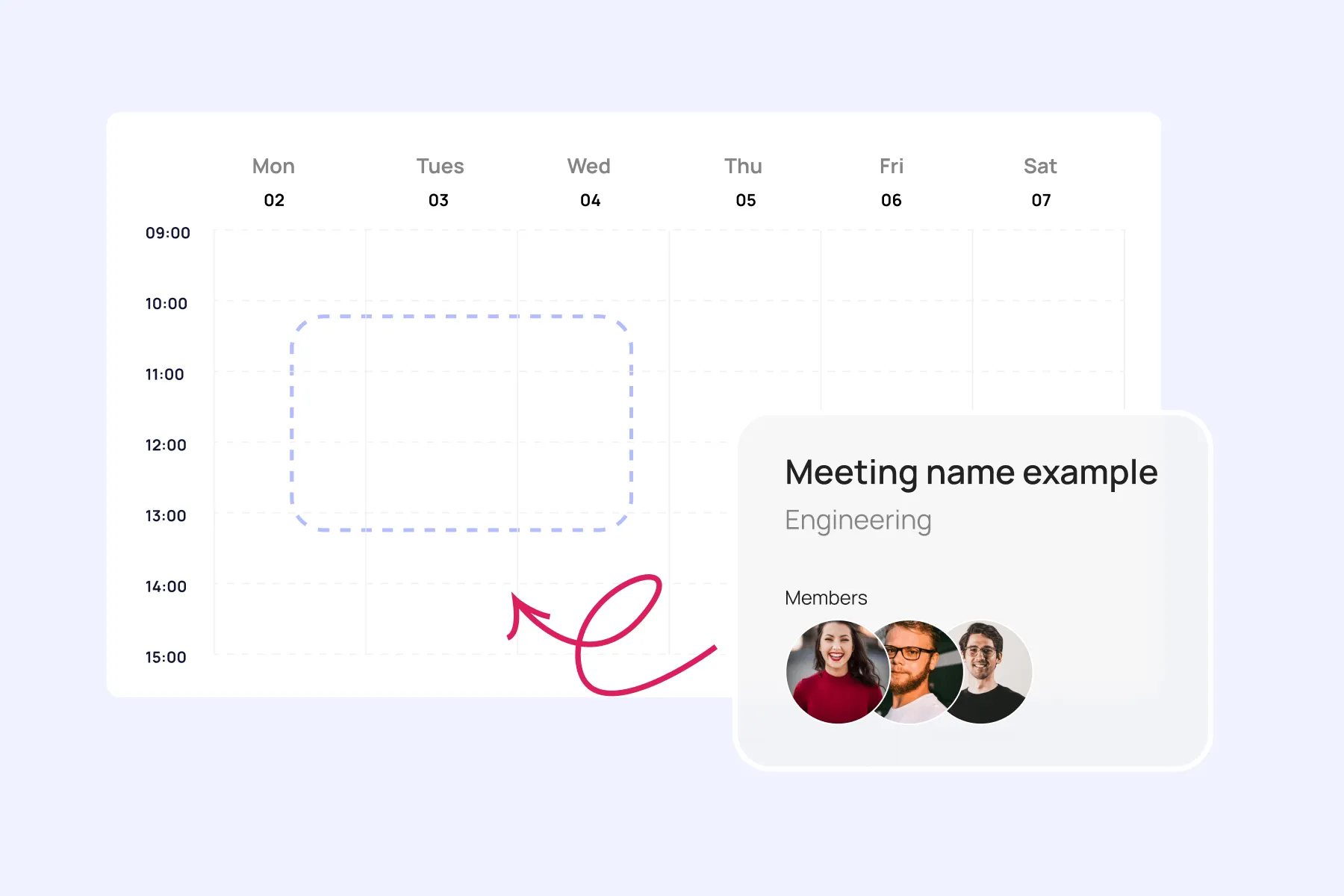
Effortlessly plan and execute corporate meetings and events with our feature-rich calendar. Ensure real-time visibility for both internal and external users.
Learn more about Event Calendar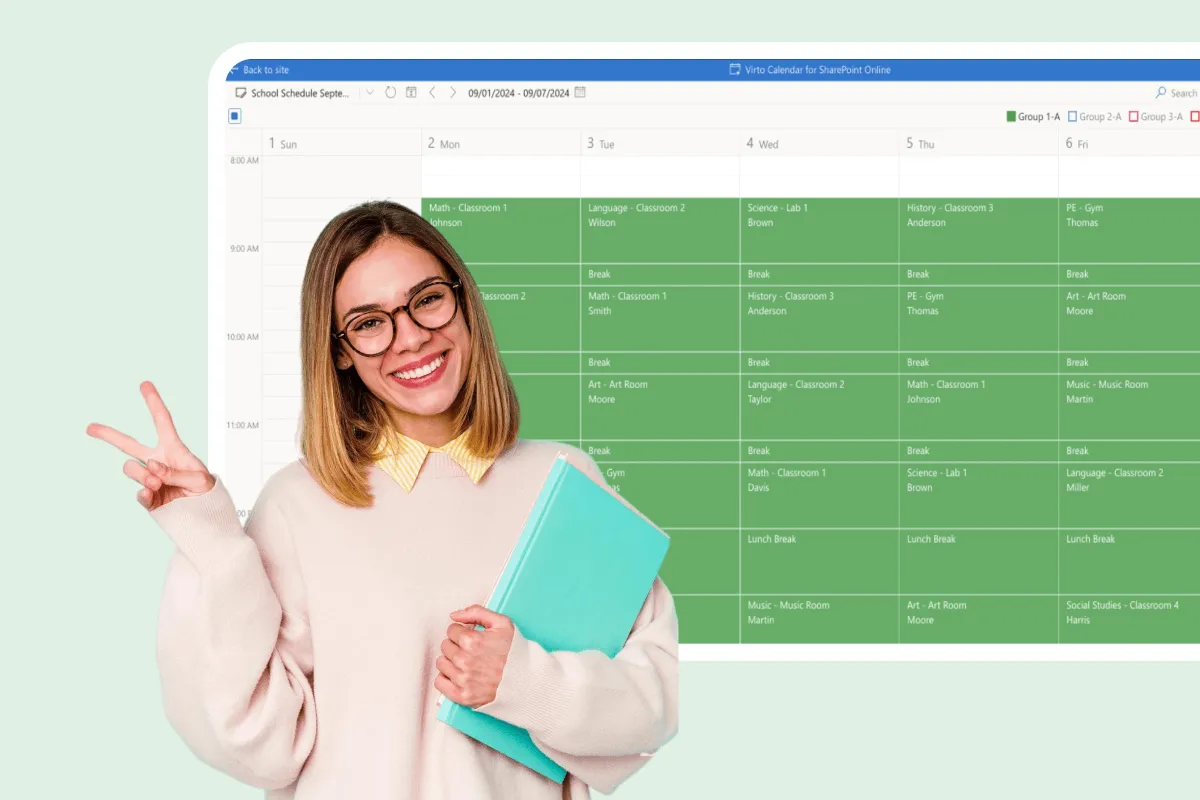
Assignment Calendar
Get a clear view of your academic workload with Virto Calendar. Track assignment deadlines, plan study sessions, and balance coursework across subjects.
Learn more about Assignment Calendar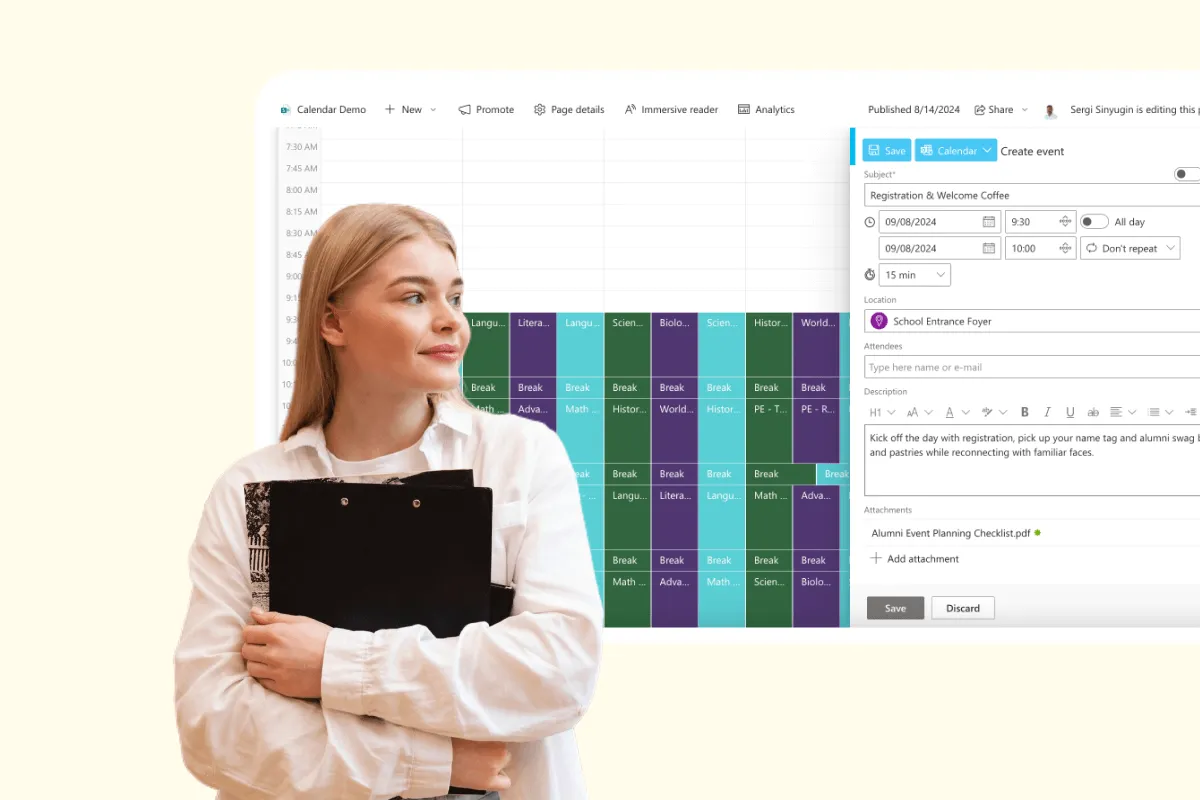
Alumni Event Coordination Calendar
Boost alumni engagement with Virto Calendar App. Plan reunions, networking events and fundraisers in one staff calendar, with venues and every organizer's dates side by side.
Learn more about Alumni Event Coordination Calendar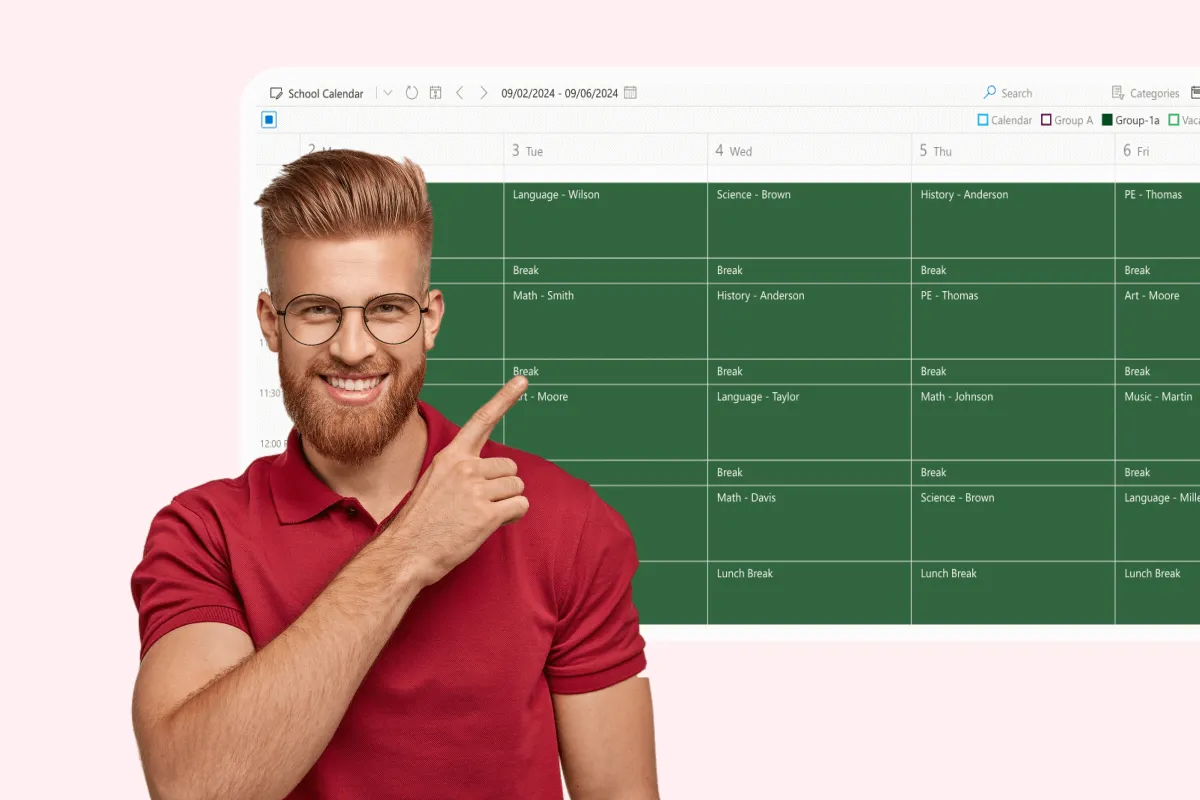
Assignment Tracker
Master coursework management with VirtoSoftware's assignment trackers: Virto Calendar App and Virto Kanban Board App. See due dates across courses, track each assignment's stage, and prioritize tasks.
Learn more about Assignment Tracker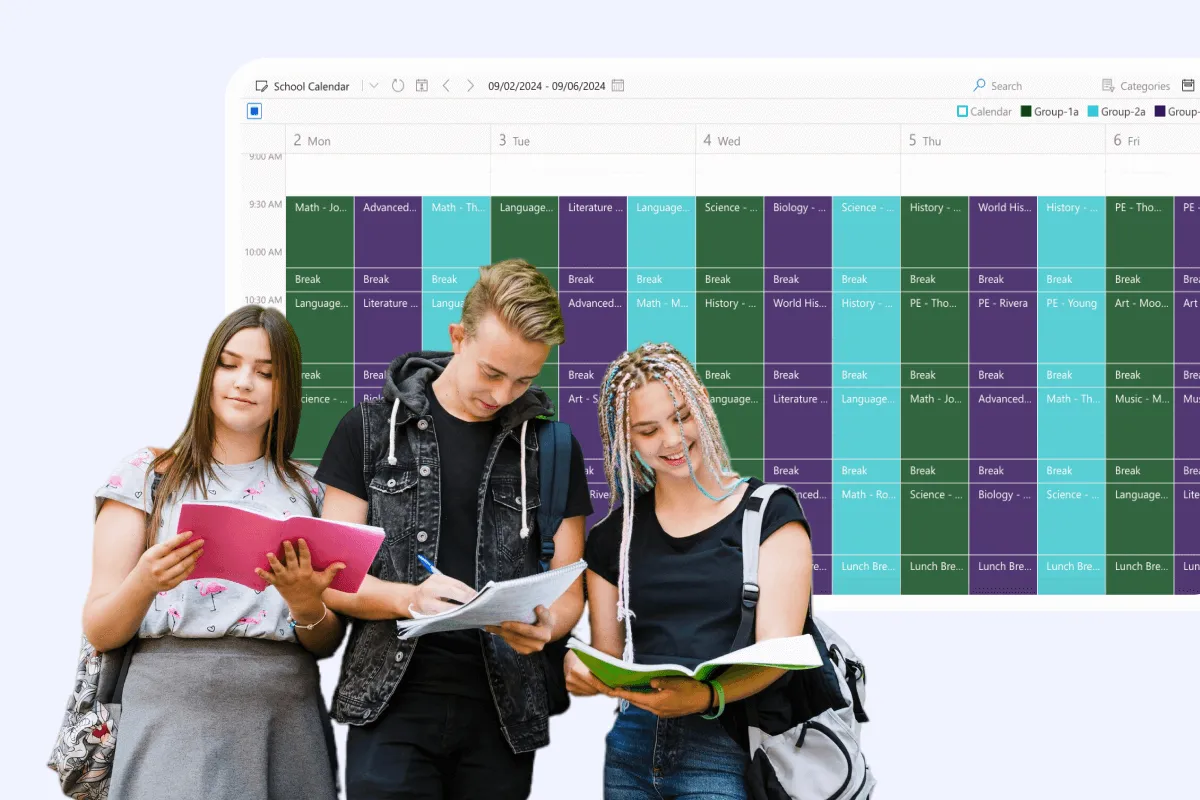
Class Scheduling
Say goodbye to scheduling conflicts, missed classes, and administrative headaches. With Virto Calendar, focus on what matters most: delivering quality education.
Learn more about Class Scheduling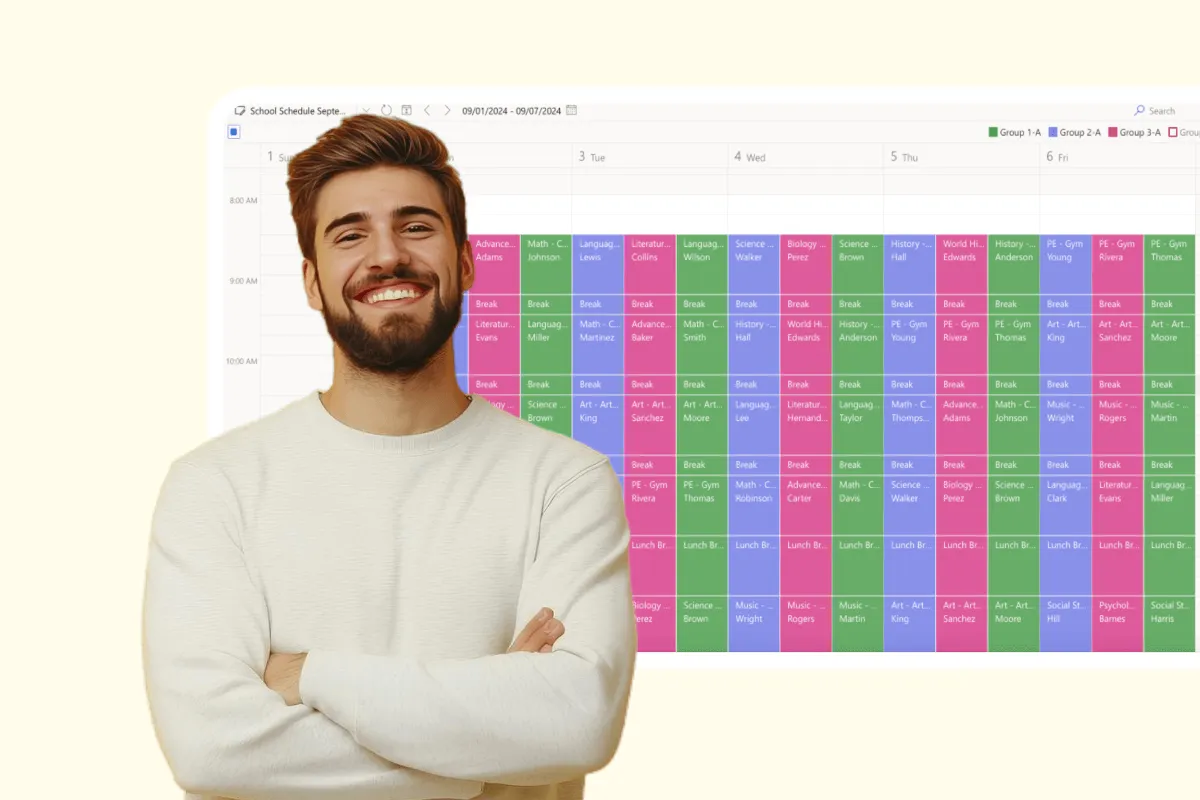
Extracurricular Activities Calendar
Coordinate after-school programs with Virto Calendar. Manage the schedules and facilities of every extracurricular activity in one calendar.
Learn more about Extracurricular Activities CalendarComprehensive support, security, and integration
Our commitment to excellence in every aspect of your experience

Support
Get your questions answered by our global support team of VirtoSoftware product experts, available 24/7/365.

Security
We build our solutions with you in mind to give you control and visibility over access, data, and security.

Integrations
Connect to the M365 tools and internet calendars your teams use the most so that everyone works seamlessly in one place.
Talk to our team
Need clarity on our app's suitability for you? Set up a quick call with us or chat via Microsoft Teams chat to explore its potential for your needs.