


Virto Calendar: Unifying Remote Teams Across Global Time Zones
Enhance remote team productivity with Virto Calendar. Coordinate across time zones, schedule virtual meetings, and manage shared projects effectively.




Trusted by Industry Leaders












and over 8,000 businesses worldwide
Complete Control Over Remote Teams
One calendar for meetings, deadlines and time zones that runs in Microsoft Teams and SharePoint, keeping your distributed workforce connected and in sync.
Effortless cross-time zone coordination
Smart time zone conversion
With the client time zone setting on, each team member sees meeting times and deadlines in their own local time zone, eliminating confusion and missed appointments.
Visual availability overlays
See team members' shared calendars side by side across time zones, so you know who is busy when before you pick a meeting time.

Seamless Microsoft Teams integration
Teams meetings from calendar events
Create a Microsoft Teams meeting from an event on an Outlook calendar without leaving the calendar view, so the call is set up where the meeting is planned.
Tasks next to meetings
Planner tasks and SharePoint task lists appear on the calendar by due date, next to the team's meetings. Assigning and updating tasks stays in Planner or the list.

Improved virtual team management
Customizable team views
Set up a calendar per department, with its own sources, colours and filters, to streamline workflows and improve focus for different teams within your organization.
Mobile-first design
Access and manage your schedule from anywhere with our responsive, mobile-friendly interface designed for the modern remote workforce.

Key benefits

One view of the remote team's schedule
Meetings from shared Outlook calendars, SharePoint list dates and Planner tasks appear in one colour-coded view, in SharePoint or in Microsoft Teams. Tasks are still assigned and tracked in Planner or the list; the calendar shows when they are due.
Smart cross-time zone coordination
With the client time zone setting on, Virto Calendar App shows every meeting and deadline in each team member's own local time. Overlapping events are drawn side by side, so clashes are easy to spot before they become missed calls.
Current schedules, reminders where they belong
Because Virto Calendar App reads each source rather than keeping a copy, a meeting moved in Outlook or a date changed in a SharePoint list shows up in the view as it is now. Reminders come from Outlook, or for SharePoint list dates from Virto Alerts & Reminder App by email and in Teams.
Customizable team views
Set up a calendar per department or project, with its own sources, colours and filters. Day, week, month and year views fit a quick daily check as well as quarterly planning, whatever your organizational structure.
Microsoft Teams integration
Virto Calendar App runs as a tab in Microsoft Teams as well as in SharePoint, with the same calendars in both. Create a Teams meeting from an Outlook event, open a Zoom meeting from its event, and drag an event to a new time without leaving the channel.
Holidays and absences across countries
Overlay a public holiday iCal feed per country and the team's absence list from SharePoint, so a deadline is not set for a day half the team is off. Google Calendar can join the view through its iCal feed too.
When Virto Calendar App fits — and when it does not
Colleagues work from different countries and keep their own Outlook calendars.

Shared Outlook calendars are laid side by side in one view, with as much detail as each person's permissions allow.
With the client time zone setting on, each colleague sees meetings and deadlines in their own local time.
A holiday iCal feed per country is drawn next to the team's calendars, so a meeting is not planned on a day half the team is off.

A Kanban board on a SharePoint list shows who holds each task and what is waiting, whatever the time is where the next person starts work.
Virto Calendar App shows everyone's calendars and time zones together. Suggesting the exact slot for a new meeting is done in Outlook or Teams when the meeting is created.
Virto Calendar App
Sync your global team today
Related products


Integrations
Connect to the tools your teams use the most so everyone works seamlessly in one place.







Related use cases
Discover our range of use cases to take your planning and coordination to another level
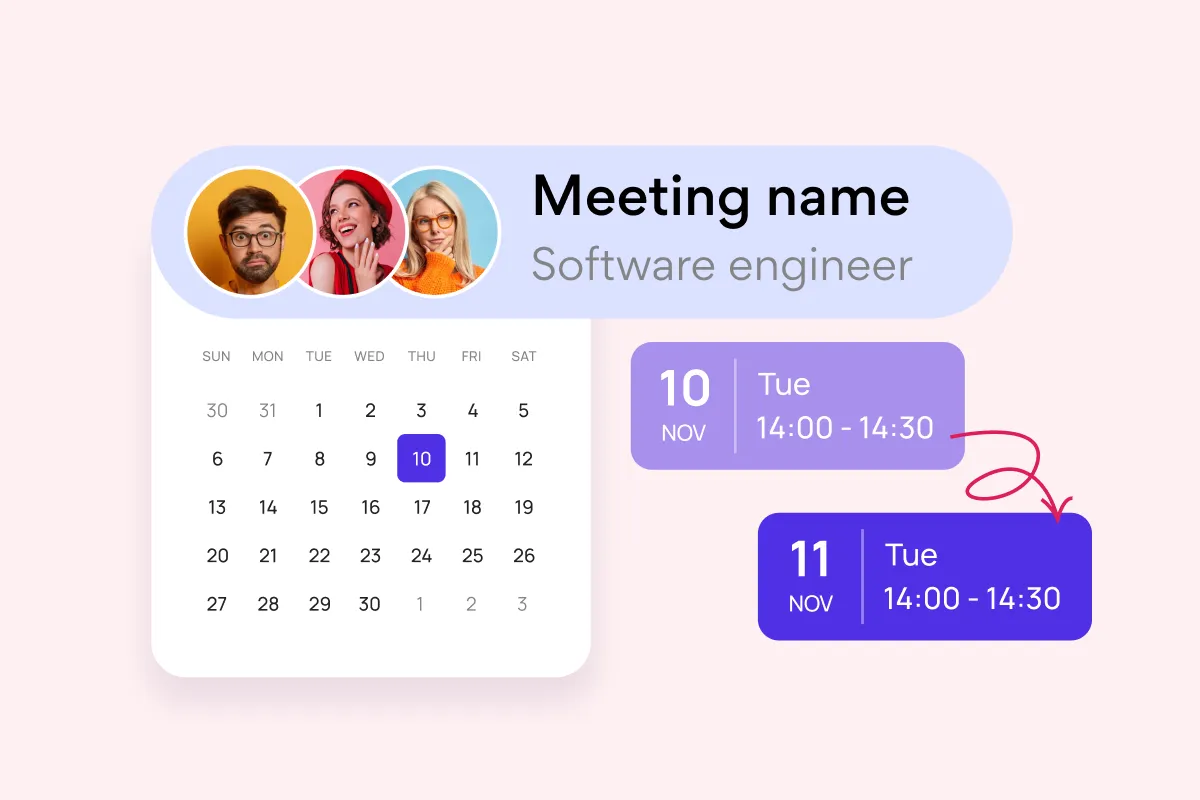
Team and Project Calendar
Maximize project visibility and coordination across teams with Virto Calendar, streamlining workflow and simplifying stakeholder communication.
Learn more about Team and Project Calendar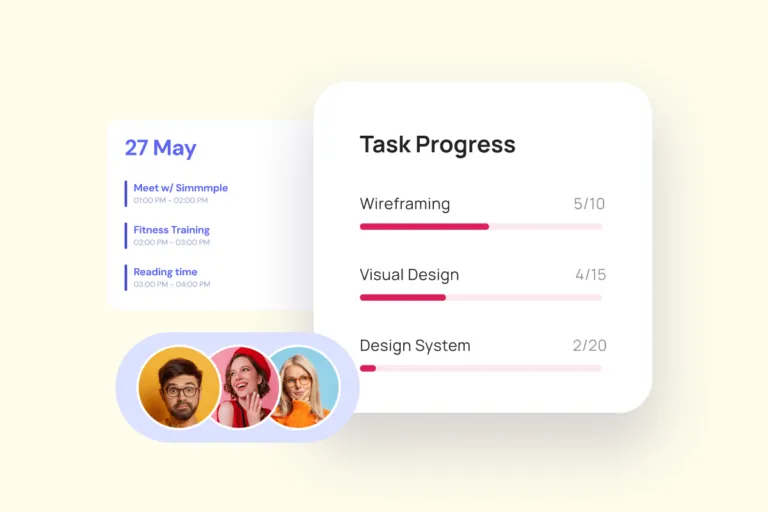
Project Management
Leverage Virto's advanced tools to masterfully manage projects—breaking down complexities, optimizing timelines, and empowering agile methodology.
Learn more about Project Management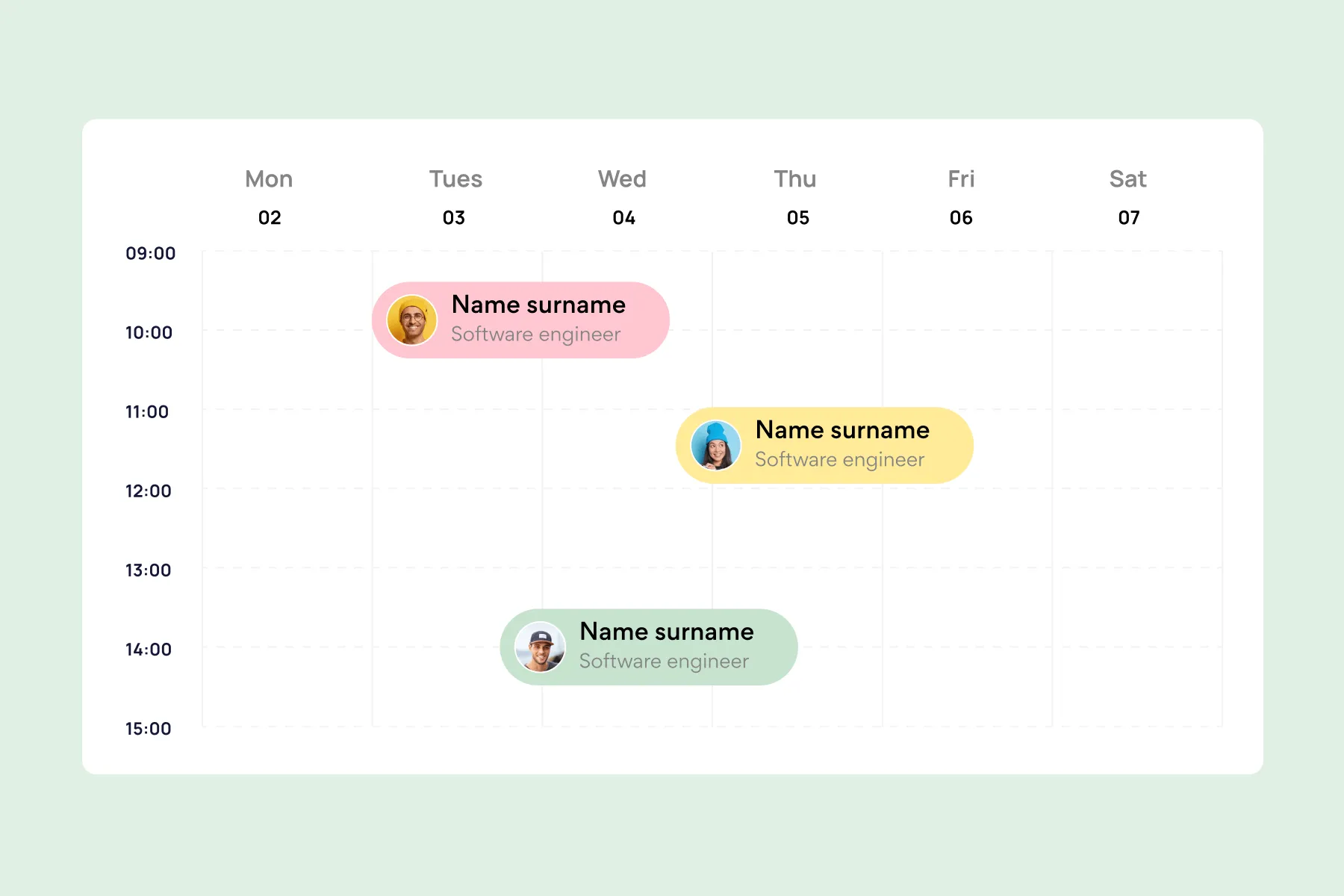
Employee Vacation Tracker
Virto Calendar App shows approved leave next to the public holidays of every country your team works in — who is away, and which offices are closed.
Learn more about Employee Vacation Tracker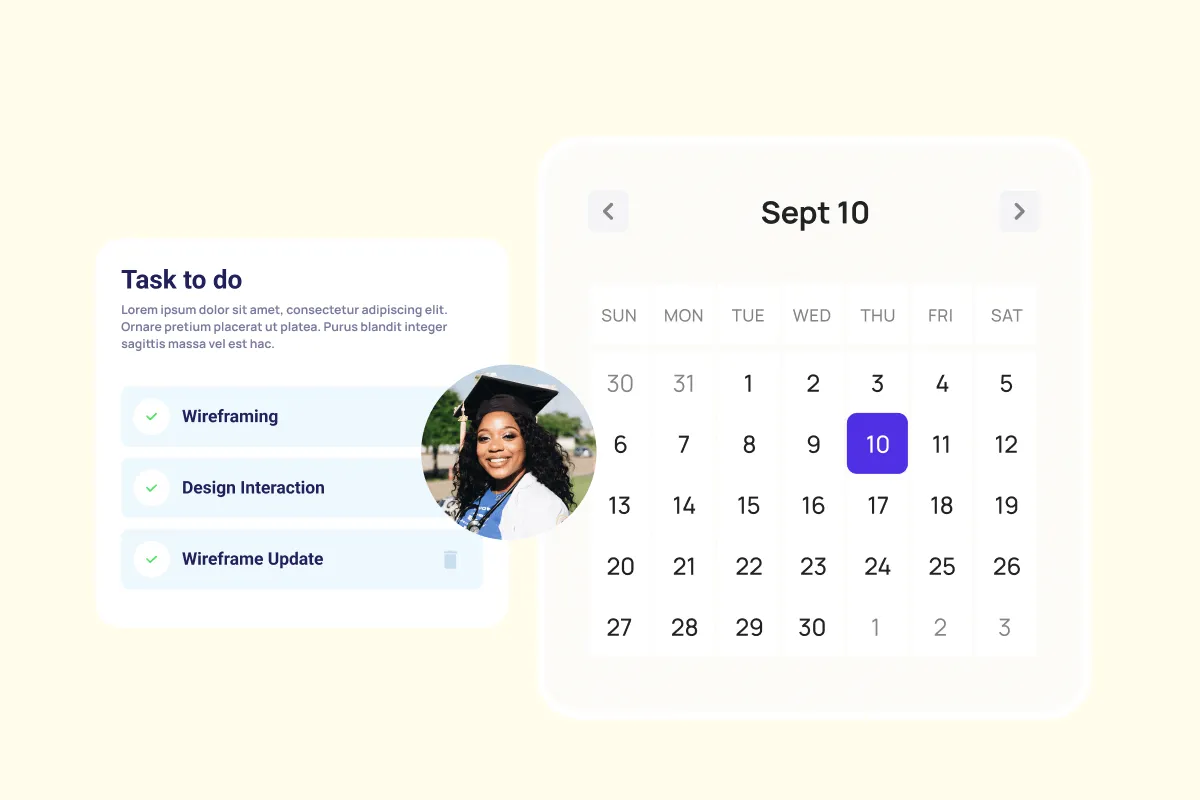
Agile Project Management
Harness agile workflows with Virto Kanban to prioritize backlogs, manage sprints with precision, and track progress through customizable dashboards.
Learn more about Agile Project Management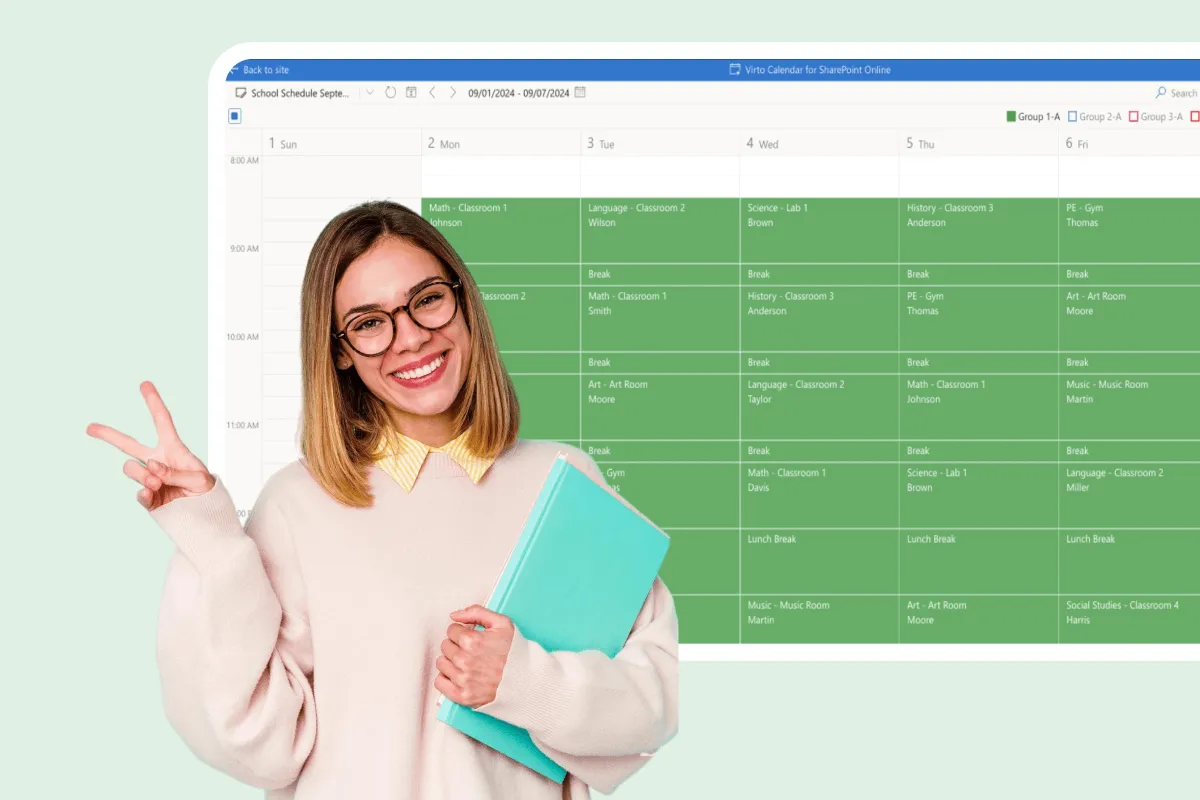
Assignment Calendar
Get a clear view of your academic workload with Virto Calendar. Track assignment deadlines, plan study sessions, and balance coursework across subjects.
Learn more about Assignment CalendarComprehensive support, security, and integration
Our commitment to excellence in every aspect of your experience

Support
Get your questions answered by our global support team of VirtoSoftware product experts, available 24/7/365.

Security
We build our solutions with you in mind to give you control and visibility over access, data, and security.

Integrations
Connect to the M365 tools and internet calendars your teams use the most so that everyone works seamlessly in one place.
Talk to our team
Need clarity on our app's suitability for you? Set up a quick call with us or chat via Microsoft Teams chat to explore its potential for your needs.