


Shift Scheduling Software for Government Agencies
VirtoSoftware’s shift scheduling software simplifies staff scheduling and shift planning for government agencies. See every department's shifts, leave and holidays in one Microsoft 365 calendar.



Trusted by Industry Leaders












and over 8,000 businesses worldwide
Simplify scheduling across multiple departments
A powerful, centralized platform that transforms how government agencies handle staff scheduling, ensuring effective coordination across departments.
Centralized shift management
Unified calendar view
Consolidate all shift schedules into a single, accessible calendar within SharePoint. Eliminate the need for separate spreadsheets and manual tracking.
Views for every planning horizon
Day and week views for the next shift, Month and Year Quarter views for the rota ahead, with filters by department or location. Rotations are planned in the shift lists as they are today; the calendar shows every one of them.

Shift changes and approvals
Changes and alerts
A shift changed in the SharePoint list shows at its new time for everyone who opens the calendar. To tell staff by email or in Microsoft Teams, Virto Alerts & Reminder App sends alerts when a shift item changes and reminders before it starts; Virto Calendar App sends no notifications itself.
Leave and swap approvals
Approve or reject leave and shift-swap requests from a SharePoint list directly in the calendar, with each request coloured by its approval status.

Deep integration with Microsoft 365
Enhanced collaboration within Microsoft tools
Facilitate clear communication and collaboration between staff and management within the familiar Microsoft Teams & SharePoint environments.
Simplified access with SharePoint
Use SharePoint for centralized document management and access control. Store shift schedules, policies, and other relevant information in a secure and easily accessible location.

Key benefits

Centralized shift view
VirtoSoftware’s shift scheduling software puts all department schedules in one view. See every shift across locations, spot coverage gaps at a glance, and move a shift by drag and drop right in the unified calendar. End the chaos of checking multiple schedules in different systems.
Coverage at a glance
Every department's shifts sit on one calendar next to approved leave, so overlapping shifts and understaffed days are visible before the schedule is published.
Instant team updates
Keep your workforce informed with Virto Alerts & Reminder App: email and Teams reminders before upcoming shifts, and alerts when a shift in the list changes. Virto Calendar App shows the current schedule to everyone who opens it; it sends no notifications of its own.
Microsoft Teams integration
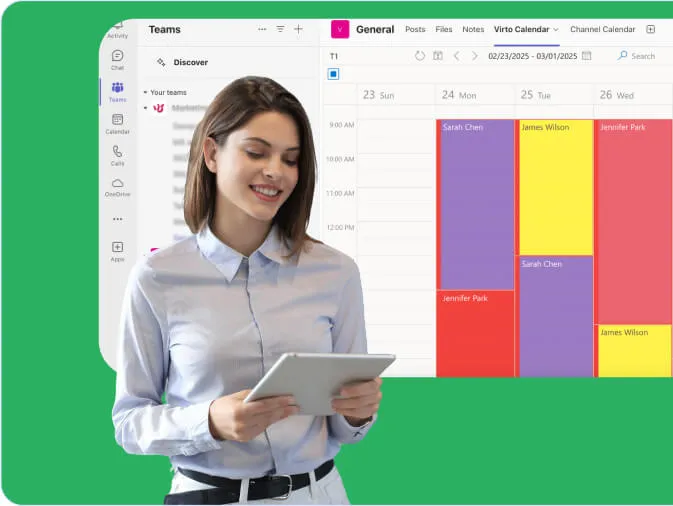
Open the staff schedule directly in Microsoft Teams. View schedules and approve leave or shift-swap requests kept in a SharePoint list without switching apps; questions about the schedule go to the Teams chat next to it.
Holidays and leave in the shift plan
Public holiday feeds and the approved leave list are drawn next to the shifts, so no one is scheduled on a day they are away or the office is closed. Working hours and labour rules stay in your time-and-attendance system.
Quick schedule changes
Move a shift to another day or time by drag and drop, and the change is saved to the list it came from. Switch between calendar views to check coverage for a day, a week or the quarter ahead. New shifts are entered in the SharePoint list or group calendar the department already uses.
When Virto Calendar App fits — and when it does not
Each department plans its shifts in its own SharePoint list.

All shift lists are overlaid in one calendar with a colour per department, so a manager sees coverage across the agency and spots gaps before the week starts.
The leave list and holiday iCal feeds are drawn next to the shift plan, so no one is given a shift while they are away or on a day the office is closed.
Requests are items in a SharePoint list with content approval turned on.
Managers approve or reject a request directly in the calendar, and each item is coloured by its approval status.
Virto Calendar App shows who works when. It does not record hours or enforce labour rules; those stay in the system that records working time.
Put every department's shifts on one calendar





Integrations
Connect to the tools your teams use the most so everyone works seamlessly in one place.







Related use cases
Discover our range of use cases to take your planning and coordination to another level

Compliance & Regulatory Deadlines Calendar
Simplify compliance management with a Microsoft 365 calendar that centralizes deadline tracking, with email and Teams reminders from Virto Alerts & Reminder App.
Learn more about Compliance & Regulatory Deadlines Calendar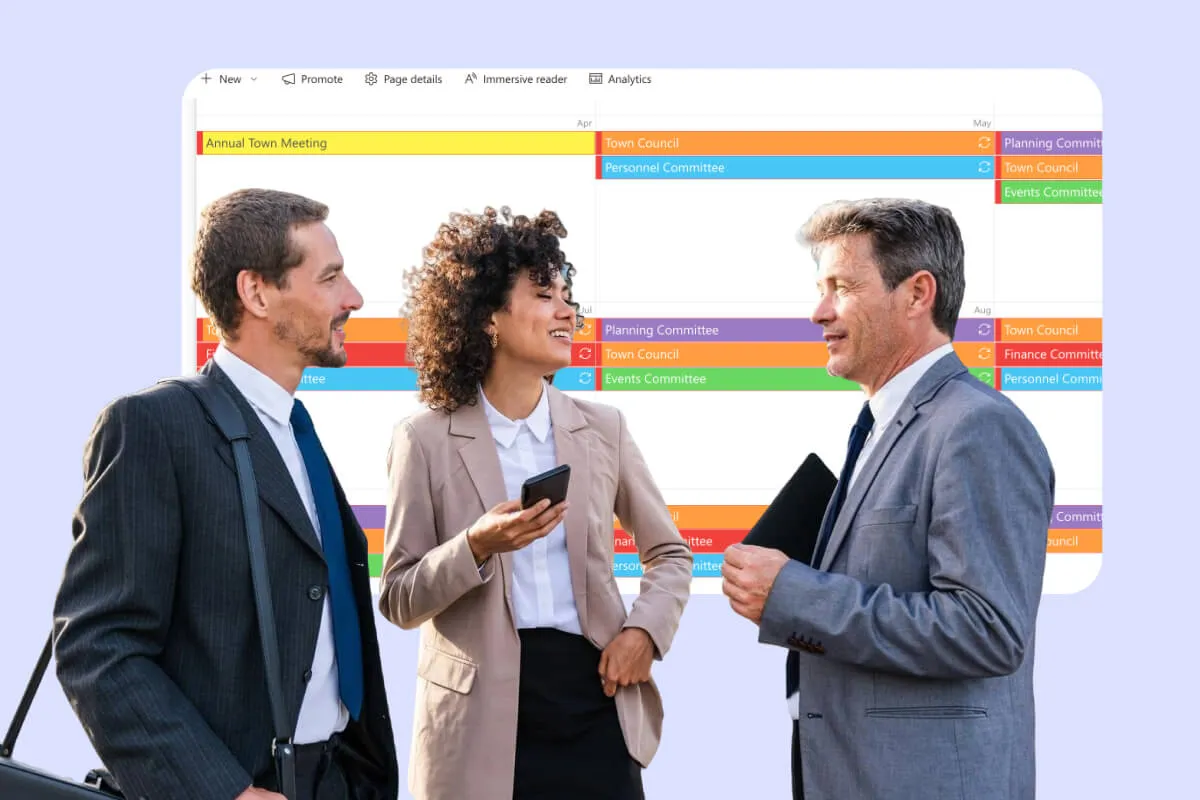
Public Meeting Calendar
Simplify scheduling and enhance transparency with Virto Calendar App: public meetings, hearings and hall bookings in one Microsoft 365 calendar for government organizations, municipalities and public sector teams.
Learn more about Public Meeting Calendar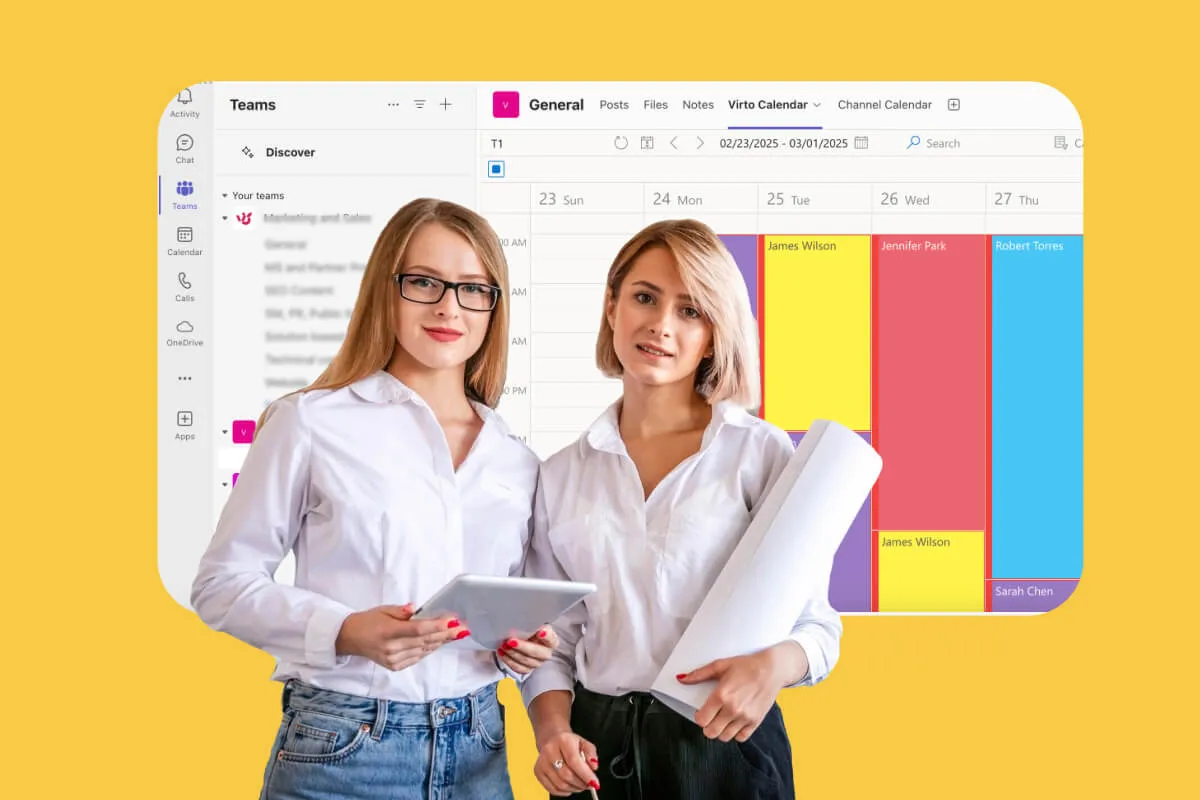
Calendar for Interdepartmental Communication
Help your departments work better together with Virto Calendar for Microsoft 365. Coordinate meetings, share resources, and manage cross-department projects in one place.
Learn more about Calendar for Interdepartmental Communication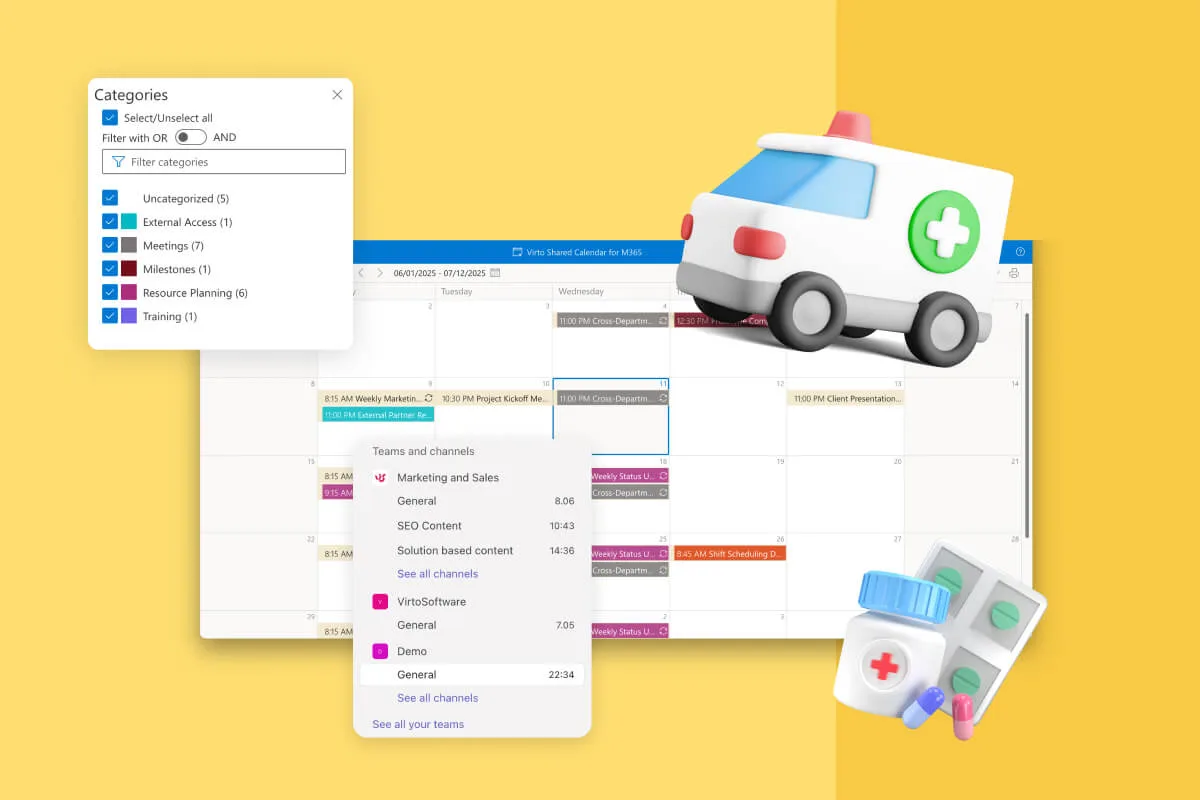
Clinic Scheduling Software
One clinic calendar for staff shifts, treatment rooms, clinic hours and closures, tagged by team. Staff check it on a phone or in Teams; patient appointments stay in your practice-management system.
Learn more about Clinic Scheduling Software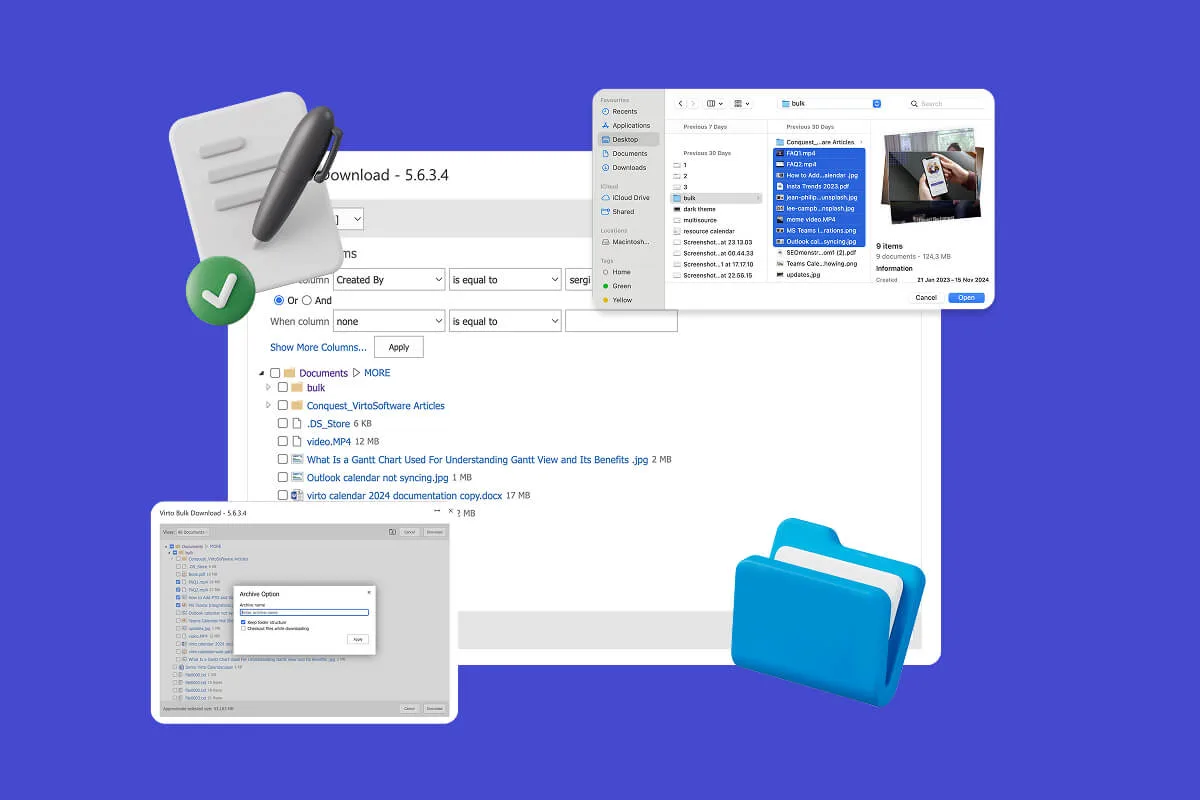
Multiple File Management
Built for high-compliance organizations: Virto Multiple File Operations uploads, moves, copies, deletes and re-tags SharePoint files in bulk, under the permissions you already set—without scripting or IT help.
Learn more about Multiple File Management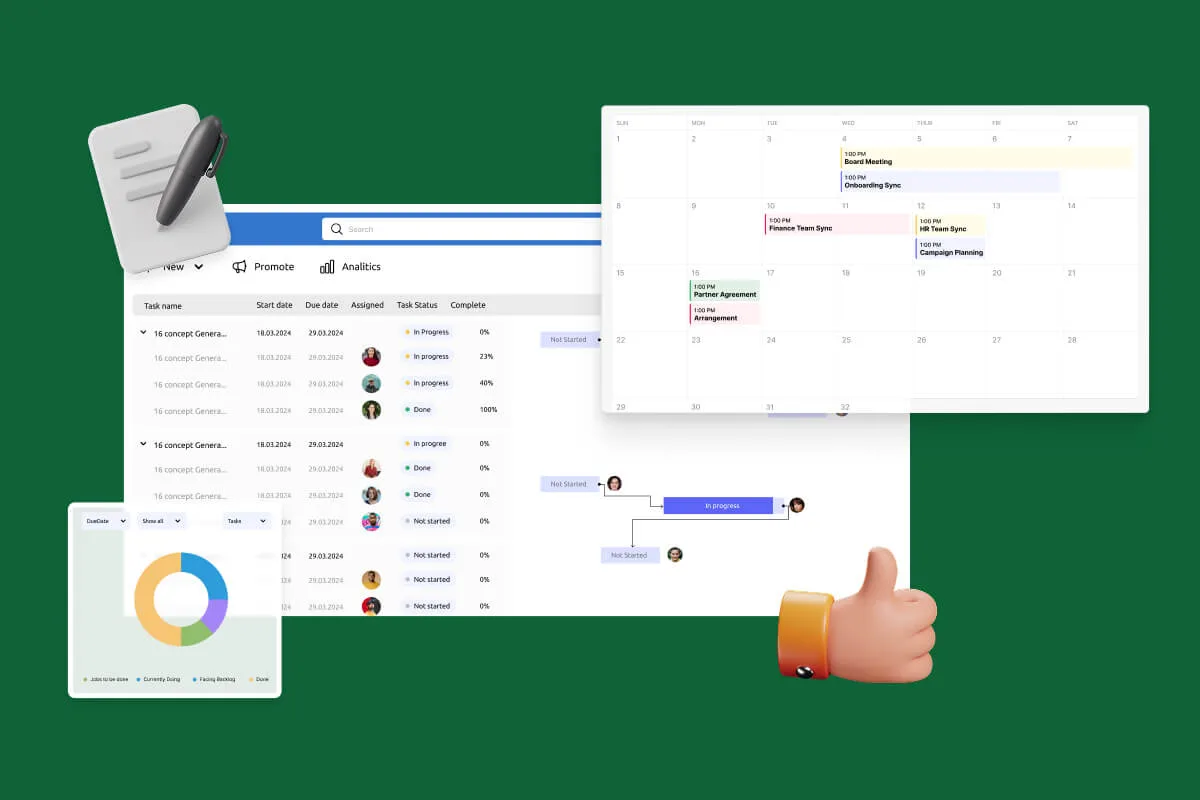
Notifications Automation for Government
For government, legal and finance teams: Virto Alerts & Reminder App sends email and Teams reminders before the deadlines kept in your SharePoint lists and alerts owners when items change.
Learn more about Notifications Automation for Government
Comprehensive support, security, and integration
Our commitment to excellence in every aspect of your experience

Support
Get your questions answered by our global support team of VirtoSoftware product experts, available 24/7/365.

Security
We build our solutions with you in mind to give you control and visibility over access, data, and security.

Integrations
Connect to the M365 tools and internet calendars your teams use the most so that everyone works seamlessly in one place.
Talk to our team
Need clarity on our app's suitability for you? Set up a quick call with us or chat via Microsoft Teams chat to explore its potential for your needs.