


Sprint Calendar
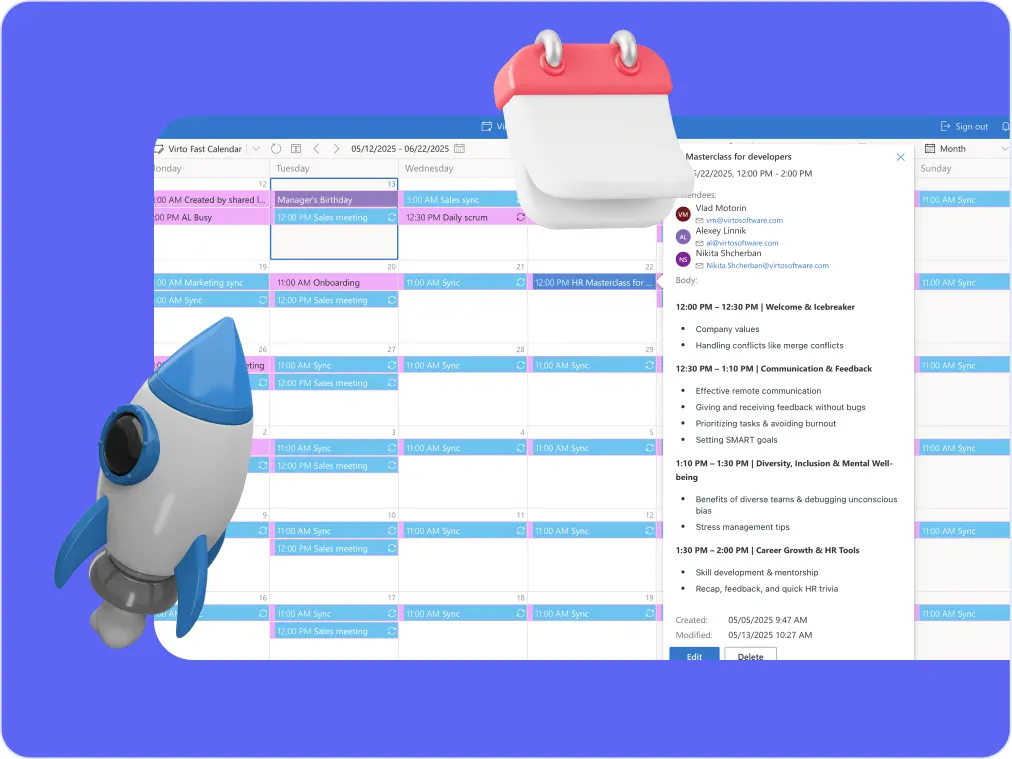
Stay in sync and sprint with style: planning, stand-ups, reviews and retros in one shared sprint calendar, color-coded, in a browser or in Microsoft Teams, and shared by link with the whole team.
Trusted by Industry Leaders












and over 8,000 businesses worldwide
Plan Sprints in Minutes, Not Meetings
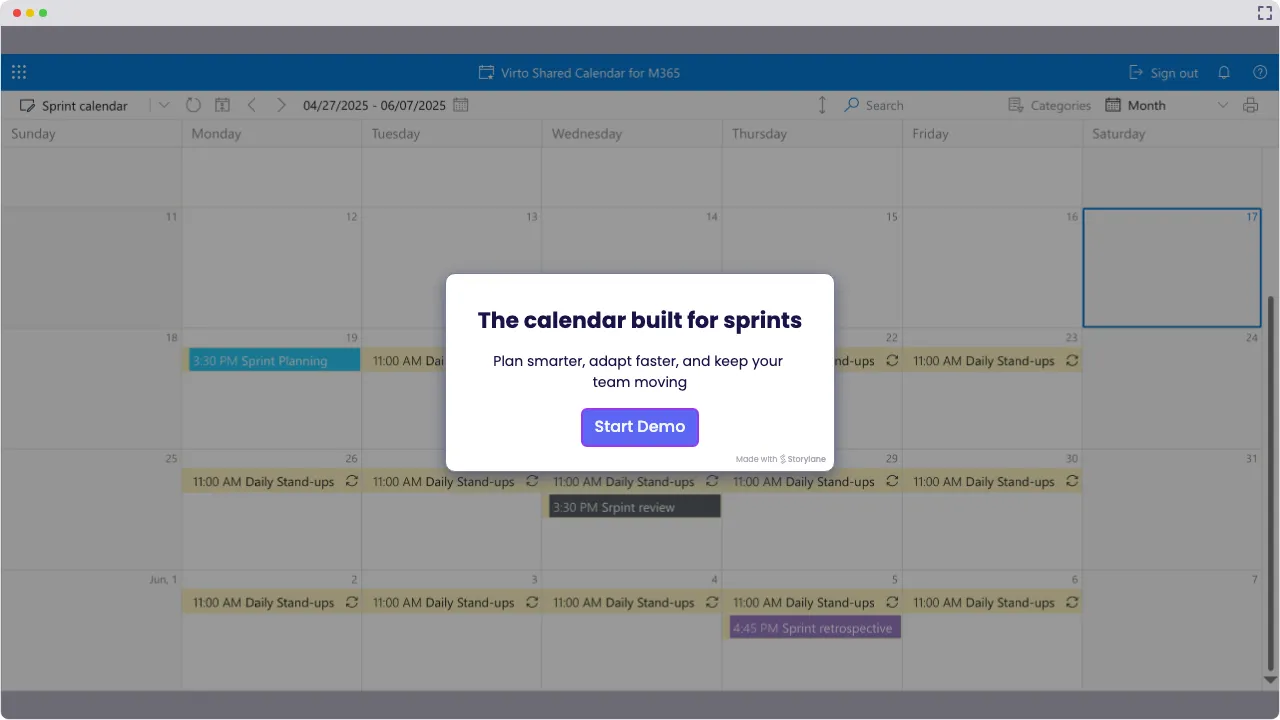
Launch Interactive Demo
Sprint Calendar Solutions by VirtoSoftware
Ready to tame the sprint chaos? Virto Shared Calendar puts sprint dates and every ceremony (planning, stand-ups, reviews and retros) on one color-coded calendar your team opens in Microsoft Teams or in a browser. The work inside the sprint stays on your board.
Your sprint calendar doesn’t have to be a mess

Put sprint start and end dates next to planning, stand-ups, reviews and retros, with a public-holiday feed and who is out alongside, all in one agile sprint calendar, tagged and color-coded.

Sprint planning that feels less sprinty
Look ahead before planning: the next sprints, the holidays from an iCal feed and the time off your team entered sit on one calendar, so the next sprint is planned around them.

Collaboration that actually collaborates
Devs, PMs and product owners open the same calendar in Microsoft Teams, in a browser or on a phone. Members edit the ceremonies; stakeholders and contractors view them from a link, no Microsoft account needed.

Key benefits

Predictable delivery cycles
Set a solid sprint schedule so your team can plan, estimate, and ship on time—no more “surprise” deadlines or last-minute scrambles.
Improved team sync
With one central sprint planning calendar, everyone’s on the same page—from developers to product owners to that one stakeholder who always forgets the meeting time.
Top flexibility
Priorities changed (again)? No problem. Adjust your sprint calendar on the fly—without breaking flow or losing focus.
Increased transparency
The sprint calendar shows what is scheduled and when, tagged and color-coded, so there’s no confusion about when planning starts, when the review is, or whether the retro is on Thursday or Friday.
Sprint smarter every time
Use each sprint as a learning opportunity. Every retro has its fixed slot on the calendar, so you can tweak your process and keep improving with every cycle.
Bottlenecks in plain sight
Spot scheduling bottlenecks before they bottleneck. Time off and holidays sit next to the sprint, so you see who is out before you commit the work.
When Virto Shared Calendar fits — and when it does not
A small team runs two-week sprints, and the ceremonies are scattered across separate invites.
Add the sprint as an event, and planning, daily stand-ups, the review and the retro as recurring events, each with its own tag and color. The whole cadence reads at a glance in Teams or in a browser.
Add a public-holiday feed in iCal format, or a teammate’s Outlook calendar through its .ics link, so a sprint that runs into a long weekend is visible when it is planned.
Priorities changed (again) and the dates have to move.
Move the sprint and its ceremonies to the new dates, and everyone who opens the calendar sees the change. Members edit events; stakeholders only view them.
Send stakeholders a view-only link that opens with no Microsoft account and no login, or share the calendar with a partner company’s Microsoft 365 tenant.
The sprint backlog is kept in a SharePoint list.

Virto Shared Calendar shows when things happen, not the work itself. Virto Kanban Board App turns the sprint list into a board with custom columns, swimlanes and WIP limits, and its Burndown chart shows the work remaining.
The calendar shows when sprints and ceremonies happen. Estimates, velocity and capacity planning stay in the agile tool your team estimates in.
Virto Shared Calendar
Your sprint schedule just found its glow-up.
Related products


Integrations
Connect to the tools your teams use the most so everyone works seamlessly in one place.







Related use cases
Discover our range of use cases to take your planning and coordination to another level
Availability Calendar
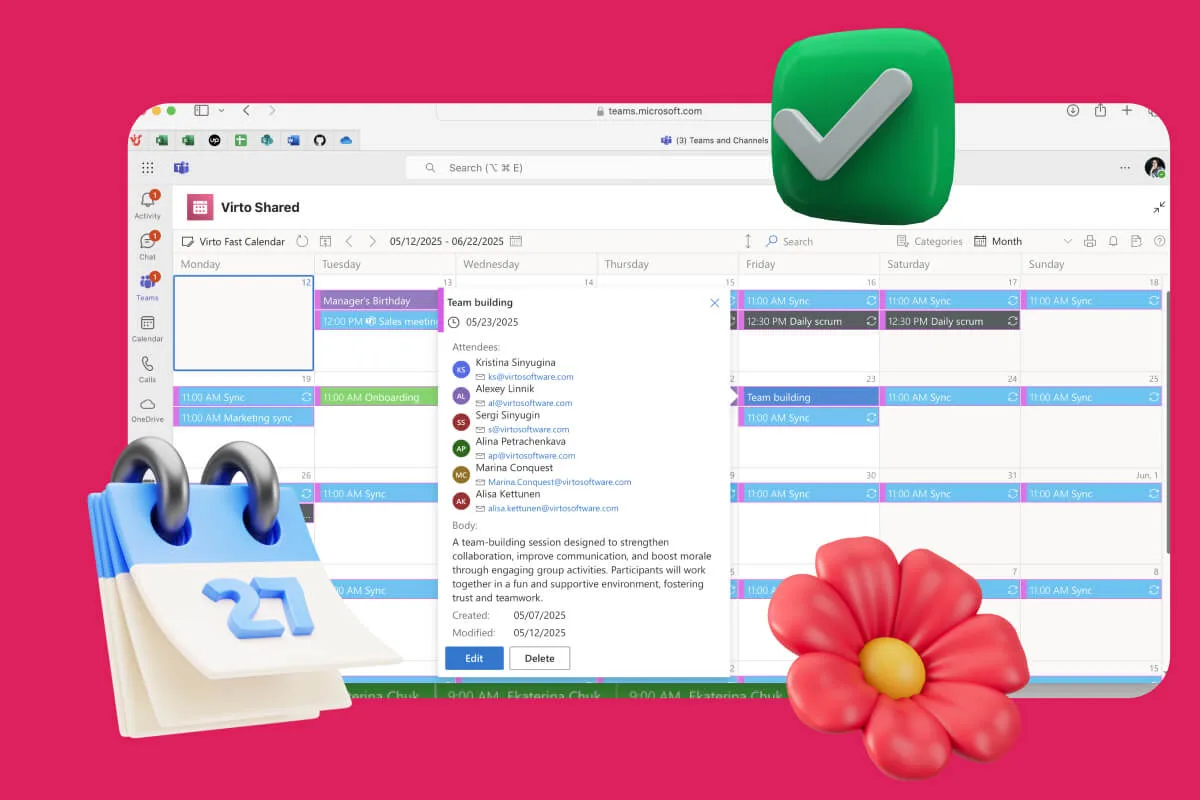
Virto Calendar App draws every team member's calendar in one Outlook view — busy time, vacations and shared meetings, under the permissions each source already has.
Learn more about Availability Calendar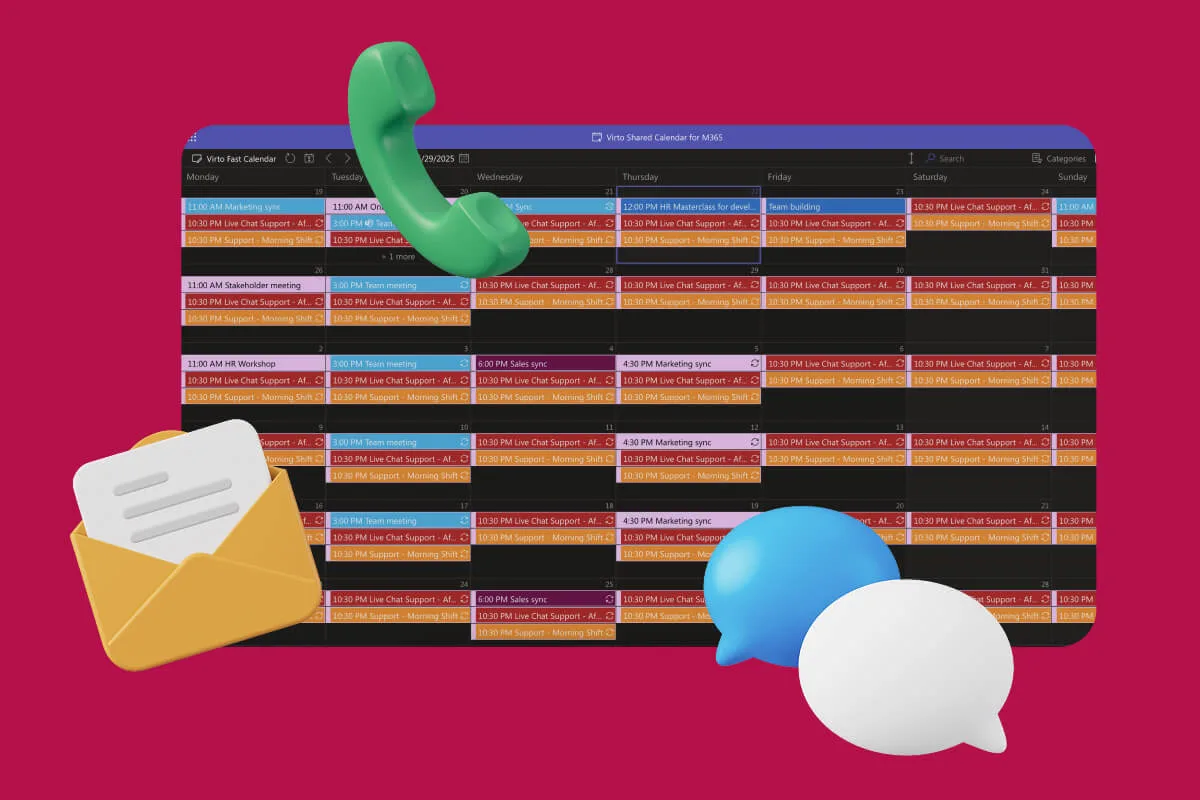
Customer Support Schedule
One shared rota for on-call shifts, PTO and night rotations, tagged by tier. Agents check it in Teams or on a phone, and part-timers or partners open it from a link, no Microsoft account needed.
Learn more about Customer Support Schedule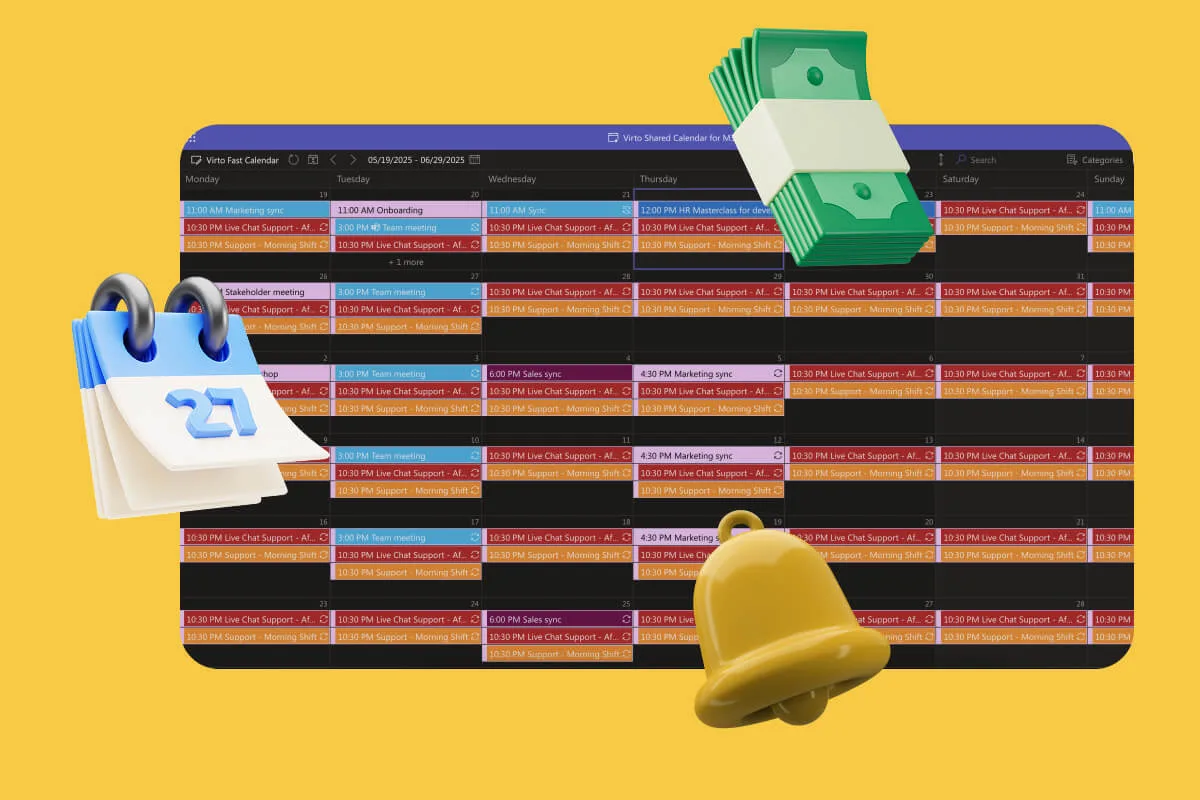
Payroll Calendar
One shared payroll calendar for HR and finance: pay dates, timesheet cutoffs and filing deadlines, tagged and color-coded, in a browser or in Teams. Payroll itself runs in your payroll system.
Learn more about Payroll CalendarComprehensive support, security, and integration
Our commitment to excellence in every aspect of your experience

Support
Get your questions answered by our global support team of VirtoSoftware product experts, available 24/7/365.

Security
We build our solutions with you in mind to give you control and visibility over access, data, and security.

Integrations
Connect to the M365 tools and internet calendars your teams use the most so that everyone works seamlessly in one place.
Talk to our team
Need clarity on our app's suitability for you? Set up a quick call with us or chat via Microsoft Teams chat to explore its potential for your needs.