


Employee Vacation Tracker
Virto Calendar App shows approved leave next to the public holidays of every country your team works in — who is away, and which offices are closed.




Trusted by Industry Leaders












and over 8,000 businesses worldwide
Centralized Vacation Management
Take command of your vacation scheduling with tools crafted for seamless coordination.
Keep everything in one place
High-level overview and planning
Flat Year View provides a comprehensive vacation days overview, simplifying time-off planning and highlighting long weekends.
Approve PTO from the calendar
Where your leave list uses SharePoint content approval, approvers with the right permissions can approve or reject a request straight from the event in Virto Calendar. The request, its policy and its history stay in the list that owns them.
Country holiday feeds
Public holiday calendars for each country the team works in are added as read-only iCalendar feeds and overlaid with leave, so both are read from the same view.
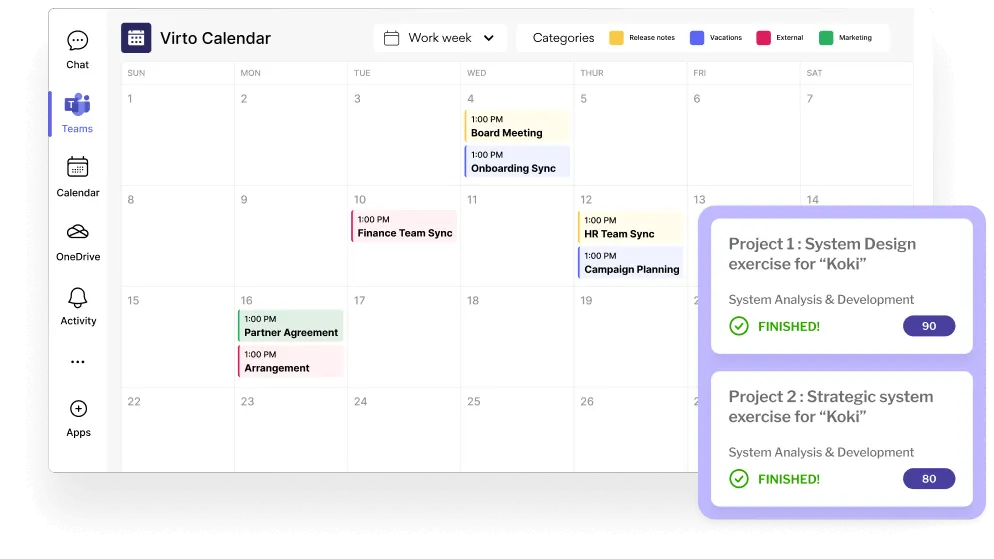
Keep approvers informed
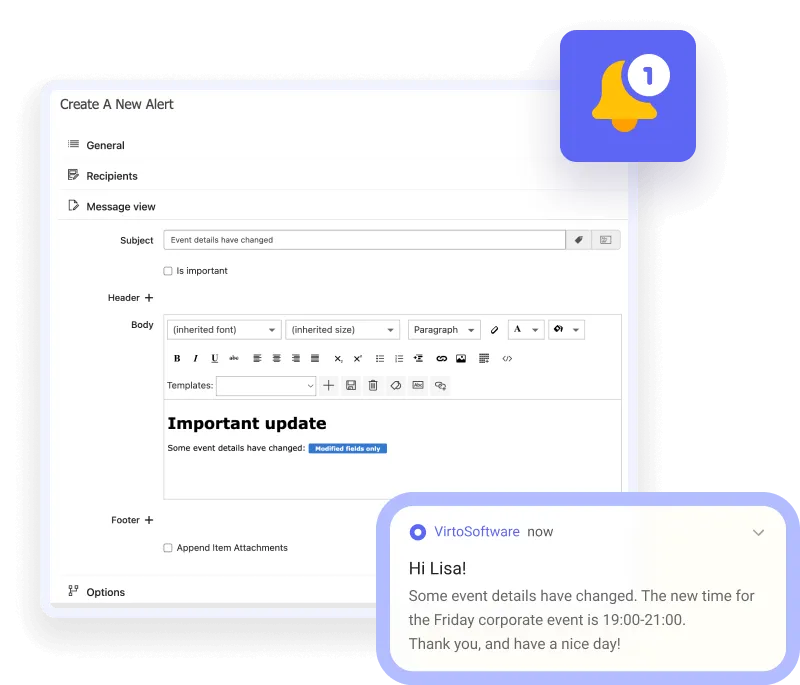
Alerts on new requests
Virto Alerts & Reminder App emails approvers, or posts to Microsoft Teams, when a new request is added to the SharePoint leave list, so nobody has to watch the list for changes.
A reminder before leave starts
Virto Alerts & Reminder App can also send an email reminder on a date in the leave list, such as a few days before a request's start date. Decisions made in Virto Calendar App are written back to the source list rather than stored separately in the calendar.
Increase team visibility
Shared schedules
Distribute out-of-office schedules across the team, integrating them with group or project calendars for effective collaborative planning.
Every absence on one grid
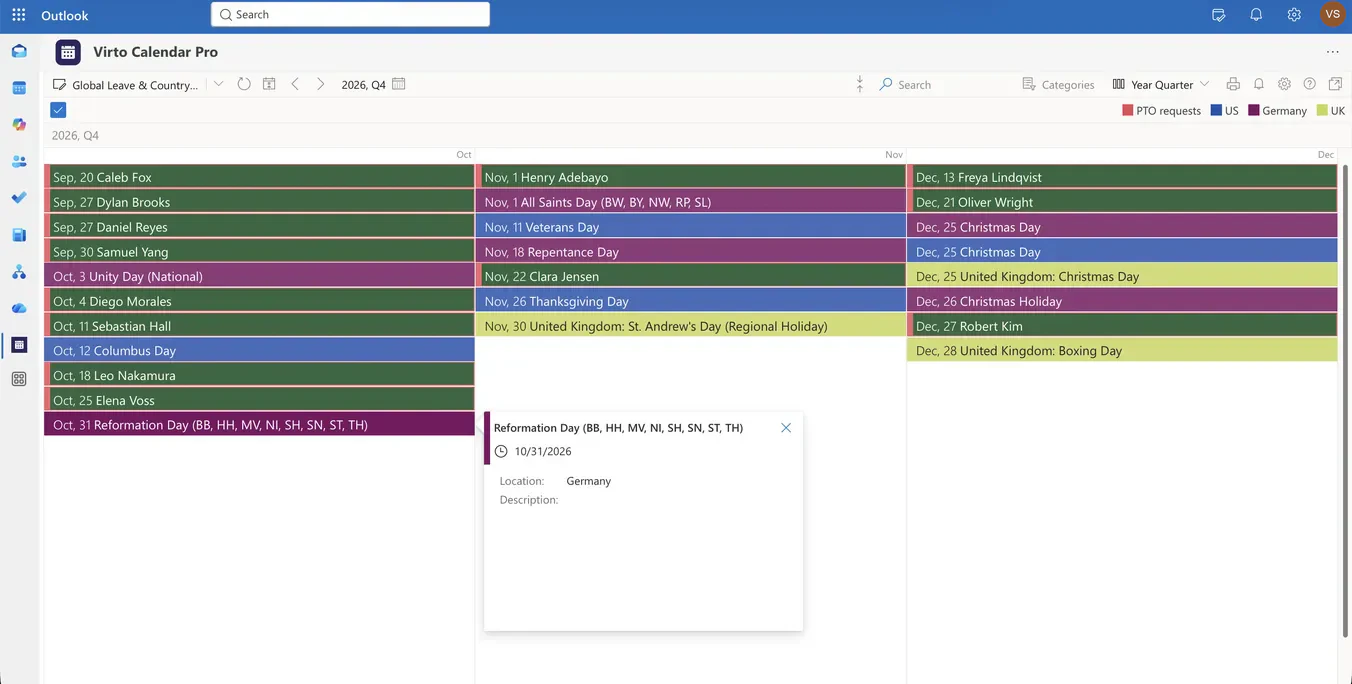
Month, Year Quarter and Flat Year views show the team's leave side by side, so a new request can be weighed against who is already away.
Regional closures, labelled
Holidays observed only in some regions carry their region codes, so Virto Calendar App shows a partial closure as a partial closure.
Key benefits

One view for leave and holidays
Virto Calendar App draws approved time off and national holidays in the same calendar, so neither has to be checked separately.
Country coverage without extra calendars
Public holiday feeds for each country a team works in sit alongside leave, instead of living in separate calendars people forget to open.
Regional holidays stay labelled
Holidays that only some regions observe carry their region codes, so a partial closure is not read as a national one.
Approved leave in view
The calendar shows leave by its status in the source list — in the recommended setup, approved leave only. Reasons and other sensitive HR fields stay in the system that holds them.
Existing Microsoft 365 permissions
Retain the access model of the connected source instead of creating a separate database of who is away.
Overlapping absence shows up early
Because the team's approved leave sits on one grid, an overlap appears while there is still time to plan around it.
When Virto Calendar App fits — and when it does not

National and regional holidays are drawn alongside approved leave, so a planner does not have to hold each country's calendar in mind.
Year Quarter lays out three months of team absence and country holidays on a single page.
Virto Calendar App shows when people are away. It does not calculate balances, hold entitlement rules or store the reason for leave — those stay in the system that owns them.
Virto Calendar App
Power up your team's productivity with Virto Calendar


Integrations
Connect to the tools your teams use the most so everyone works seamlessly in one place.







Related use cases
Discover our range of use cases to take your planning and coordination to another level
Team and Project Calendar
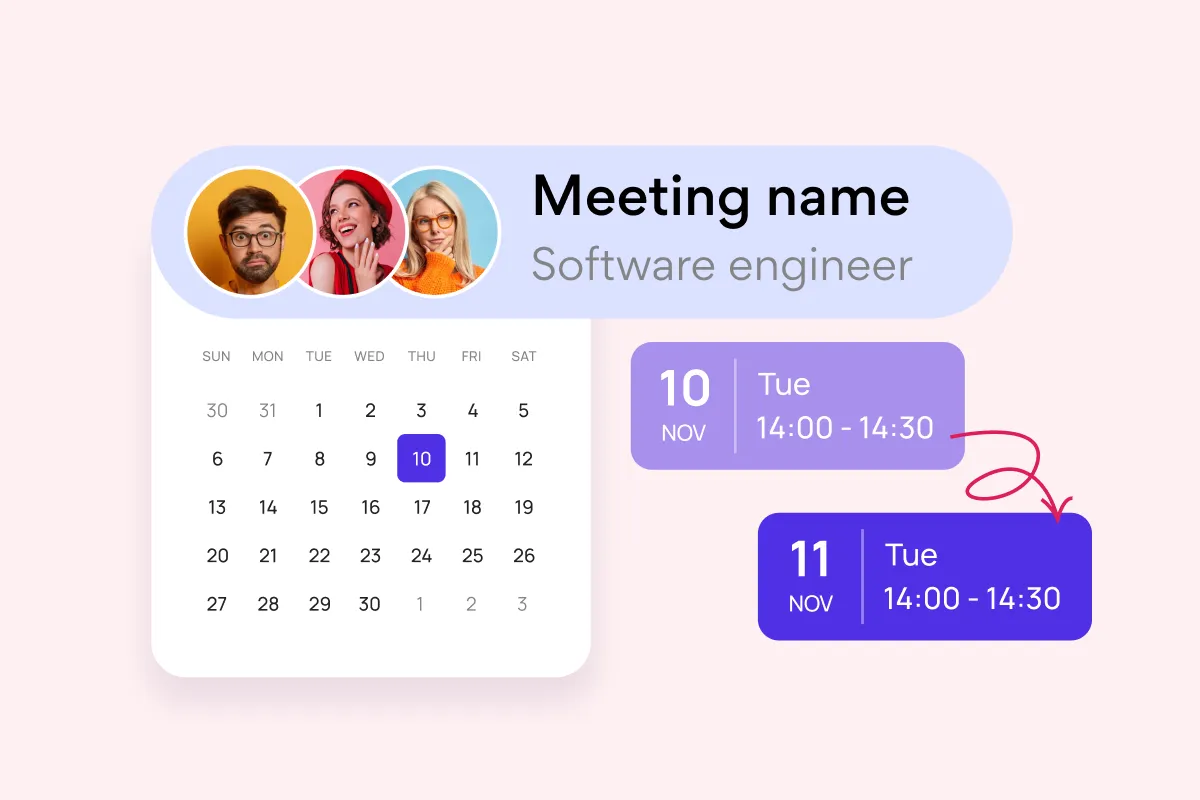
Maximize project visibility and coordination across teams with Virto Calendar, streamlining workflow and simplifying stakeholder communication.
Learn more about Team and Project Calendar
Project Management
Leverage Virto's advanced tools to masterfully manage projects—breaking down complexities, optimizing timelines, and empowering agile methodology.
Learn more about Project Management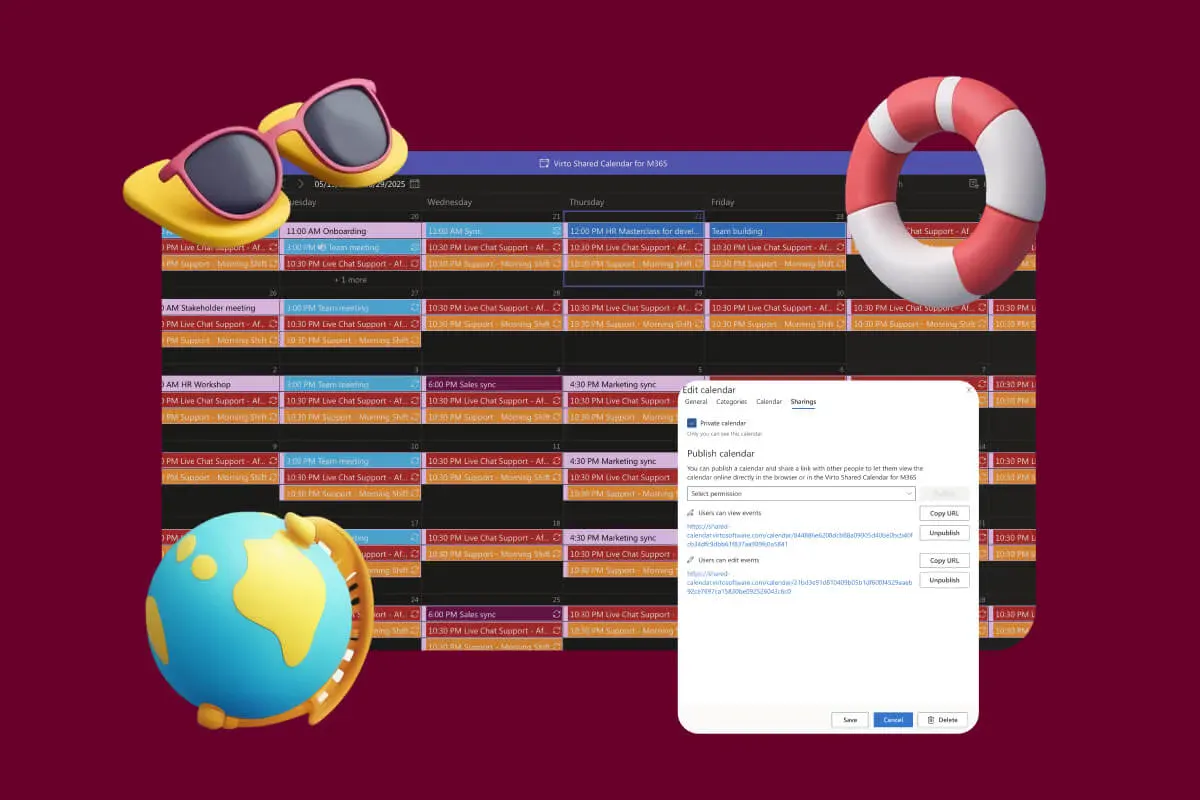
Company Holiday Calendar
One company holiday calendar for a small team: public holidays from an iCal feed, office closures and time off, shared with employees, contractors and vendors by link. Opens in a browser or Teams.
Learn more about Company Holiday CalendarComprehensive support, security, and integration
Our commitment to excellence in every aspect of your experience

Support
Get your questions answered by our global support team of VirtoSoftware product experts, available 24/7/365.

Security
We build our solutions with you in mind to give you control and visibility over access, data, and security.

Integrations
Connect to the M365 tools and internet calendars your teams use the most so that everyone works seamlessly in one place.
Talk to our team
Need clarity on our app's suitability for you? Set up a quick call with us or chat via Microsoft Teams chat to explore its potential for your needs.