


Yoga Studio Software & Class Scheduling
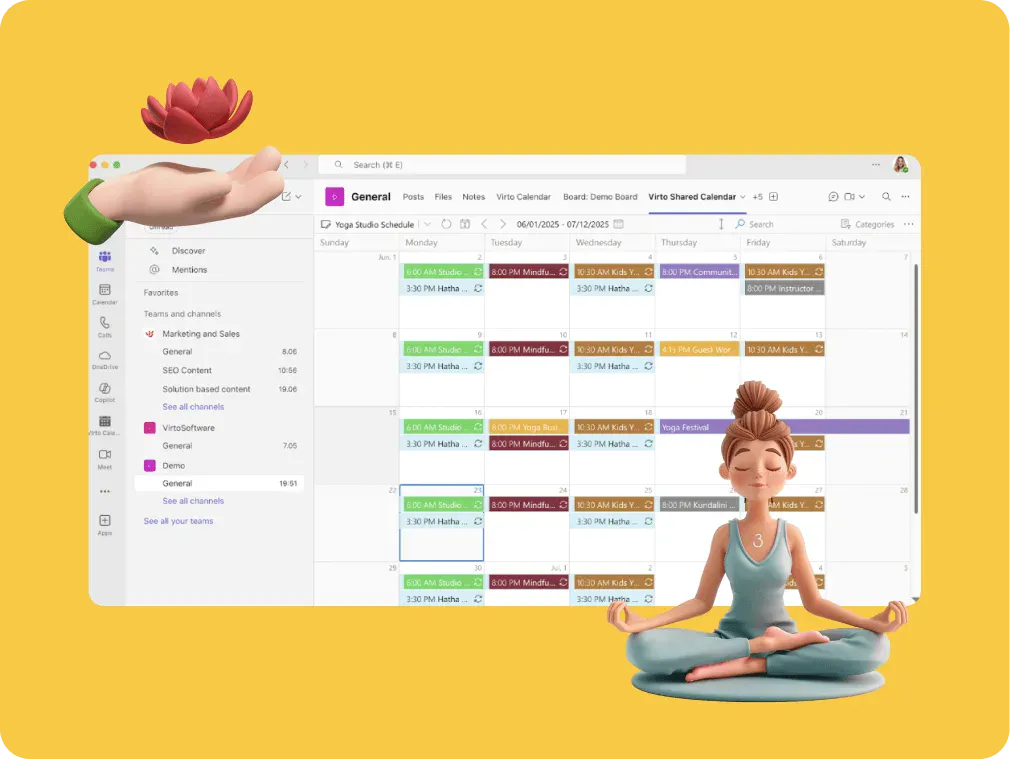
One shared studio calendar for classes, workshops and instructor shifts. Virto Shared Calendar opens in a browser or in Microsoft Teams, and a link shares it with anyone, no Microsoft account needed.
Trusted by Industry Leaders












and over 8,000 businesses worldwide
Stretch your time, not your patience
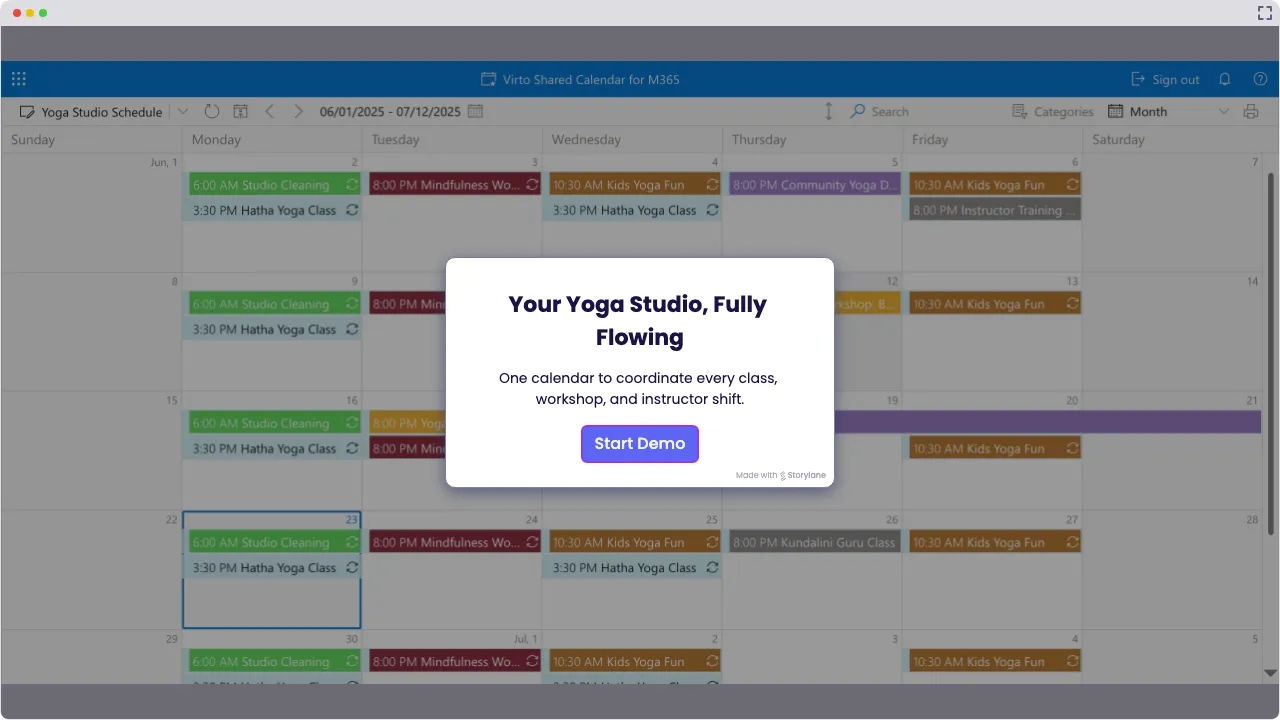
Launch Interactive Demo
Yoga Studio Calendar Solutions by VirtoSoftware
It’s studio scheduling software that works like you do: flexible, focused, and totally stress-free — just like your favorite yoga flow.
Why Virto Shared Calendar Rocks for Yoga Studios

Keep your yoga class scheduling as balanced as your favorite tree pose. From workshops to instructor shifts, it’s all neatly aligned in one zen-worthy spot — in a browser or in Microsoft Teams, no Microsoft account needed to view it.
When a teacher calls in sick, put the sub on the class and the whole crew sees it the next time they look. Decide who may edit the calendar and who only views it. Easy instructor shift management for your whole crew.
Tag classes with chill colors—Vinyasa reds, Yin blues, Kids’ greens—so every style stands out. Add a public-holiday feed and the days the studio is closed show up next to the classes.

Key benefits

Zen-level studio flow
Keep your yoga studio software perfectly aligned—see every class, workshop, and instructor shift in one serene calendar. With Virto, scheduling stress melts away like a deep savasana.
Chakra-perfect clarity
Color-code your schedule like chakras in harmony. Spot class overlaps, instructor availability, and open studio slots faster than a swift sun salutation — thanks to our smooth studio scheduling software.
Vinyasa of teamwork
Flow together effortlessly! Share schedules with instructors, subs and students through a link, view-only or with edit rights, and nobody needs a Microsoft account to open it. Everyone moves as one in your yoga class scheduling vinyasa.
Knot-free scheduling
Untangle your calendar like a masterful twist. Tag each class with its room and teacher, so a double booking shows up before two groups arrive for the same room — because nobody wants to hit a scheduling knot.
Flexible flow, anywhere
Check and update your calendar on your phone — whether you’re a roaming yogi or a guest instructor finding your flow anywhere. Perfect for teams who like their scheduling as flexible as their practice, thanks to Virto’s studio scheduling software.
Total visibility, total vibe
Know what’s happening in your studio at a glance — from instructor shifts to open slots. Color-coded views in Virto’s yoga studio software keep you grounded and glowing.
When Virto Shared Calendar fits — and when it does not
A small studio that plans its week in a spreadsheet or on a whiteboard.

Add each class as an event and tag it by style, so the whole week reads at a glance. The studio opens the calendar in a browser or in Microsoft Teams, on a laptop or a phone.
Put the substitute's name on the class, and everyone who opens the calendar sees the change. Instructors you make members can edit events; everyone else only views them.
Send a view-only or edit link. Guest teachers open the calendar in their browser with no Microsoft account and no login.
Post a view-only link on your website or in your newsletter, and students see the current timetable in their browser. People who only view the calendar need no license.
Virto Shared Calendar shows the timetable. It has no booking page, sign-ups or waitlists; students reserve a mat in the booking system the studio already uses.
A larger studio that already plans classes in Microsoft 365.

Virto Shared Calendar keeps its own events and reads iCal feeds, not SharePoint lists or room mailboxes. Drawing those side by side is what Virto Calendar App does.
Virto Shared Calendar
Put every class, teacher and workshop on one studio calendar
Related products

Integrations
Connect to the tools your teams use the most so everyone works seamlessly in one place.







Related use cases
Discover our range of use cases to take your planning and coordination to another level
Availability Calendar
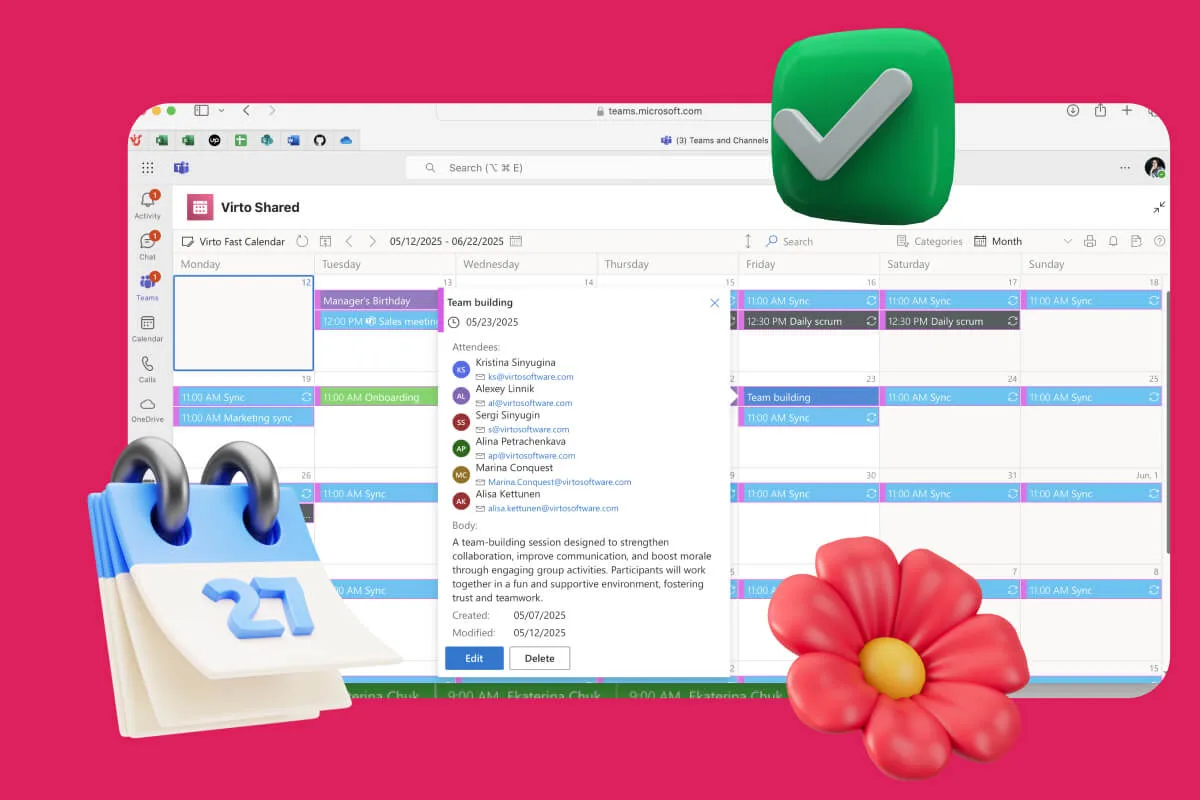
Virto Calendar App draws every team member's calendar in one Outlook view — busy time, vacations and shared meetings, under the permissions each source already has.
Learn more about Availability Calendar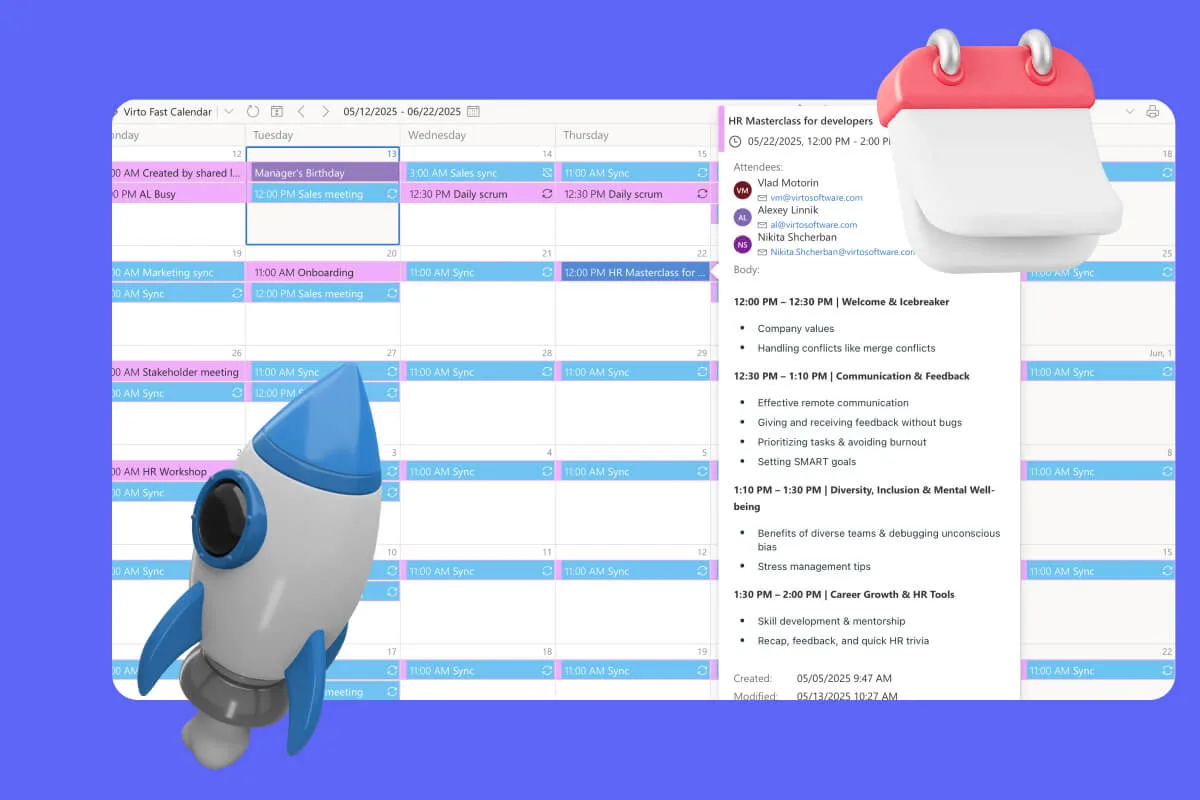
Sprint Calendar
Stay in sync and sprint with style: planning, stand-ups, reviews and retros in one shared sprint calendar, color-coded, in a browser or in Microsoft Teams, and shared by link with the whole team.
Learn more about Sprint Calendar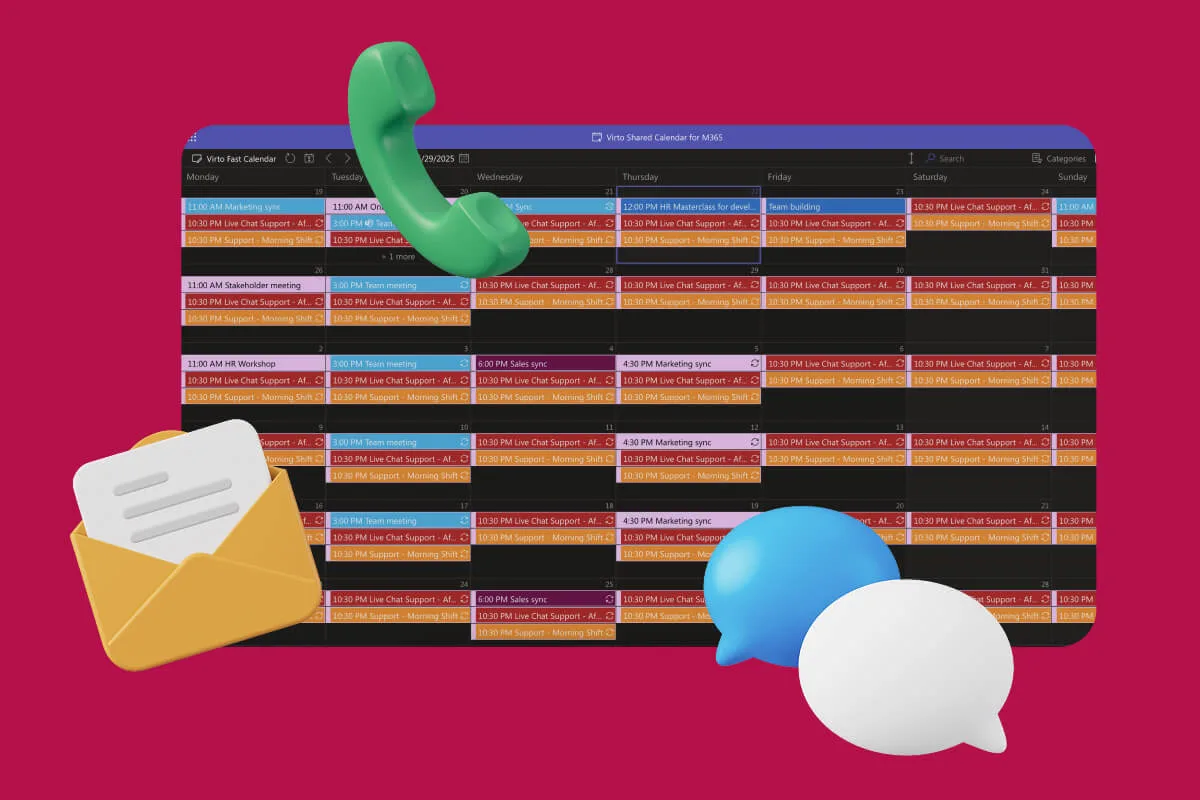
Customer Support Schedule
One shared rota for on-call shifts, PTO and night rotations, tagged by tier. Agents check it in Teams or on a phone, and part-timers or partners open it from a link, no Microsoft account needed.
Learn more about Customer Support ScheduleComprehensive support, security, and integration
Our commitment to excellence in every aspect of your experience

Support
Get your questions answered by our global support team of VirtoSoftware product experts, available 24/7/365.

Security
We build our solutions with you in mind to give you control and visibility over access, data, and security.

Integrations
Connect to the M365 tools and internet calendars your teams use the most so that everyone works seamlessly in one place.
Talk to our team
Need clarity on our app's suitability for you? Set up a quick call with us or chat via Microsoft Teams chat to explore its potential for your needs.